44
Use the Personal Directory
Use Card View
The Card View feature provides additional information about the Personal
Directory entry.
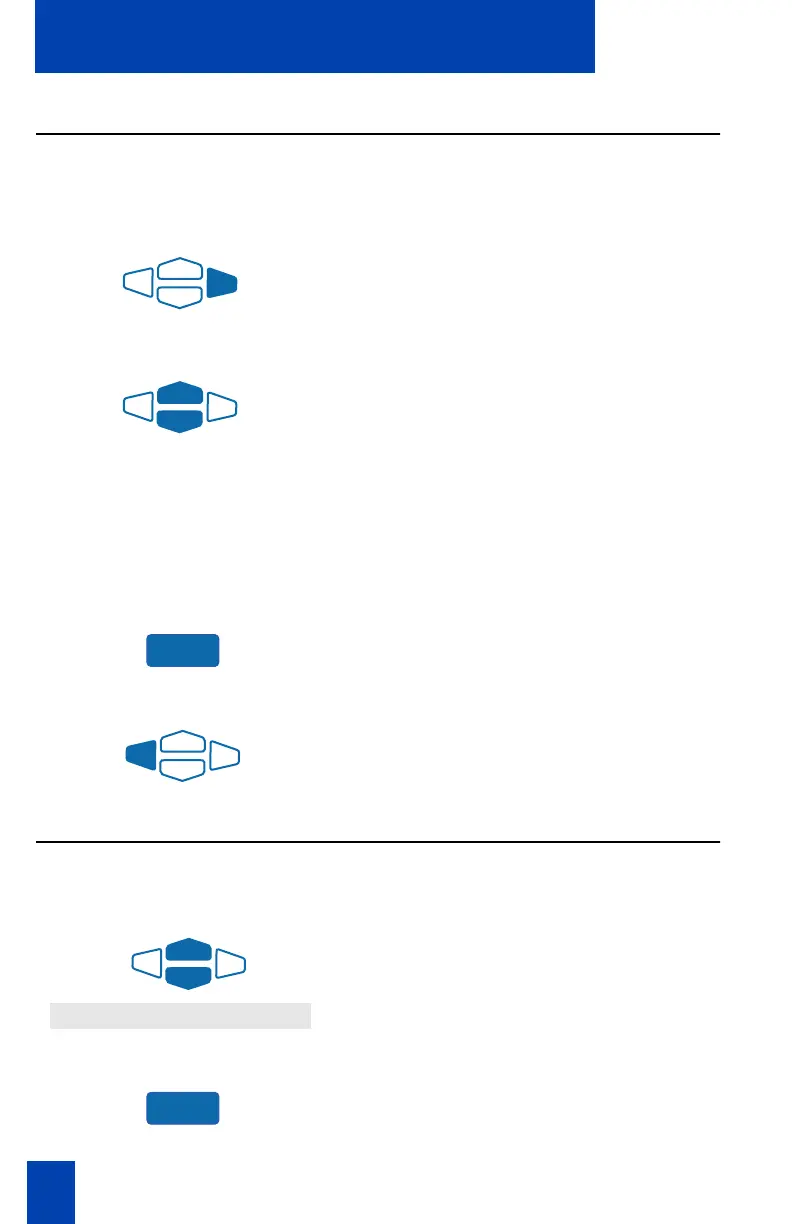
To look at the Card View:
1. Highlight the name.
2. Press the right Navigation Key.
To dial from Card View:
1. Use the Navigation Keys to show the
name and number of the currently
selected entry in the Card View.
Note: If you are dialing an external or
long distance number, be sure that your
directory entry includes the access codes
required by your system to make an
external or long distance call.
2. Press the Dial Key to place the call.
To exit Card View:
Press the left Navigation Key to leave
the Card View and return to the
selected name.
Search for an entry
You can search for a particular entry in your Personal Directory.
To search for an entry:
1. Use the Navigation Keys to scroll
through the Directories menu and
highlight
Personal Directory
.
2. Press the Select Key.
Dial
Personal Directory
Select















 To Next Page