34
Directory display and controls
9. Press the Enter Key.
Press the Done Key to save changes. Press the Quit Key or Directory/Log Key to
exit.
To disable Personal Directory
password:
/
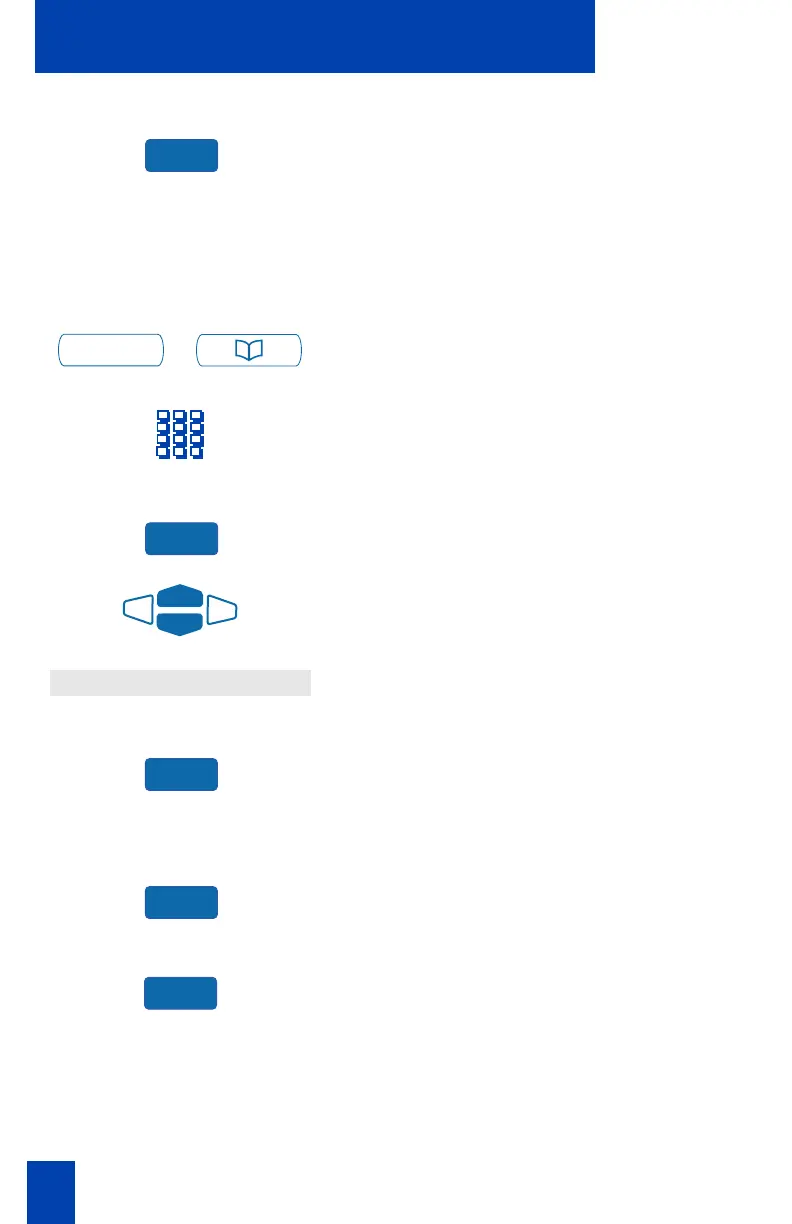
1. Press the Directory/Log Key.
2. Dial the password.
3. Press the Enter Key.
4. Use the Navigation Keys to highlight
P
PP
Pa
aa
ass
ssss
ssw
ww
wo
oo
or
rr
rd
d d
d A
AA
Ad
dd
dm
mm
mi
ii
in
nn
ni
ii
is
ss
st
tt
tr
rr
ra
aa
at
tt
ti
ii
io
oo
on
nn
n.
5. Press the Select Key.
The Password Administration menu
appears with Password enabled: ON
highlighted.
6. Press the Select Key again to select
Password enabled: ON.
7. Press the Off Key to disable password
protection.
Press the Done Key to save changes. Press the Quit Key or Directory/Log Key to
exit.
Enter
Directory/Log
Enter
Password Administration
Select
Select
Off















 To Next Page