38
Manage Call Log
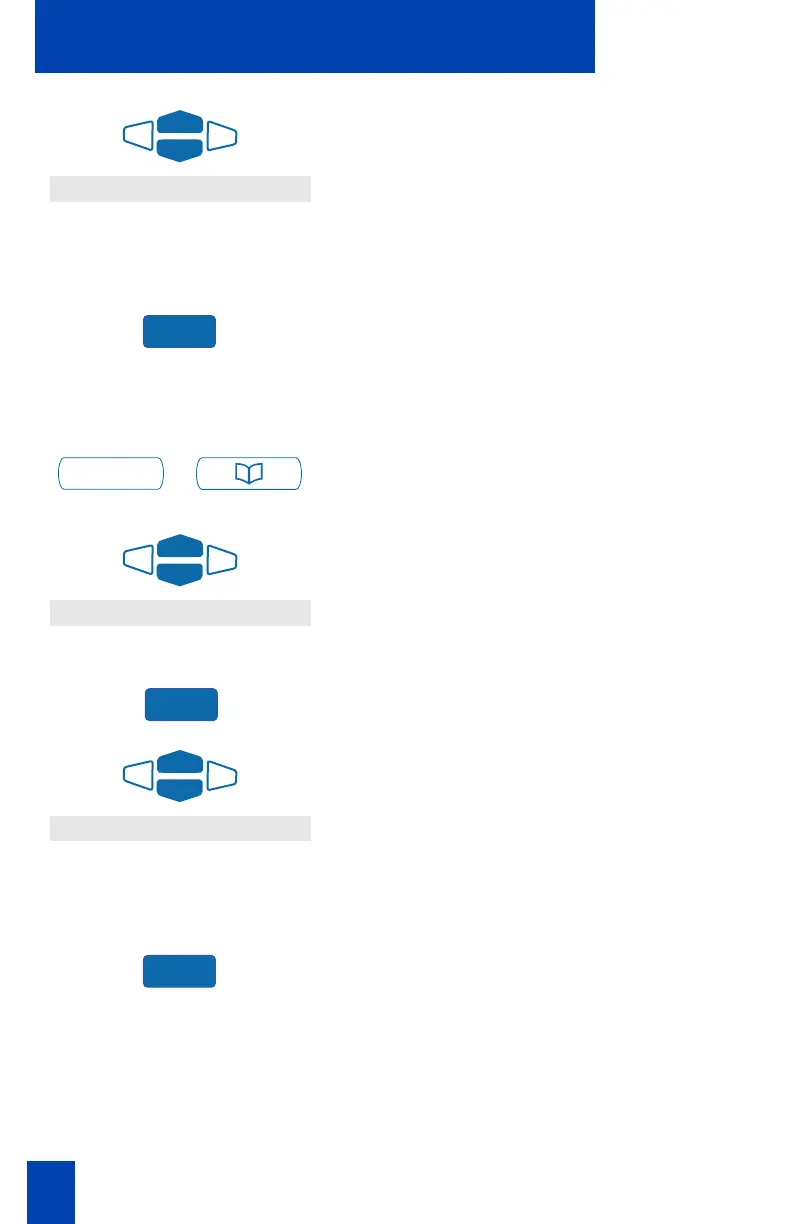
4. Use the Navigation Keys to scroll
through the Redial List and highlight
the number you want to call.
Note: If you are calling an external or
long distance number, be sure that the
appropriate access codes are included.
5. Press the Dial Key. Your call is
automatically dialed and you exit the
Redial list.
To access the Redial List on the
M3904:
/
1. Press the Directory/Log Key.
2. Use the Navigation Keys to highlight
Redial List.
3. Press the Select Key.
4. Use the Navigation Keys to scroll
through the Redial List and highlight
the number you want to call.
Note: If you are calling an external or
long distance number, be sure that the
appropriate access codes are included.
5. Press the Dial Key. Your call is
automatically dialed and you exit the
Redial list.
2637
Dial
Directory/Log
Call Log (Redial List)
Select
2637
Dial















 To Next Page