Equitrac Professional TouchPoint Console Installation and Setup Guide 21
Chapter 3: Initial Local Configuration
Static IP
If using static IPs on your network, enter the IP Address of the primary DCE server.
1
On the Server IP Setting screen, press Static IP, then press OK.
2
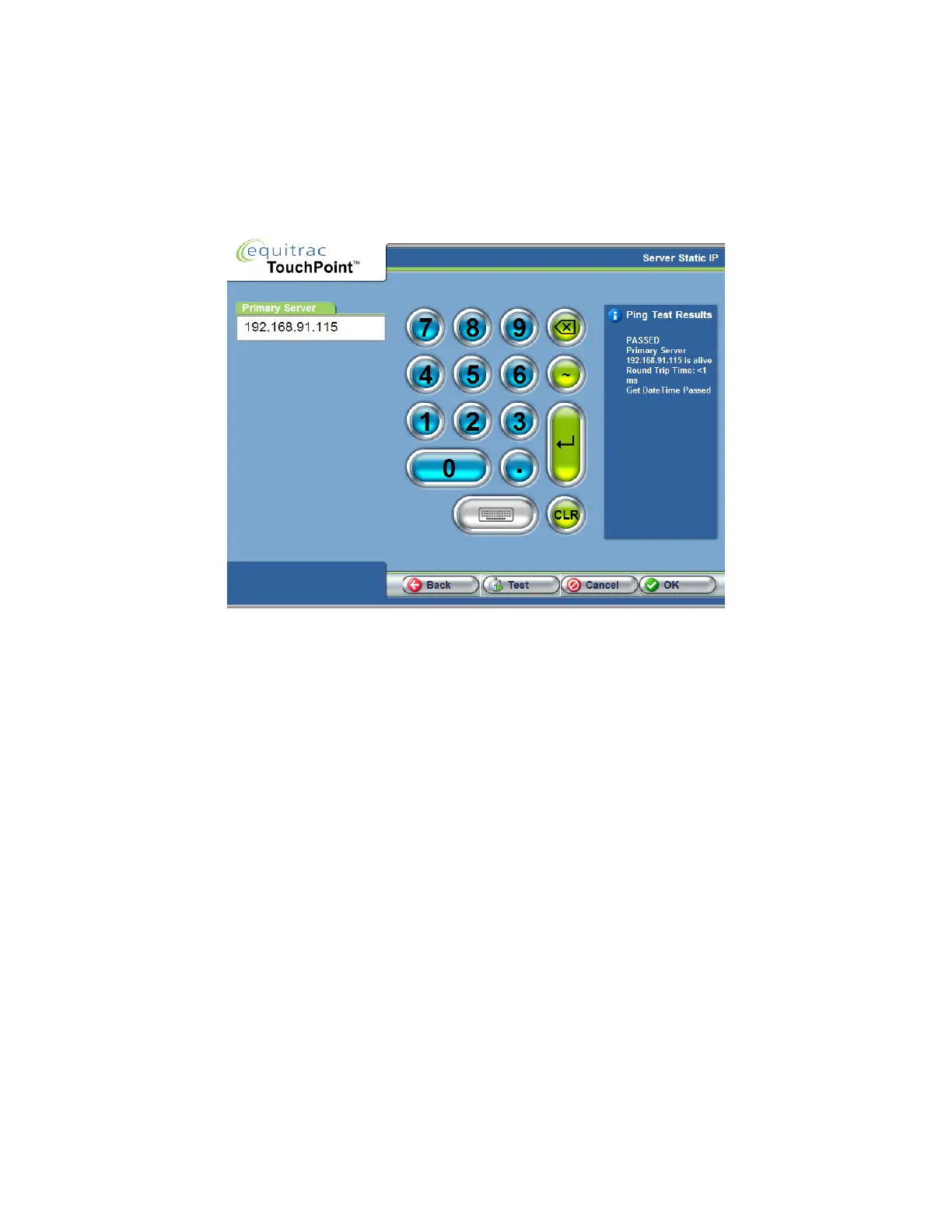
In the Server Static IP screen, enter the Primary DCE Server IP Address. Press Enter to enable the Test button.
3
Press Test.
TPC attempts to ping the DCE server by its IP Address. In the Ping Test Results area, you should see a PASSED or
FAILED message. If you see a FAILED message, ensure that you have correctly entered the address of the primary
server. Press Test again to re-try the ping.
4
Click OK to continue to the Date, Time, and Locale screen only when the test results read PASSED.



 To Next Page