Chapter 3: Initial Local Configuration
20 Equitrac Professional TouchPoint Console Installation and Setup Guide
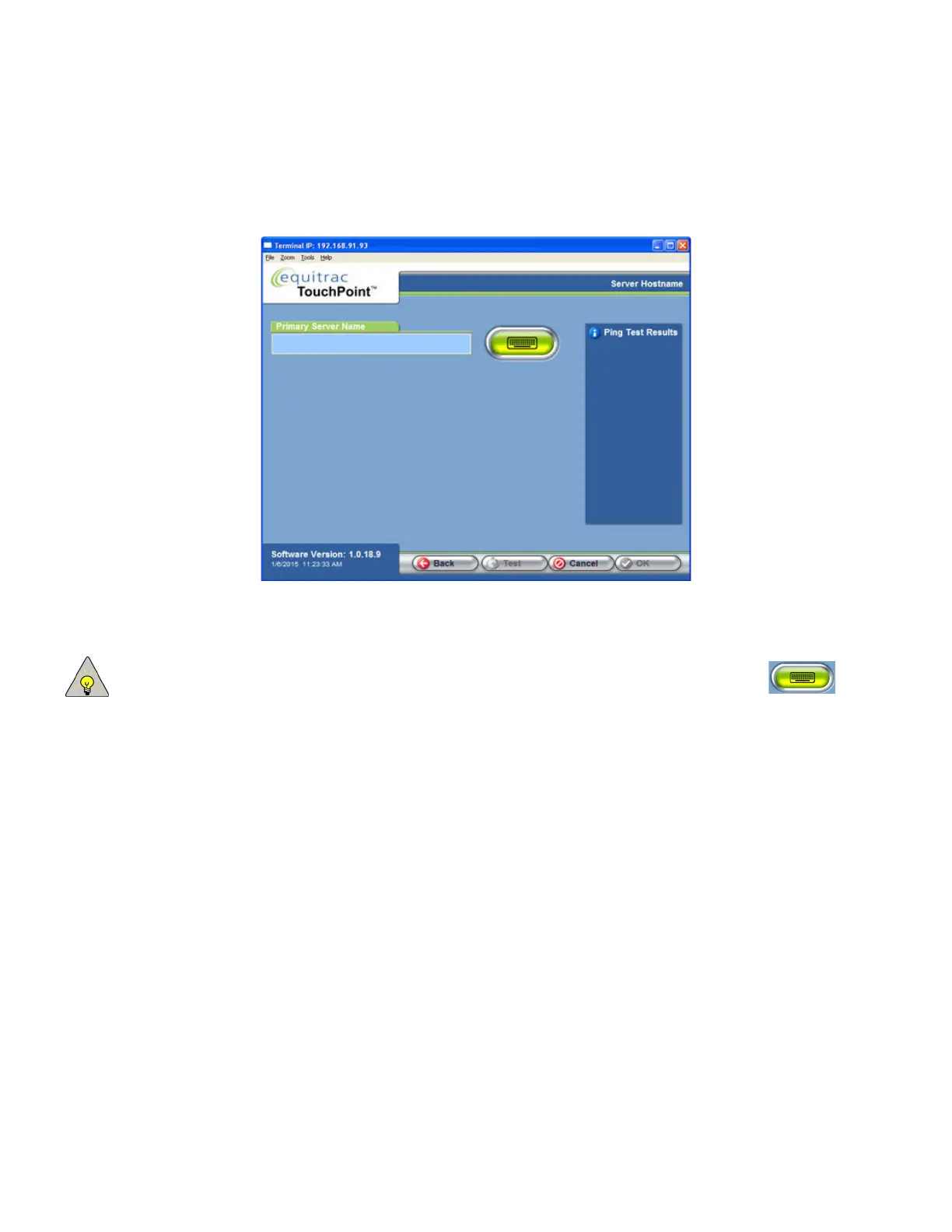
Server Hostname
You can also identify the DCE server by the name assigned by the Domain Name System (DNS).
1
On the Server IP Setting screen, press DNS, then press OK.
2
In the Server Hostname screen, enter the Primary Server Name.
NOTE: If you do not have a hard keyboard attached to TPC, press the Soft keyboard button to access
the soft keyboard screen for data entry. Press the Enter key when finished to return to the Server
Hostname screen.
These fields accept up to 255 characters only.
3
Press Test.
TPC attempts to resolve the names and ping the DCE server. In the Ping Test Results area, you should see a
PASSED or FAILED message. If you see a FAILED message, ensure that you have correctly entered the name of the
primary server before continuing. Press Test again to re-try the ping.
4
Press OK to continue to the Date, Time, and Locale screen.



 To Next Page