TouchPoint Console Installation and Setup Guide 49
Chapter 4: Additional Local Configuration
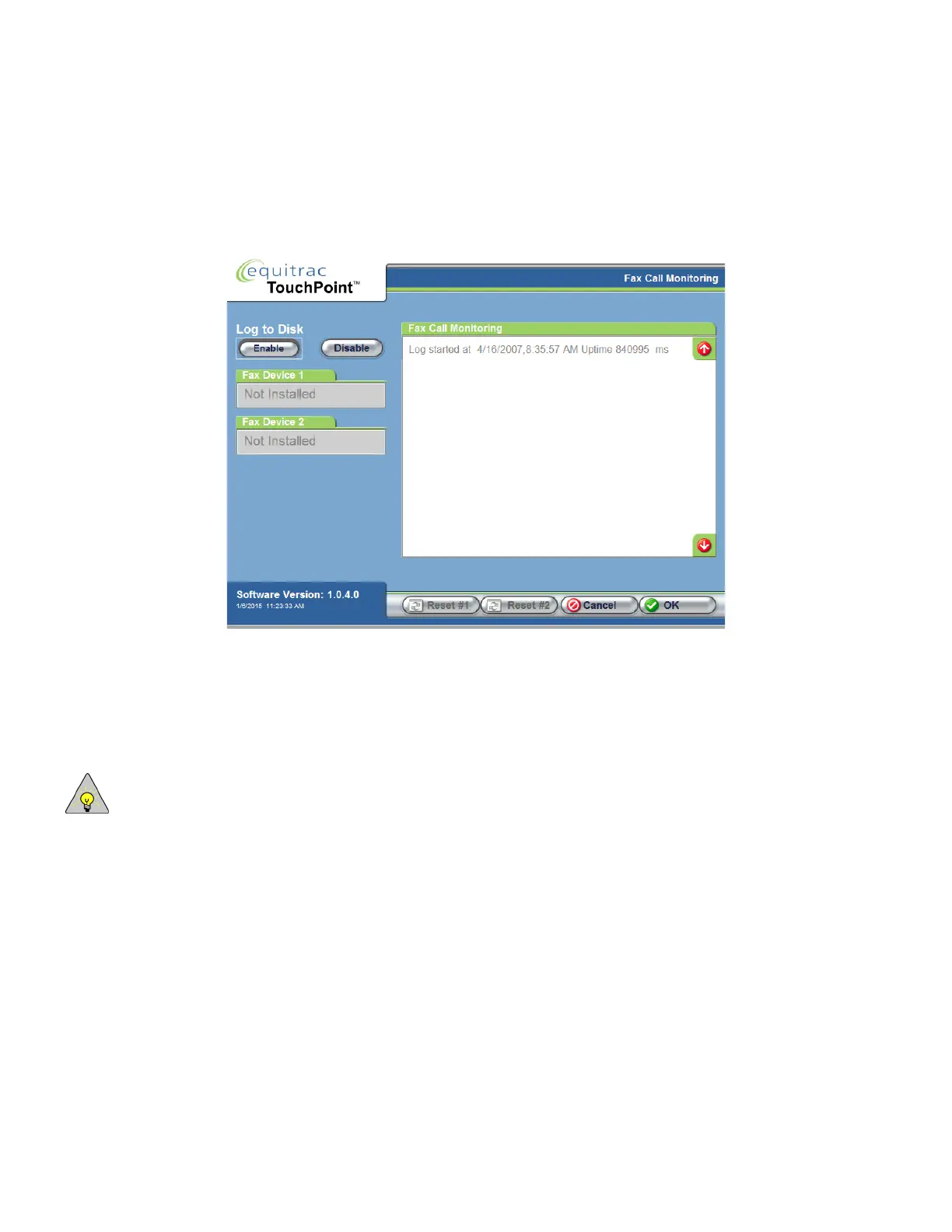
Fax Call Monitoring
If you need to perform field-level diagnostics or provide specific information to Technical Support to troubleshoot fax
problems, you can use the Fax Call Monitoring screen to gather detail.
1
On the Fax Devices screen, press Monitor.
TPC registers itself with the fax subsystem and starts to monitor and record serial messages and fax events. As
events occur, they are recorded in the Fax Call Monitoring list. If more than one fax device is controlled by TPC,
the events for both devices are interleaved in the display.
2
To log the information, press Enable under Log to Disk.
NOTE: To change the level of logging detail shown in this screen, see System Logging on page 54.
3
To reset either fax device, press Reset #1 or Reset #2.
4
Power to the fax machine is toggled for 2 seconds while the fax firmware version and fax boot code version are
checked. The firmware version information is displayed in the Fax Device 1 or Fax Device 2 fields, then the fax
system is set to idle.
5
Press OK to update the server with these changes.



 To Next Page