Equitrac Professional TouchPoint Console Installation and Setup Guide 27
Chapter 3: Initial Local Configuration
CAUTION: The TPC Application version 2.1.x.x must only be used with the corresponding Platform Firmware version
2.0.12 or later, whereas Application 1.x.x.x (1.0.17.15 and higher) must only
be used with Platform version 1.0.36.
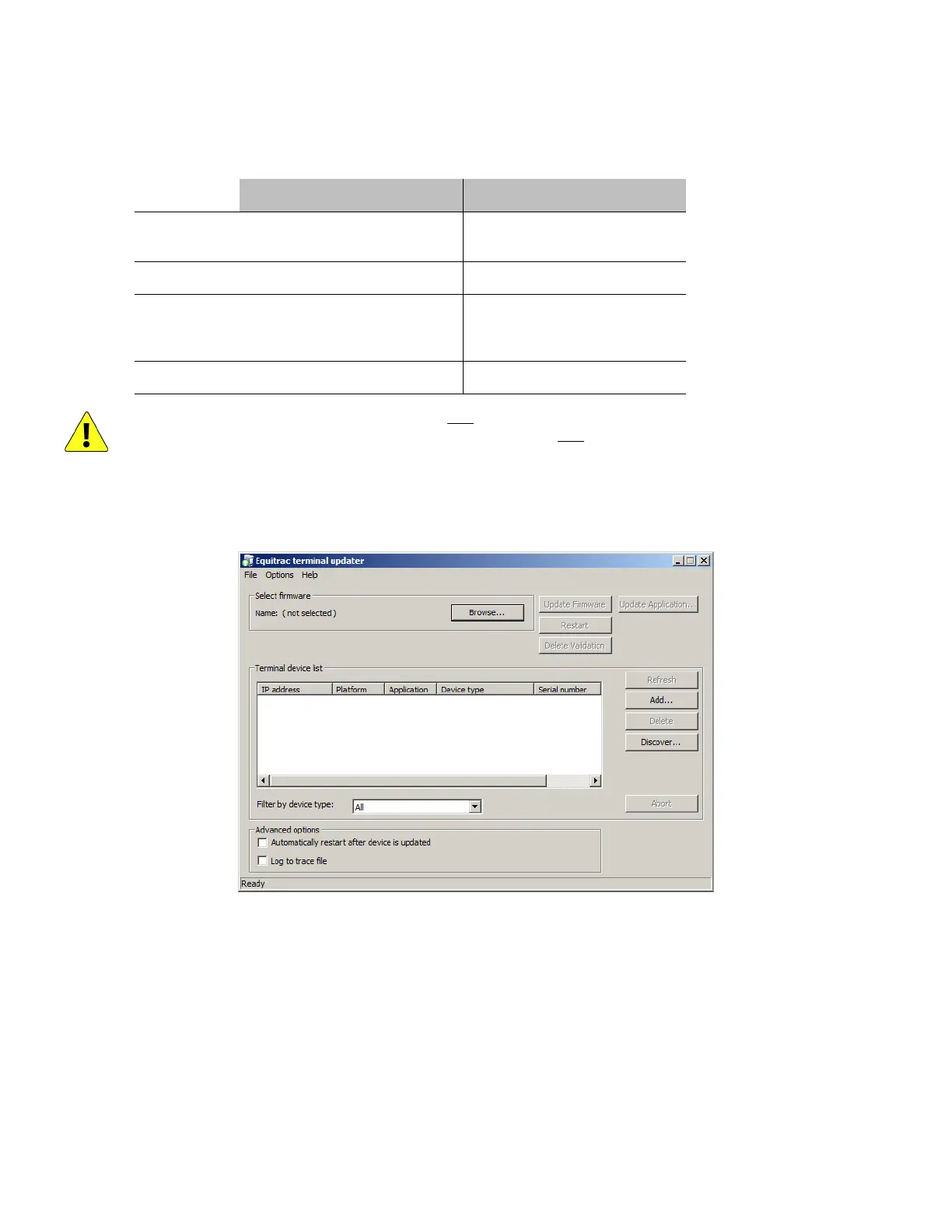
Update the firmware
1
On the server hosting the Equitrac Professional Core Accounting Server, open Windows Explorer and navigate to
Program Files > Equitrac > Professional > Tools and open the EQTerminalUpdate.exe tool.
2
Add the TPC(s) to update:
a
In the Terminal De v ice L ist group box, click Add. An Add device dialog opens.
b
In the Device IP address field, enter the IP address of the TPC you want to update, then click OK. The TPC
appears in the Terminal device list matrix.
3
From the Filter by device type drop-down list, choose Tou chPoint C onsole, then press Refresh.
4
Under Advanced options, ensure Automatically restart after device is updated is unchecked.
EP 5.3.0 2.1.1.57 2.0.12 1.1.1.112 or
1.1.3.87
1.0.36
EP 5.3.1 2.1.3.59 2.0.12 1.1.3.87 1.0.36
EP 5.3.1 +HF-
178625-DCE or
greater
2.1.4.67 2.0.12 1.1.4.15 1.0.36
EP 5.4.0 2.1.4.67 2.0.12 1.1.4.15 1.0.36
2.x Release Legacy 1.x



 To Next Page