TouchPoint Console Installation and Setup Guide 43
Chapter 4: Additional Local Configuration
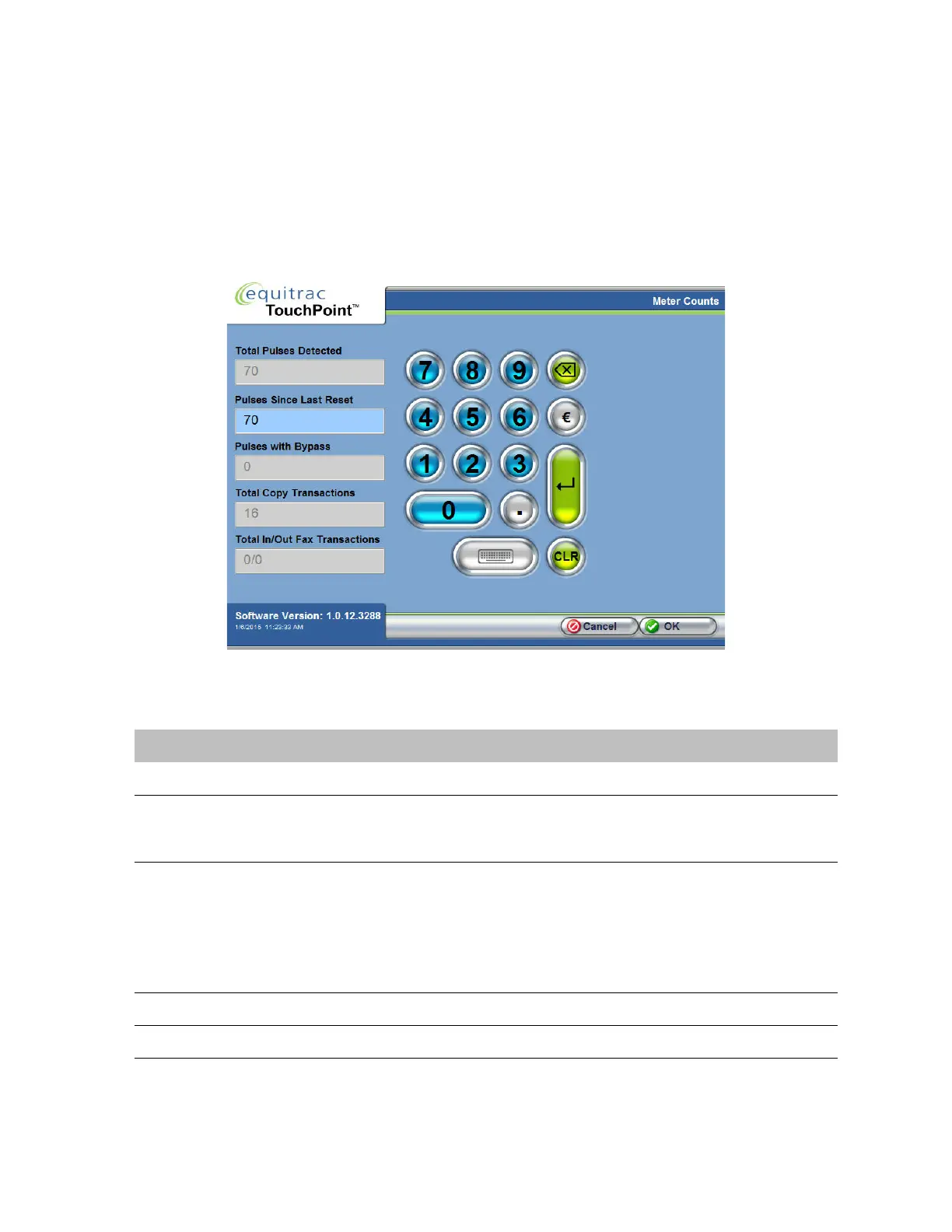
Meter Counts
Meter Counts provides access to the copy meter counts that are stored in the TPC memory. This information may be
useful when troubleshooting inconsistencies between the copier count and the TPC count. These fields are read-only
values, with Pulses Since Last Reset as the exception.
1
On the Administrative Options screen, press Meter Counts.
2
In the Meter Counts screen, view the following options:
3
Press OK to close the dialog.
Option Description
Total Pulses Detected The total number of pulses detected by TPC since manufacturing.
Pulses Since Last Reset Set this value at initial installation to match the copier count. When troubleshooting,
you could compare this value to determine if there is an inconsistency between the
copier and the TPC count.
Pulses with Bypass The total number of pulses detected when the bypass key was engaged.
The Bypass key can be used to access the controlled device without requiring user
authentication. The transactions will not be forwarded to the Equitrac Professional DCE
server, but are tracked by TPC as bypass pulse.
NOTE: Each TPC unit ships with 2 bypass keys. These keys must be stored in a safe
location for security reasons.
Total Copy Transactions The total number of copy transactions only (does not include fax transactions).
Total In/Out Fax Transactions Total number of inbound and outbound fax transactions.



 To Next Page