Chapter 3: Initial Local Configuration
18 Equitrac Professional TouchPoint Console Installation and Setup Guide
Identify the Server IP Address
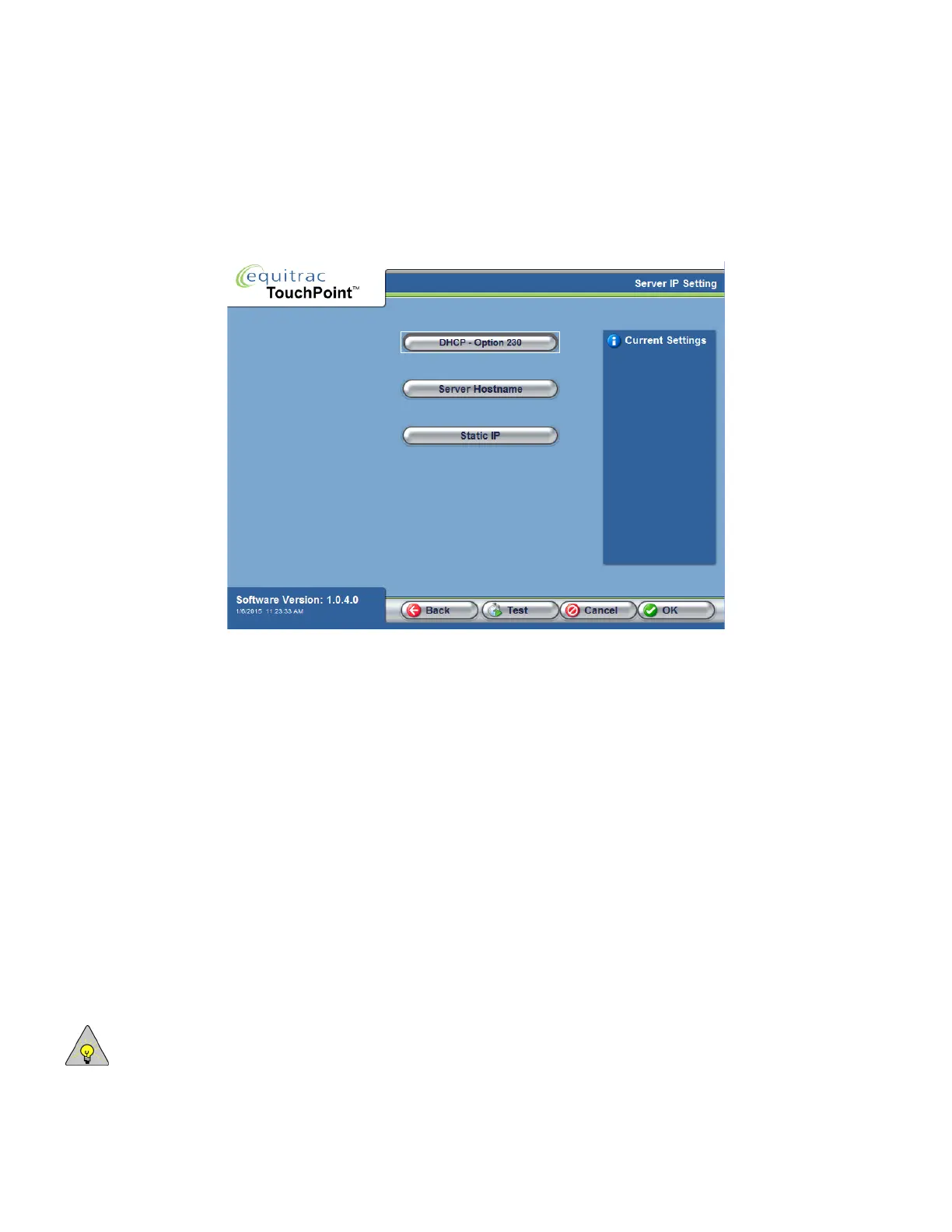
TPC offers three different ways to obtain the IP Address of the DCE server: DHCP, DNS, or Static IP. Each option is
described in the sections below.
DHCP
If you are using DHCP to assign IP Addresses to TouchPoint Consoles, you must first configure the DHCP server to
associate the DCE server by option 230. This value allows the DHCP server to locate and correctly identify the correct
load file for TouchPoint Consoles.
The instructions below are specific to a Windows DHCP server. If your DHCP server runs on a different platform (for
example UNIX, Linux, OS X server, OpenVMS, AS/400 DHCP servers), ensure that you configure the DHCP server
to identify the correct load file under option 230.
To Configure the DHCP Server:
1
On the DHCP server, in the Windows Administrative Tools, open the DHCP windows management console.
2
Select the DHCP server root node.
3
From the Action menu, select Set Predefined Options.
4
From the Option Class drop-down list, select DHCP Standard Options.
5
In the Option Name section, click Add.
a
In the Name field, type: Equitrac Professional
NOTE: The Name field label is for identification purposes.



 To Next Page