CUll
Ii n Ii
IVI t; I t; H
ED I T
PARAMETERS
Many aspects of the OX can be customized by the user with a series of switches called
EDIT PARAMETERS. These EDIT PARAMETERS can be accessed by pressing the
EDIT button at any time except while in SELECT SONG mode where the EDIT key is
used to edit songs. Use the
:: keys to select the desired parameter or type in the
number of the parameter to be changed. The STEP key is used to change parameters
from ON ("On
) to OFF ("'
) and vice-vers.
There are 1S EDIT PARAMETERS, numbered 0014:
00
COUNTDOWN (-
On)
Enables or disables a countdown in before recording. The countdown is 4 metronome
clicks. The beat value of the clicks is set by the METRONOME function.
01 TIMING SOURCE (I,
24, 48, 96
, S,
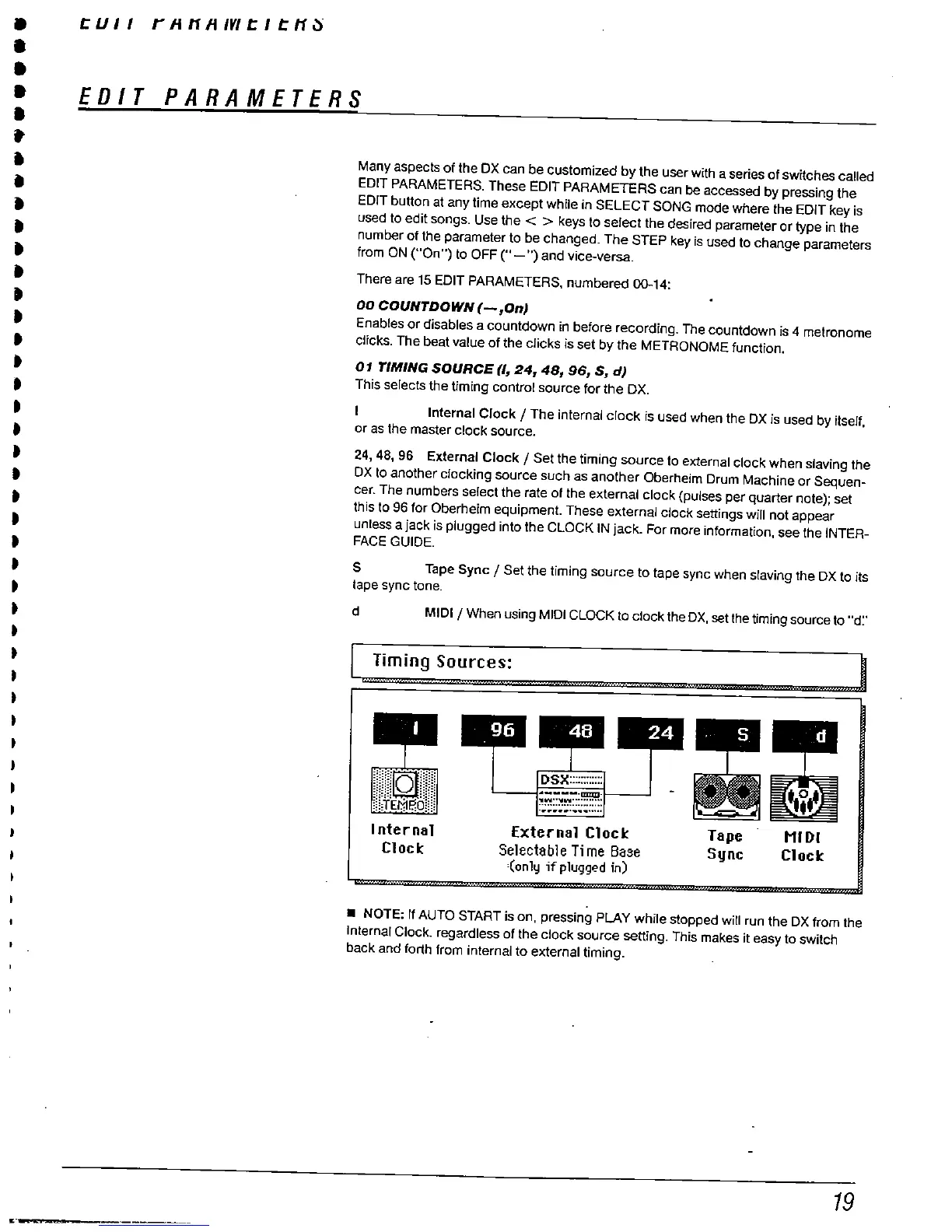
This selects the timing control source for the
DX.
Internal Clock / The internal clock is used when the OX
is used by itself
or as the master clock source.
, 48
96
External Clock / Set the timing source to external clock when slaving the
OX 10 another clocking source such as another
Oberheim Drum Machine or Sequen-
cer. The numbers select the rate of the external clock (pulses per quarter note); set
this to 96 for Oberheim equipment. These external clock settings wil not appear
unless a jack is plugged into the CLOCK IN jack. For more information
, see the INTER-
FACE GUIDE.
Tape Sync / Set the timing source to tape sync when slaving the OX to its
tape sync tone.
MIDI / When using MIDI CLOCK 10 clock the DX, set the timing source to "'
d:'
Timing Sources:
DSX::::::::::::
"'''''''''.
II.
:'!':::'!':::::::::::...."".........
Internal
Cloc
External Cloc
Selectable Ti me Ba3e
'(only ifpluggod in)
Tape
Sync
HIDI
Cloc
. NOTE:
If AUTO START is on
, pressing PLAY while stopped wil run the OX from the
Internal Clock. regardless of the clock source setting. This makes it easy to switch
back and forth from internal to external timing.



 To Next Page