EasyManua.ls Logo

OHAUS CD-31 - User Manual

OHAUS CD-31
47 pages
Print Icon
To Next Page IconTo Next Page
Loading...
1
CD Indicators
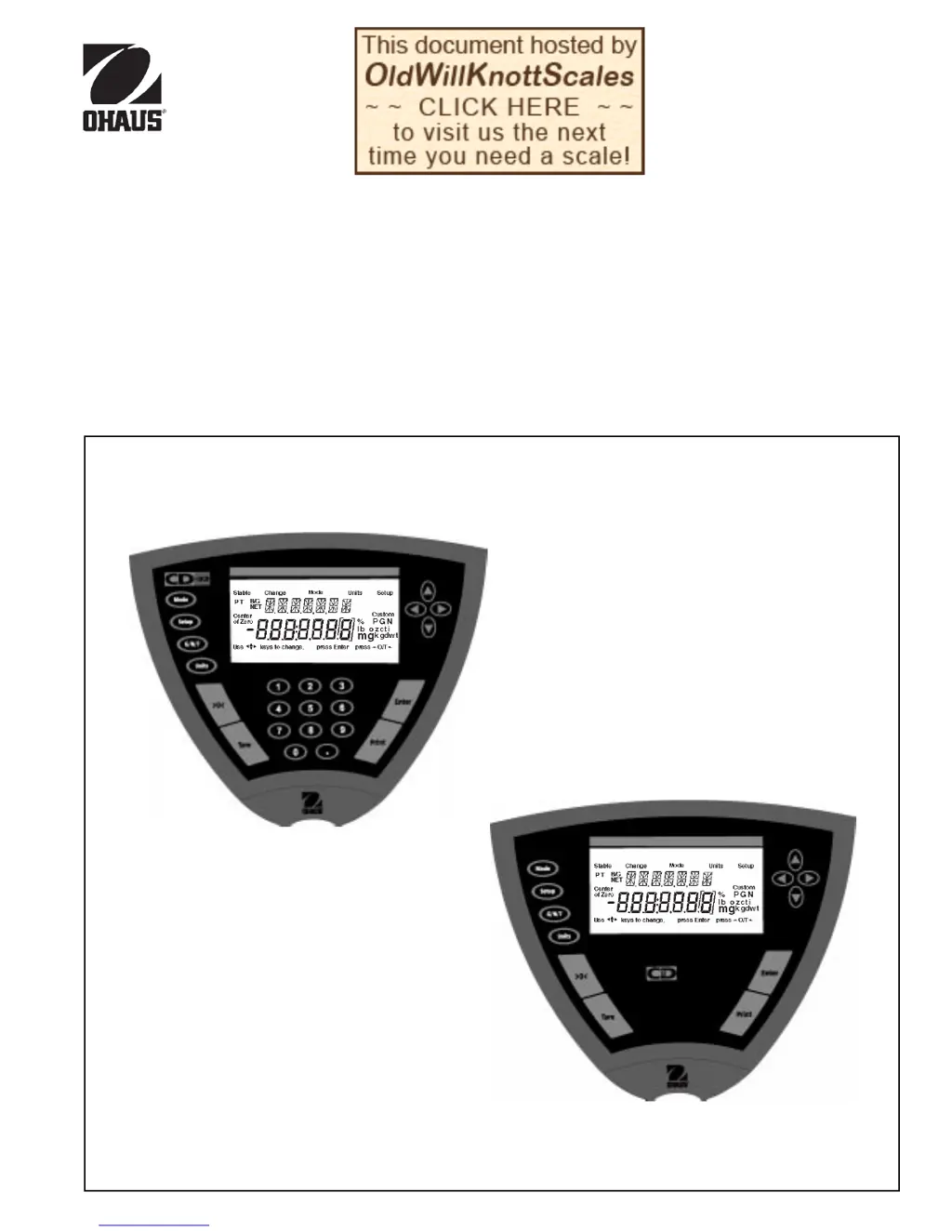
INSTRUCTION MANUAL
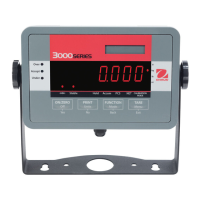
Models CD-31 and CD-33 Indicators
Ohaus CorporationOhaus Corporation
Ohaus Corporation
29 Hanove
r
Road
Flo
r
ha
m
Pa
r
k, NJ
07932-0900

Questions and Answers

  • J
    Jonathan WilliamsAug 15, 2025
    Why does my OHAUS CD-31 Touch Panel show calibration errors?
    • J
      jperezAug 15, 2025
      Calibration errors on your OHAUS Touch Panel may be due to improper or missing mass used for calibration. Recalibrate using the correct masses.
  • C
    Corey WilliamsAug 18, 2025
    What to do if my OHAUS Touch Panel shows unstable readings?
    • O
      ocaseAug 18, 2025
      If you're getting unstable readings on your OHAUS Touch Panel, it could be due to excessive air currents or vibration on the platform surface. Check the environmental conditions. Ensure the scale base is on a stable surface, or try changing the averaging level.
  • D
    davidcrosbyAug 21, 2025
    Why does my OHAUS Touch Panel display an incorrect weight reading?
    • B
      Beth GallagherAug 22, 2025
      An incorrect weight reading on your OHAUS Touch Panel may occur if the indicator wasn't re-zeroed before weighing or if the indicator is not properly calibrated. Press the >0< button with no weight on the pan, then weigh the item. If the issue continues, recalibrate the device correctly.
  • G
    Grant MorrisAug 25, 2025
    How to fix OHAUS Touch Panel RS232 interface not working?
    • P
      Paul YoungAug 26, 2025
      If the RS232 interface on your OHAUS Touch Panel isn't working, the print menu settings might not be properly set up, or there could be loose or improper cable connections. Verify the interface settings in the RS232 menu correspond to those of the peripheral device. Also, check the cable connections to ensure they are secure.
  • H
    Hannah GonzalesAug 28, 2025
    What to do if OHAUS CD-31 will not turn on?
    • T
      Trevor GlassAug 28, 2025
      If your OHAUS Touch Panel won't turn on, the power cord might not be plugged in or properly connected to the indicator. Check the power cord connections to ensure they are secure.
  • A
    Amy MorganAug 31, 2025
    How to display weight in desired unit on OHAUS CD-31 Touch Panel?
    • T
      Tina KnightAug 31, 2025
      To display the weight in your desired unit on the OHAUS Touch Panel, the desired unit might not be enabled. Enable the units in the Setup menu. You can also press the Units button until the desired measuring unit is shown.
  • K
    kimberly92Sep 3, 2025
    How to access weighing mode on OHAUS Touch Panel?
    • C
      Chris KramerSep 4, 2025
      To access weighing mode on your OHAUS Touch Panel, the desired weighing mode might not be enabled. Enable the weighing mode. You can also press the mode button until the desired weighing mode is displayed.
  • K
    Kerry DrakeSep 7, 2025
    What to do if OHAUS CD-31 Touch Panel displays random segments or locks up?
    • S
      stephanie67Sep 7, 2025
      If your OHAUS Touch Panel displays random segments or the display locks up, it could be due to the microprocessor locking up. Unplug the unit from the wall outlet and plug it back in. If the condition persists, the unit must be serviced.
  • J
    Jennifer CarterSep 12, 2025
    How to store menu settings/changes on OHAUS Touch Panel?
    • M
      Melissa ParkSep 12, 2025
      To store menu settings or changes on your OHAUS Touch Panel, ensure that 'Enter' was selected when prompted and that the menu is not locked. Press Enter when prompted to save changes.

OHAUS CD-31 Specifications

General IconGeneral
DisplayLCD
KeypadTouch Panel
Operating Temperature0 °C to 40 °C
Display TypeLCD
Units of Measurementg, kg, lb, oz
Weight1.5 kg
PowerAC Adapter
Power SupplyAC Adapter

Related product manuals