7
CD Indicators
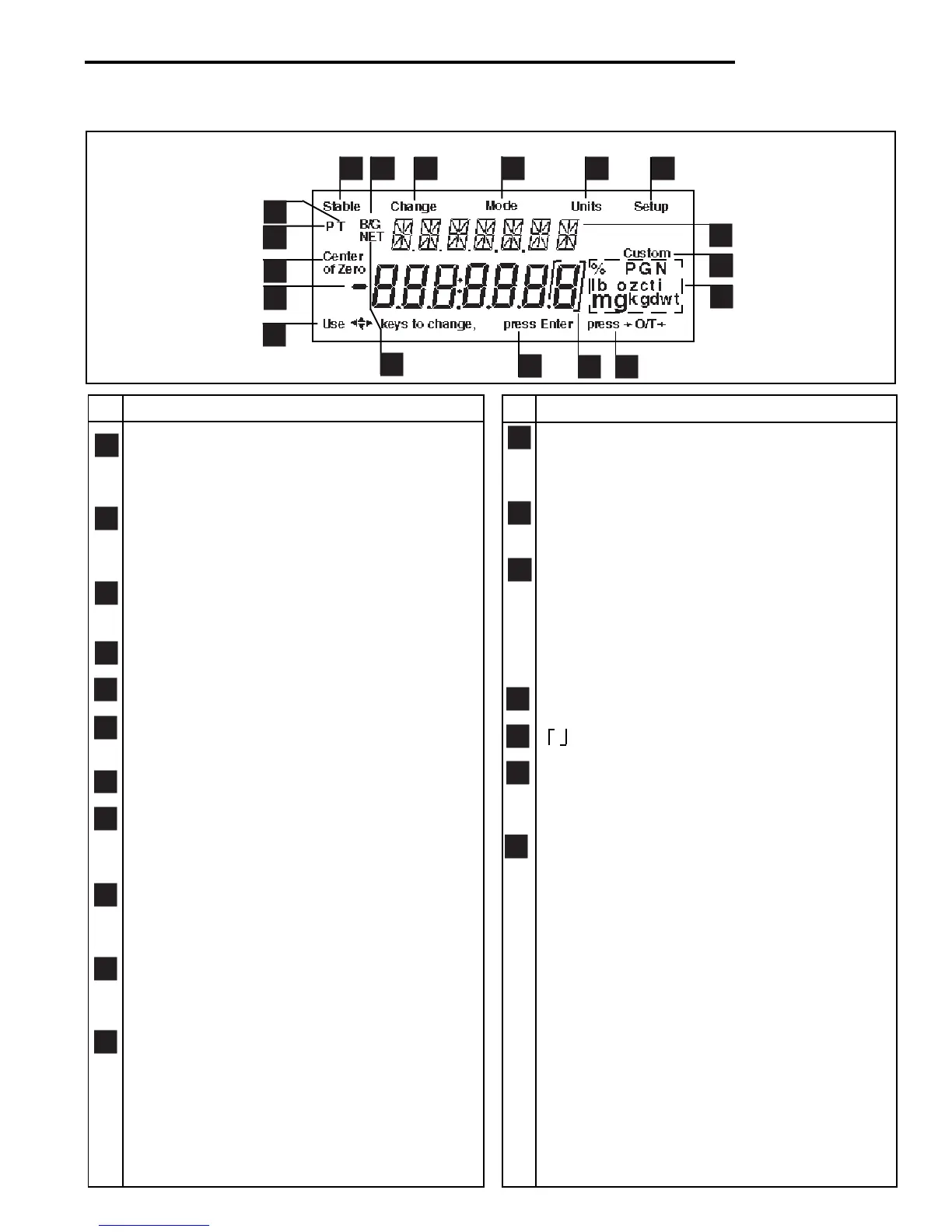
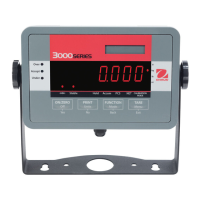
OVERVIEW OF DISPLAY INDICATORS
No. Function
1
2
3
4
5
6
7
8
9
10
11
12
13
14
15
16
1718
No. Function
1 Use (Pointer Group) keys to change - used to
prompt the user while navigating through the
menu system.
2 Standard (7) segment numeric characters. Seven
characters are available and are used for displaying
weight values.
3 Center of Zero - Indicates display is within ± 1/4d
of zero.
4 P - Displayed if preset tare weight.
5 T - Displayed with tare weight.
6 Stable - Indicates that the measured value has
become stable.
7 B/G - Displayed with gross weight.
8 Change - Is displayed together with Mode, Units
or Setup signifying that a change to balance
settings is being performed.
9 Mode - Is displayed when the Mode button is
pressed. Allows the user to know what area of
the balance menu is being addressed.
10 Units - Is displayed when the Units button is
pressed. Allows the user to know what area of the
balance menu is being addressed.
11 Setup - Is displayed when the Setup button is
pressed. Allows the user to know what area of the
balance menu is being addressed.
12 (British Flag) - Are (14) segment alpha numeric
characters. Seven characters are used to present
features and functions.
13 Custom - The user can input a factor to meet
unique unit measure applications.
14 Symbols for weighing modes, include:
g - Grams.
kg - Kilograms.
lb - Pounds.
PC - Parts counting.
% - Percent weighing.
15 Press >O/T< -This symbol is not used.
16 - This sysmbol is not used.
17 Press Enter - Used as a prompt to the user to
press the Enter button. The menu item displayed
is accepted/selected.
18 NET - Displayed with net weight.



 To Next Page