33
CD Indicators
4.1.5 Calibration GMP Printout
If any option in the GMP Set Menu is turned On, GMP automatically prints data after calibration is completed.
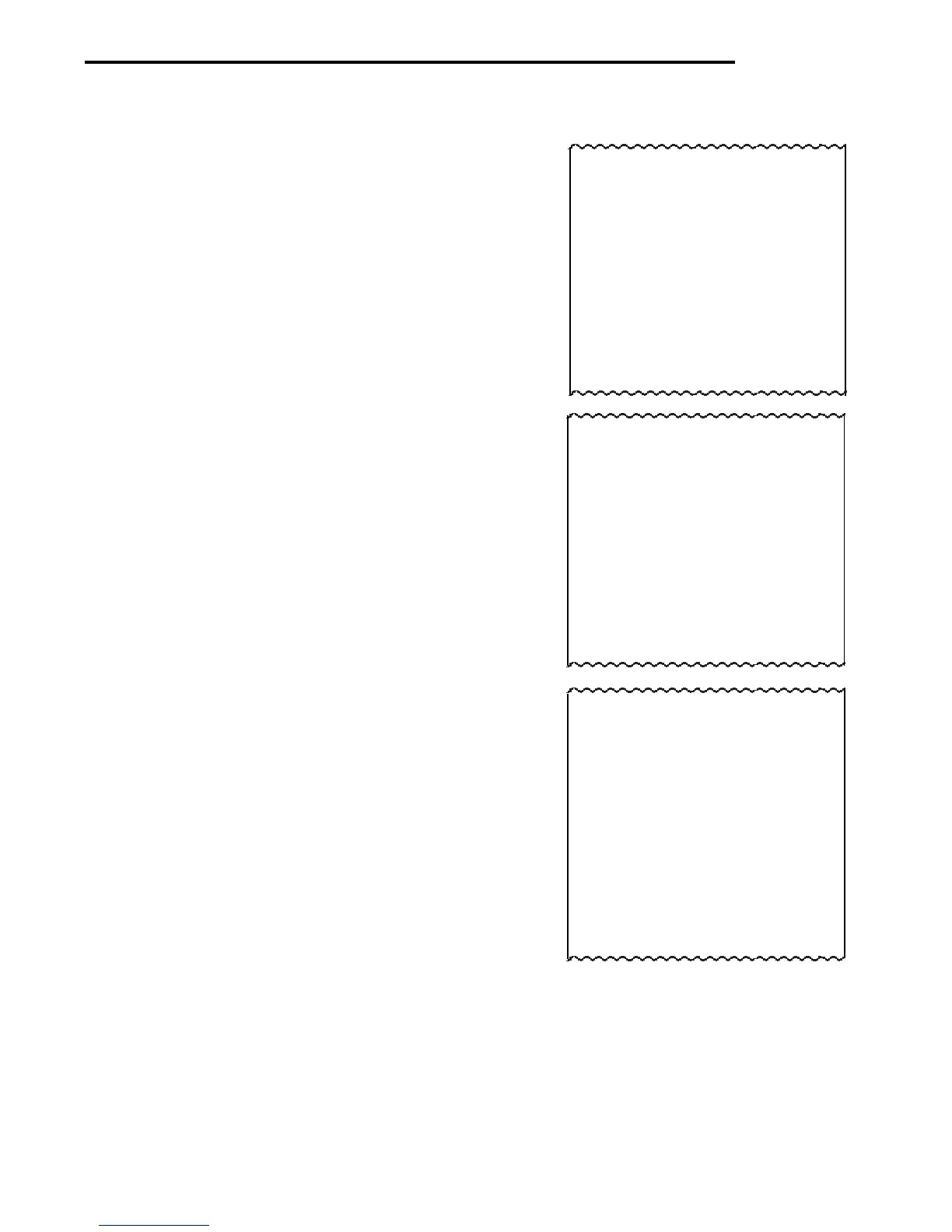
- - - - - SPAN CAL - - - - - -
12/01/99 1:10:00 PM
Scale Id 1234
Cal: 40kg
Old: 39.99kg
Dif: 0.01kg
Wt.
Ref......................................
USER NO 2056853
PROJ NO 100012
Name........................................
- - - - - END - - - - -
- - - - - LIN CAL - - - - - -
12/01/99 1:20:00 PM
Scale Id 1234
Cal: 40kg
Old: 39.99kg
Dif: 0.01kg
Wt.
Ref......................................
USER NO 2056853
PROJ NO 100012
Name........................................
- - - - - END - - - - -
- - - - - CAL TEST - - - - - -
12/01/99 1:30:00 PM
Scale Id 1234
Cal: 10kg
Act: 10kg
Dif: 0.00kg
Wt.
Ref......................................
USER NO 2056853
PROJ NO 100012
Name........................................
- - - - - END - - - - -
Span Calibration Printout
When performing Span calibration with all GMP options
turned on, a printout is automatically made after the
calibration is completed.
Linearity Calibration Printout
When performing a Linearity calibration with all GMP
options turned on, a printout is automatically made after
the calibration is completed.
Calibration Test Printout
When performing a Calibration Test with all GMP options
turned on, a printout is automatically made after the
calibration is completed.



 To Next Page