24
CD Indicators
3.9 Units
The Units submenu permits the selection of the measuring units which can be turned ON or OFF and locked.
Procedure
• Press the Setup button, SCALE is displayed.
• Press or button until GLOBAL is displayed.
• Press Enter button to continue.
• Press or button until either LIST, RESET,
VERSION, LOCK or EXIT is displayed.
• Press Enter button to continue.
• Press or button and select either YES or
NO for LIST and RESET. When either LOCK or EXIT
is selected, ON or OFF settings are available..
• Press Enter button to save setting.
• Press or button to select next item or EXIT.
• Press Enter button to save.
3.10 Global
This menu contains two functions which can be set to either a yes or no type of operation. These functions are: List,
and Reset. The default settings are NO. Global List is a convienent method of examining which parameters are set up
in the Indicator. The parameters do not show up on the display but print out when selected. The Global menu contains
the List function. When Version is selected, the software revision of the Indicator is displayed.
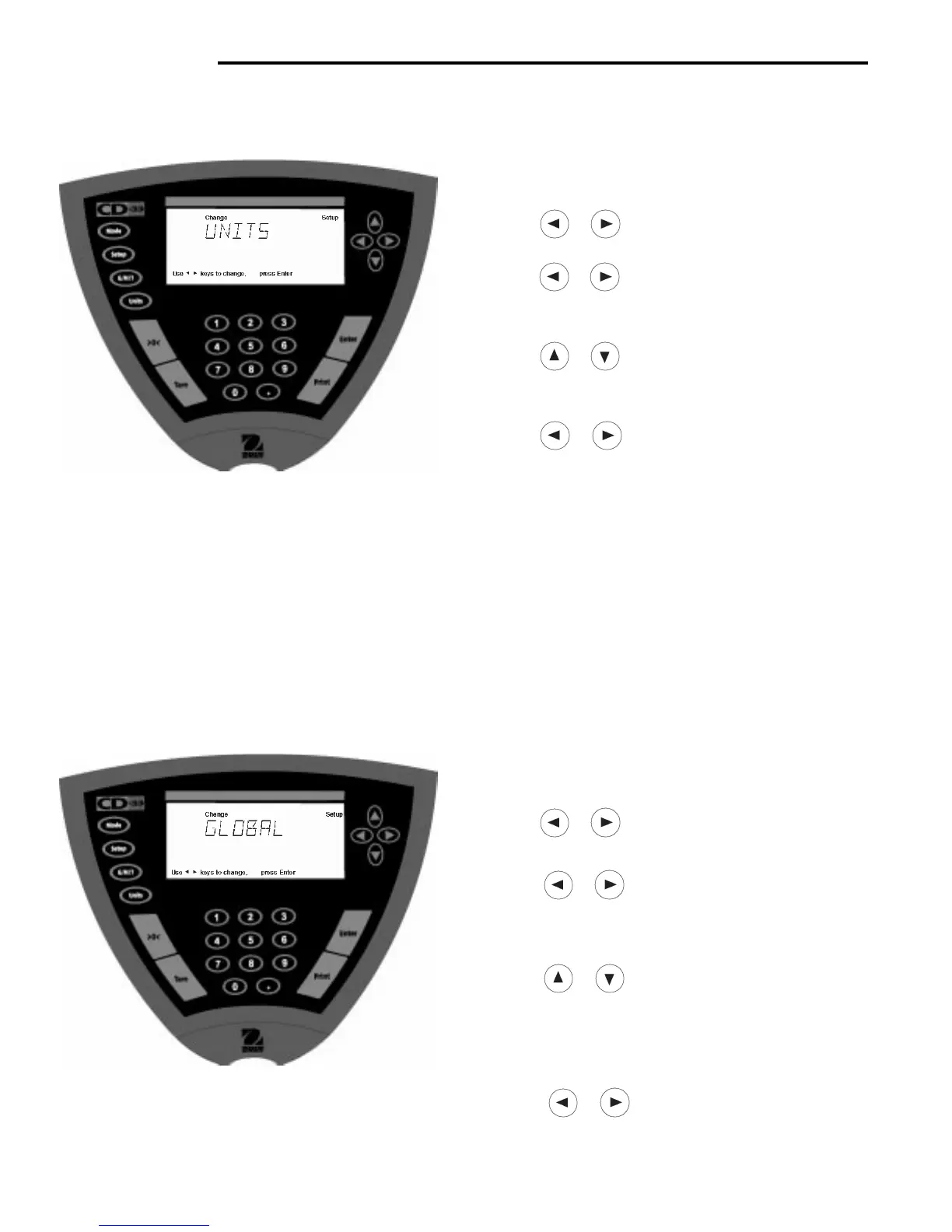
Procedure
• Press the Setup button, SCALE is displayed.
• Press or button until UNITS is displayed.
• Press Enter button to continue.
• Press or button until desired measuring unit
is displayed.
• Press Enter button to continue.
• Press or button and select either ON or
OFF.
• Press Enter button to save setting.
• Press or button to select next item or EXIT.
• Press Enter button to continue.
Units
Measuring units settings are made using the Units button. This menu permits the measuring units to be turned ON or
OFF. The default setting is OFF for all units except kilograms which is set ON.
Lock
Lock when selected and turned ON, locks all of the entries made under the Units button. The default setting is OFF.



 To Next Page