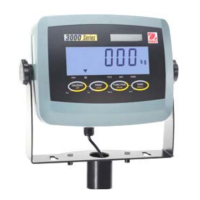
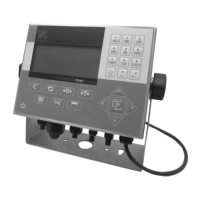
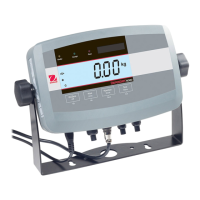
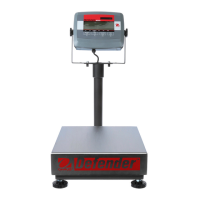
6
CD Indicators
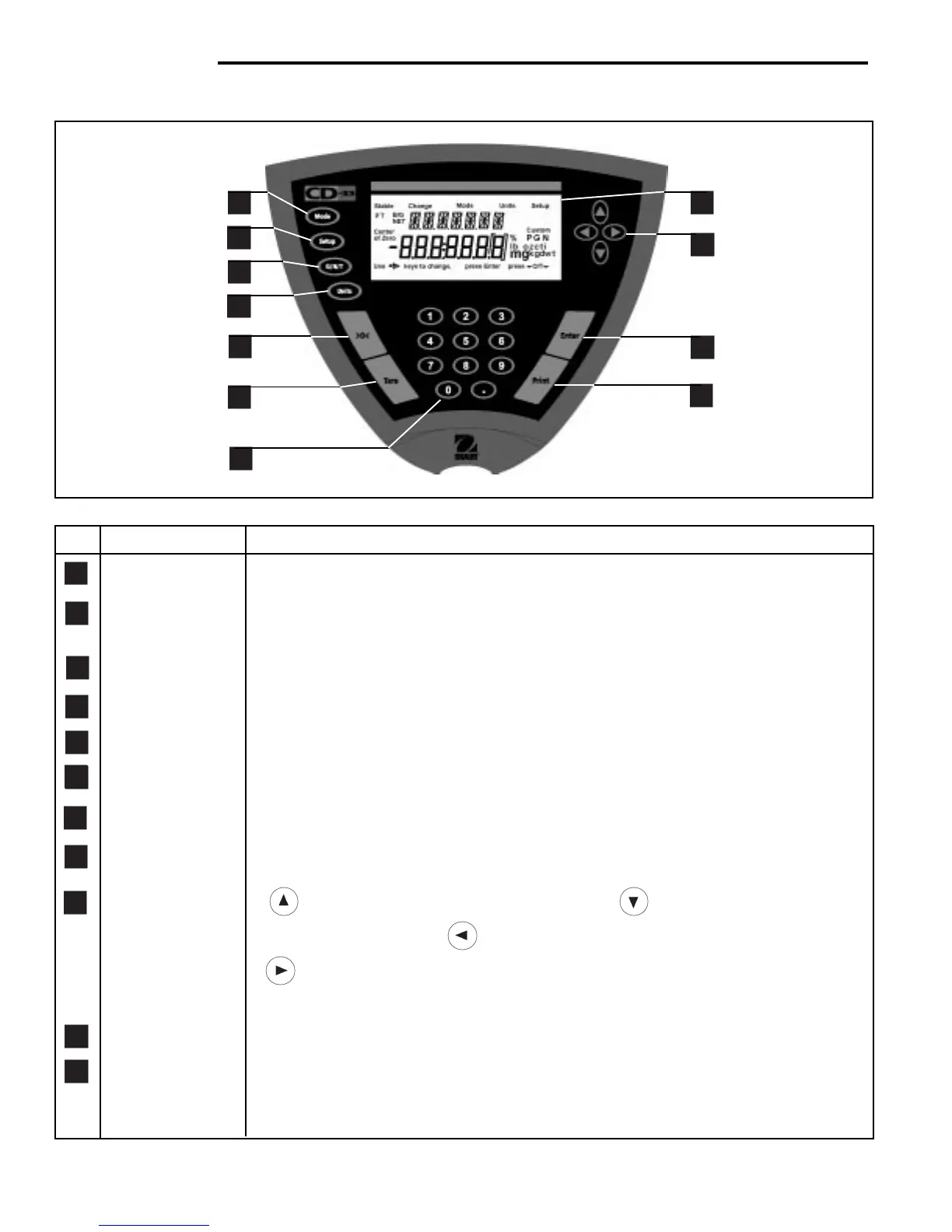
OVERVIEW OF CONTROLS
3
4
2
5
6
8
9
10
7
11
No. Designation Function
1 Mode button Selects standard weighing, percent, parts counting, check weighing and animal weighing.
2 Setup button Selects various submenus: scale, calibration, date, time, readout, GMP data, GMP set,
print, RS232, LFT, mode, units, global, custom.
3 G/N/T button Selects Gross, Net or Tare weights.
4 Units button Selects weighing units: grams, kilograms, pounds, custom, parts counting, percent.
5 >0< button When pressed, zero's scale.
6 Tare button When pressed, performs tare function.
7 Numeric keypad 0 to 9 keys and decimal point keypad, used to enter numerical data on Model CD-33.
8 Display LCD display indicates weight, modes and setup information.
9 Arrow buttons when pressed, travels up through submenus. button when pressed, travels
down through submenus. button when pressed, travels to the left through menus.
button when pressed, travels to the right through menus. Arrow buttons are also
used to enter numerical data on Model CD-31.
10 Enter button When in menus, selects item on display. Also used to turn power on when in sleep mode.
11 Print button When pressed, prints data.
1



 To Next Page