34
CD Indicators
4.2 Weighing
The Indicator is shipped with kilograms only enabled. When the Indicator is to be used with other Type Approved/Legal
for Trade units of measure, the desired unit must be enabled. Refer to paragraph 3.9 to enable other measuring units.
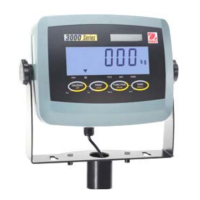
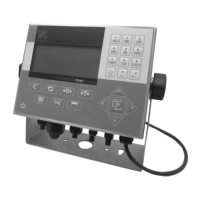
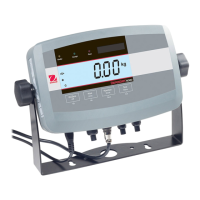
The Indicator is equipped with a G/N/T button which allows the viewing of gross weight, net weight and tare weight. A
Tare button allows taring the weight of container, and a separate >0< zero button, zero's the Indicator display reading.
4.2.1 Manual Taring
When weighing material or objects that must be held in a container, manual taring stores the container weight in the
Indicator’s memory, separate from the weight of the material in the container.
When a container has been placed on the pan and tared, its weight is stored in memory. Adding material to the
container is shown as NET weight. The gross weight is a combination of the tared weight and the material. The G/N/T
button allows switching between GROSS, NET and TARE weights.
Weighing Procedure
• Press >0< to rezero the display.
• Press Units button to select measuring unit. If an
error code appears, refer to paragraph 5.2.
• Press or button for desired measuring unit.
• Press Enter button, Indicator is now ready for weigh-
ing.
• Press >0< to rezero the display.
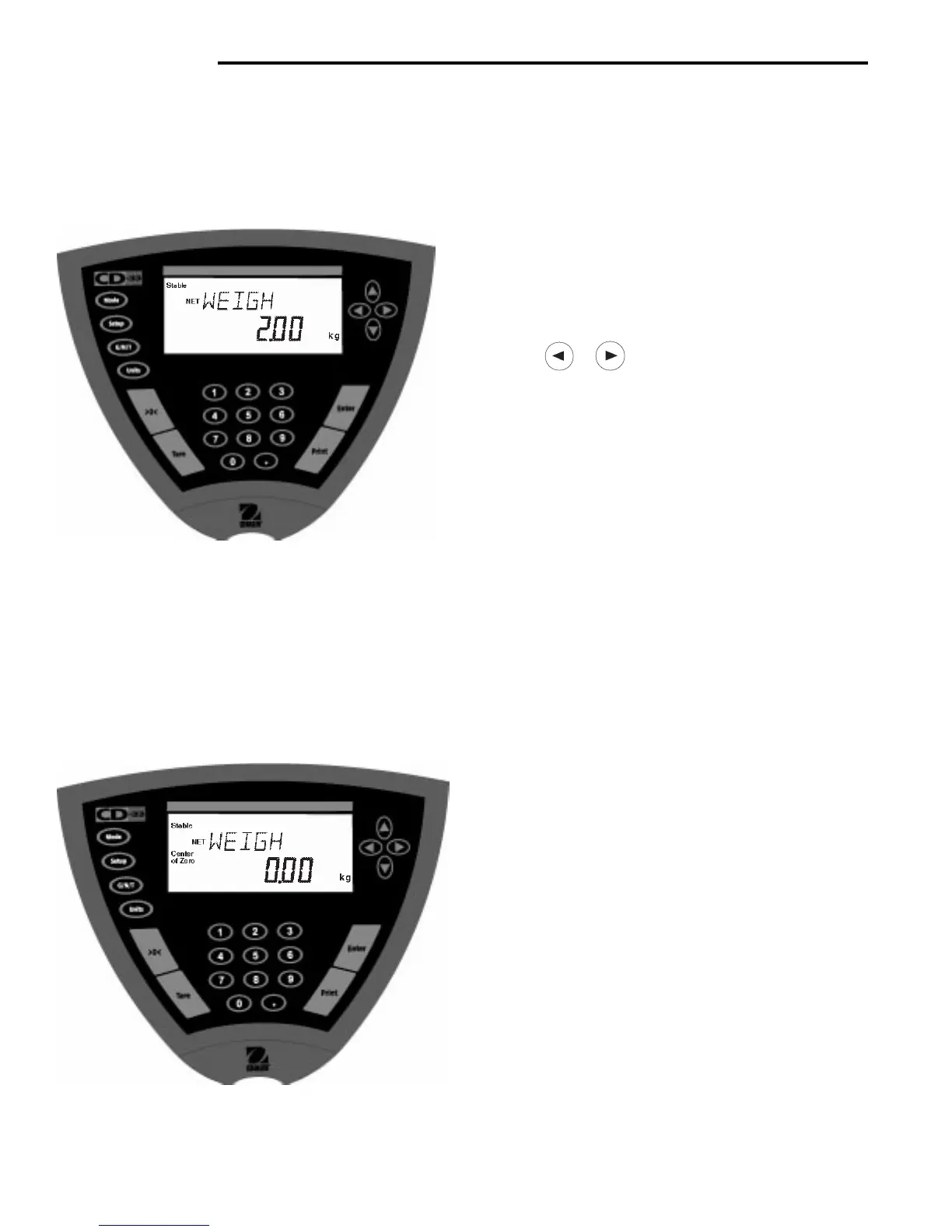
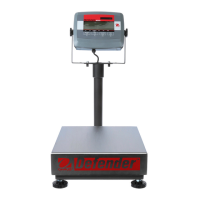
• Place the object(s) or material to be weighed on the
pan. Example illustrates a 2kg weight.
• Wait for the Stable indicator to appear before read-
ing the weight.
Procedure
• Press >0< button with no load on the pan to set the
Indicator reading to zero.
• Place an empty container on the pan. Its B/G weight
is displayed.
• Press the Tare button, display blinks until stable
weight readings are received, then indicates NET
WEIGH 0.00. The container’s weight is stored in
memory.
• Add material to the container. As material is added,
its net weight is displayed.
• Removing the container and material from the pan will
cause the Indicator to display the container’s weight
as a negative number. The tared weight will remain in
memory until the Tare button is pressed again or the
Indicator is turned off.
• Pressing Tare clears tare from memory.



 To Next Page