29
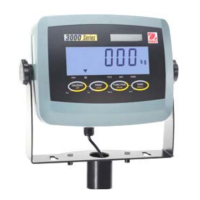
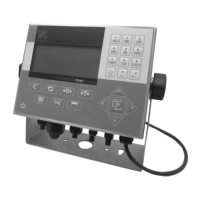
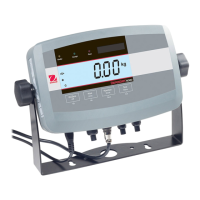
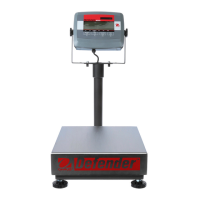
CD Indicators
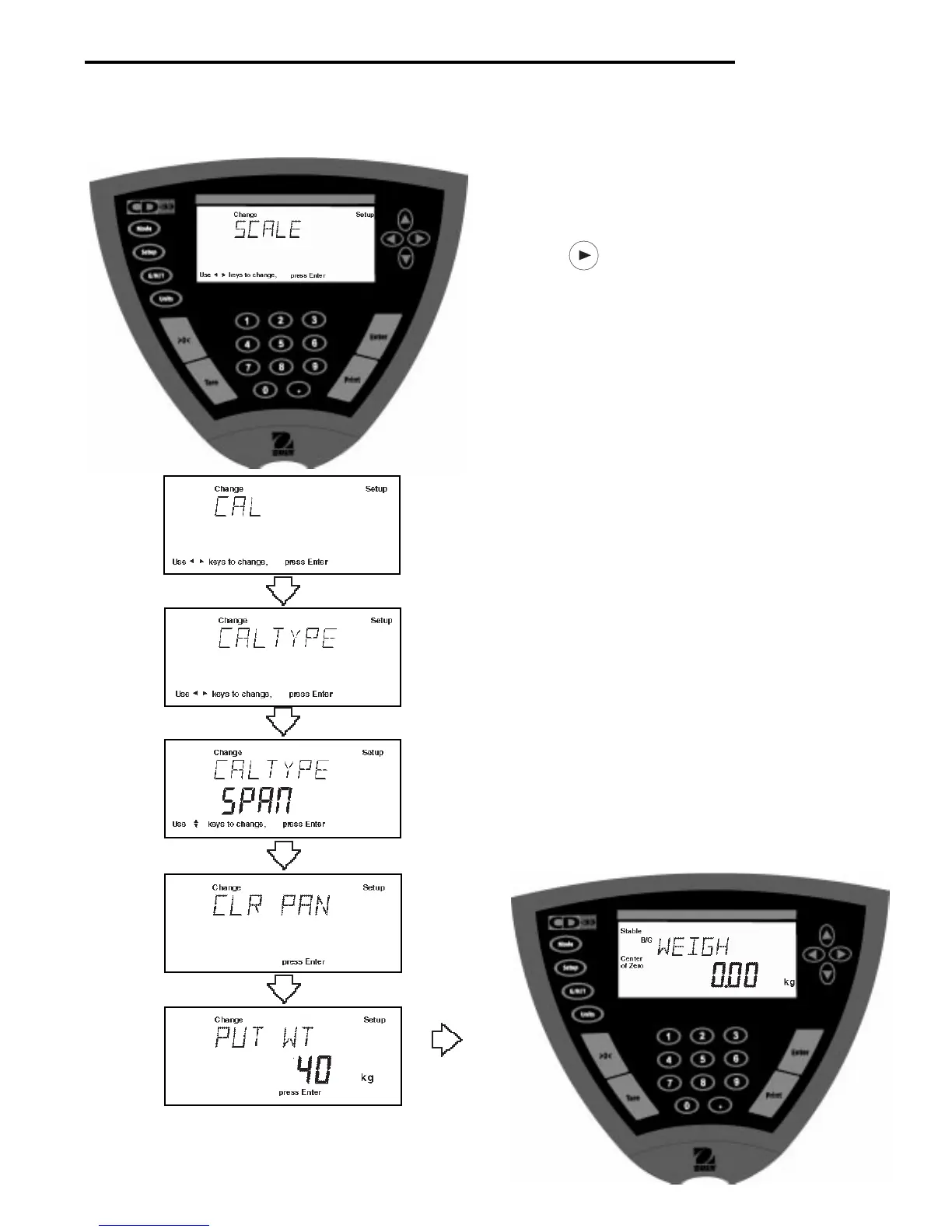
4.1.1 Span Calibration
Span calibration requires a mass equal to 100% of the scale base capacity.
Procedure
• Press the Setup button, SCALE is displayed.
• Press button until CAL is displayed.
• Press Enter button, CAL TYPE is displayed.
• Press Enter button, CAL TYPE SPAN is displayed.
• Press Enter button, CLR PAN is displayed. Clear
the pan.
• Press Enter button, WORKING is momentarily dis-
played, then PUT WT is displayed (capacity of base)
on the pan.
• Place specified calibration mass on pan. The illustra-
tion sample indicates 40 kilograms.
• Press Enter button, WORKING is displayed. After a
few seconds CAL SET is displayed; the display then
returns to WEIGH mode.
• Span calibration is completed.
• Remove calibration mass from the pan.



 To Next Page