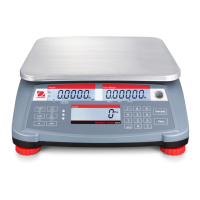
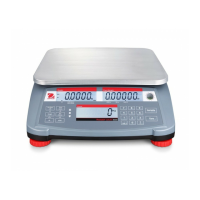
EN-54 Defender 3000 Indicators
9.3 Appendix C
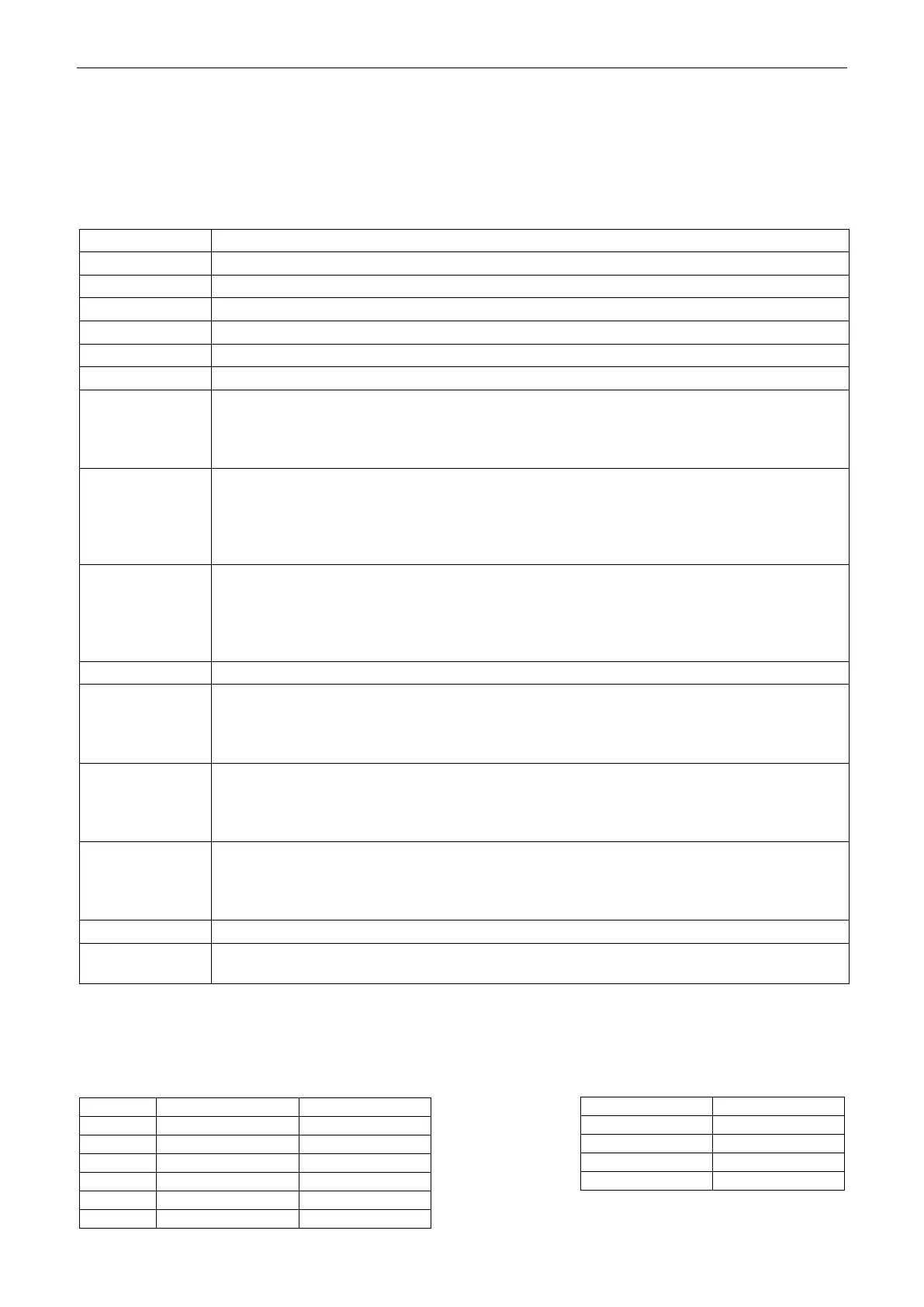
Commands listed in the following table will be acknowledged by the scale.
The scale will return “ES” for invalid commands.
Please add \r\n after each command to send.(\r refers to \return; \n refers to \newline)
OHAUS Commands
Print displayed weight (stable or unstable).
Print displayed weight immediately (stable or unstable).
Print weight continuously.
Print weight when stable.
Same as pressing Zero Key.
Same as pressing Tare Key.
Set/inquiry of tare weight value.
Set: TA tare value unit
Example: TA 5 kg
Inquiry: TA
Set/inquiry current display unit.
Set: U unit ID
Example: U 1
Please check the following table 9-1 for the ID of each unit.
Inquiry: U
Set/inquiry current application mode.
Set: M application ID
Example: M 0
Please check the following table 9-2 for the ID of each application.
Inquiry: M
Print indicator's serial number.
Set/inquiry Under Limit (only in Check mode).
Set: CU under value unit
Example: CU 5 kg
Inquiry: CU
Set/inquiry Over Limit (only in Check mode).
Set: CO over value unit
Example: CO 6 kg
Inquiry: CO
Set/inquiry Counting APW.
Set: # APW value unit
Example: # 6 kg
Inquiry: #
Print name, software revision and LFT ON (if LFT security switch is turned ON).
Enter print output string, x = string number (1-5), "text" = string text up to 40 alphanumeric
characters.
Note:
The italic content in each command needs to be filled with actual value.
Space in each command is needed. Please pay attention to it when input commands.
Table 9-1 Unit ID Table 9-2 Application ID



 To Next Page