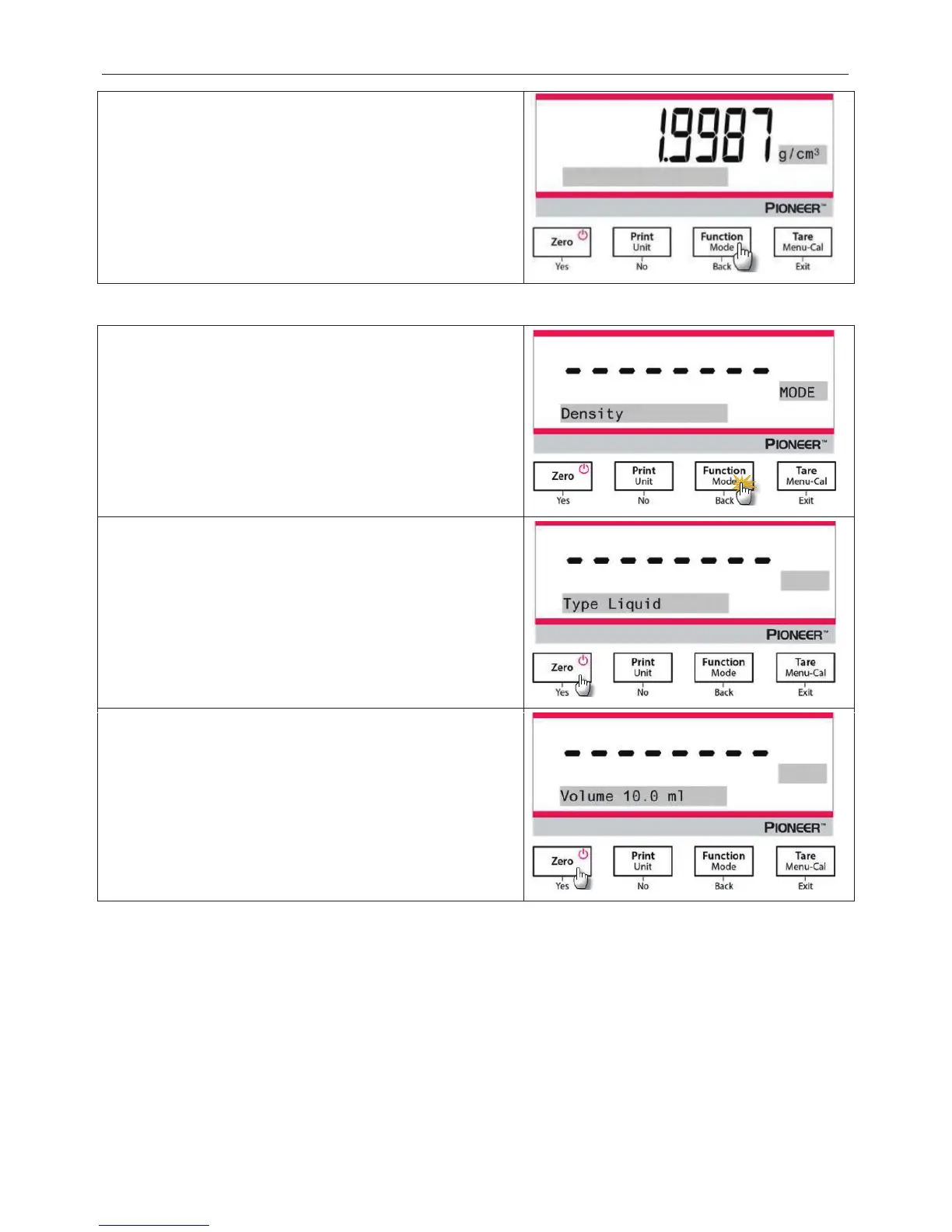
4. See Section 4.5.1 and Section 4.5.2 for the specific
procedures for density determination.
5. Press the
Function / Mode
button to display the density of
the sample.
6. After completion of the test, press the
Function / Mode
button to test a new sample.
4.5.4 Measuring the Density of a Liquid Using a Calibrated Sinker
Press and hold the Function / Mode button until Density
appears. Press
Yes to enter the Density Determination.
Item Settings:
Sample Type:
Volume: The calibrated sinker has a default volume of 10.0 ml,
which can be increased or decreased by pressing
After setting the volume, press Yes to begin the weighing.
Note
e is set to Liquid, the Liquid type
and Porous material selections are disabled.




 To Next Page