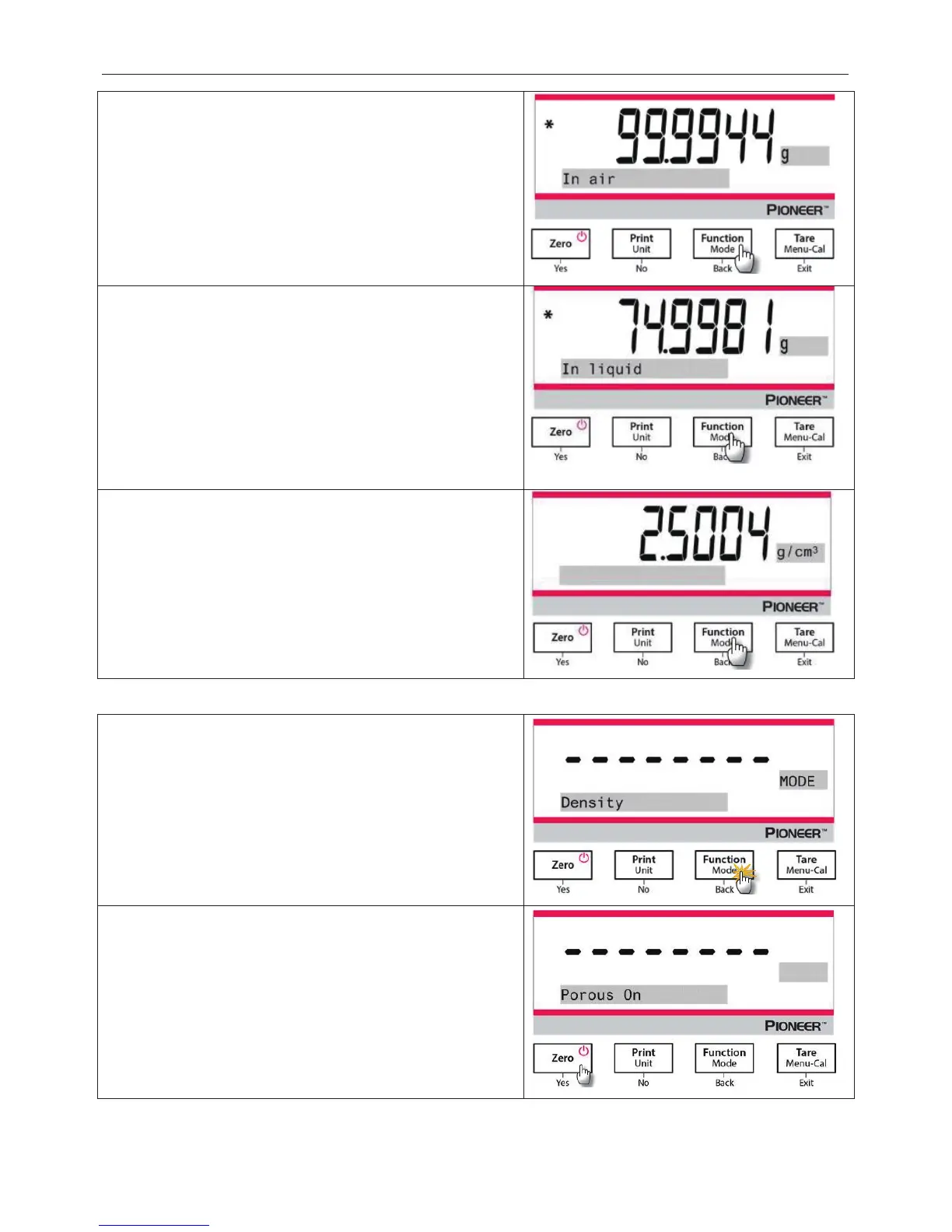
1. Weigh the calibrated sinker in the air with the balance
and the density determination kit.
When the * (symbol of stability) appears, press the
Function / Mode
button to c
calibrated sinker in the air.
2. Weigh the calibrated sinker submerged in the liquid
with the balance and the density determination kit.
the calibrated sinker down into the liquid until it
is fully submerged (1 cm below the
When the * (symbol of stability) appears, press the
Function / Mode
button to confirm the
weight of the
calibrated sinker. The density of the liquid is displayed.
3. After completion of the test, press the
Function / Mode
button to test a new sample.
4.5.5 Measuring the Density of Porous Material Using Oil
Press and hold the Function / Mode button until Density
appears. Press
Yes to enter the Density Determination.
x Sample type: Solid
x Auxiliary Liquid: Water
x Porous Material: On




 To Next Page