PX Series Balance EN-7
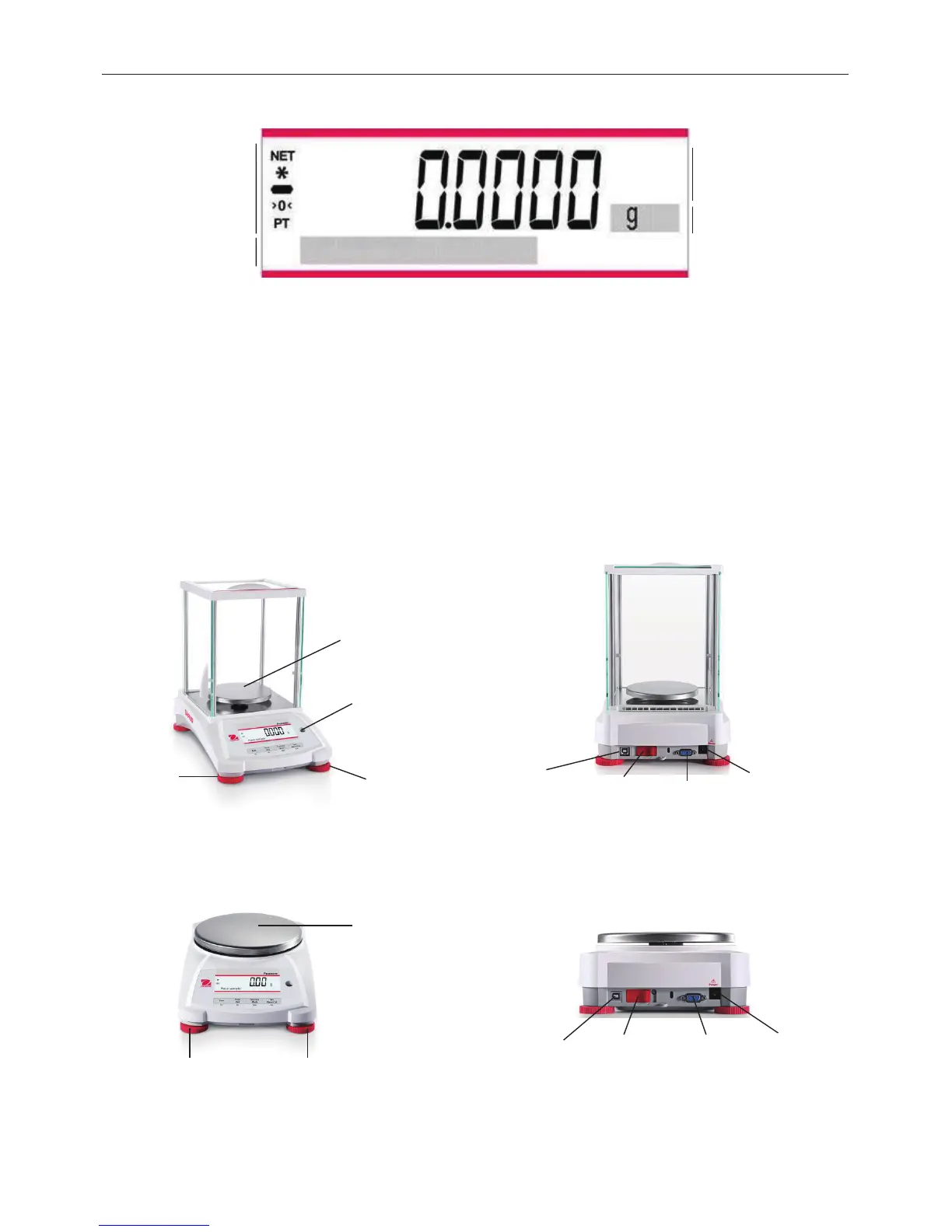
MAIN APPLICATION SCREEN
3.2 Principal Functions and Main Menu
First press Zero to set the display to zero. Place an object on the pan. The display indicates the
gross weight.
With no load on the pan, press Zero to set the display to zero. Place an empty container on the
pan and press
Tare. Add material to the container and its net weight is displayed.
the objects are removed, the load will be displayed
as a negative number. Press
Tare to clear.
Press Zero to zero the balance.
The relevant data in the specific application mode are shown in the dot-matrix display area.
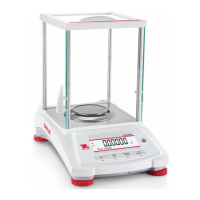
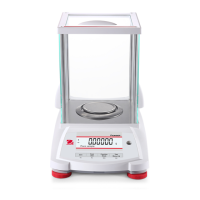
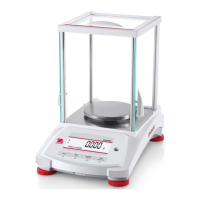
3.3 Overview of Parts and Features – Draft Shield Models
3.4 Overview of Parts and Features – Non-Draft Shield Models
Result Field:
Information
varies
by application
Unit
Net (NET)
Stability (*)
Negative (-)
Centre of Zero (>0<)
Pre-tare (PT)





 To Next Page