43502101TH Rev.1 125 /
Oki Data CONFIDENTIAL
0.50 *
0.54
0.42
0.46
STRB TIM
0.50 *
LCD display
LED HEAD
0 *
If the Item+ key is
pressed menu change.
-16
-15
˜
-1
0 *
+1
˜
+15
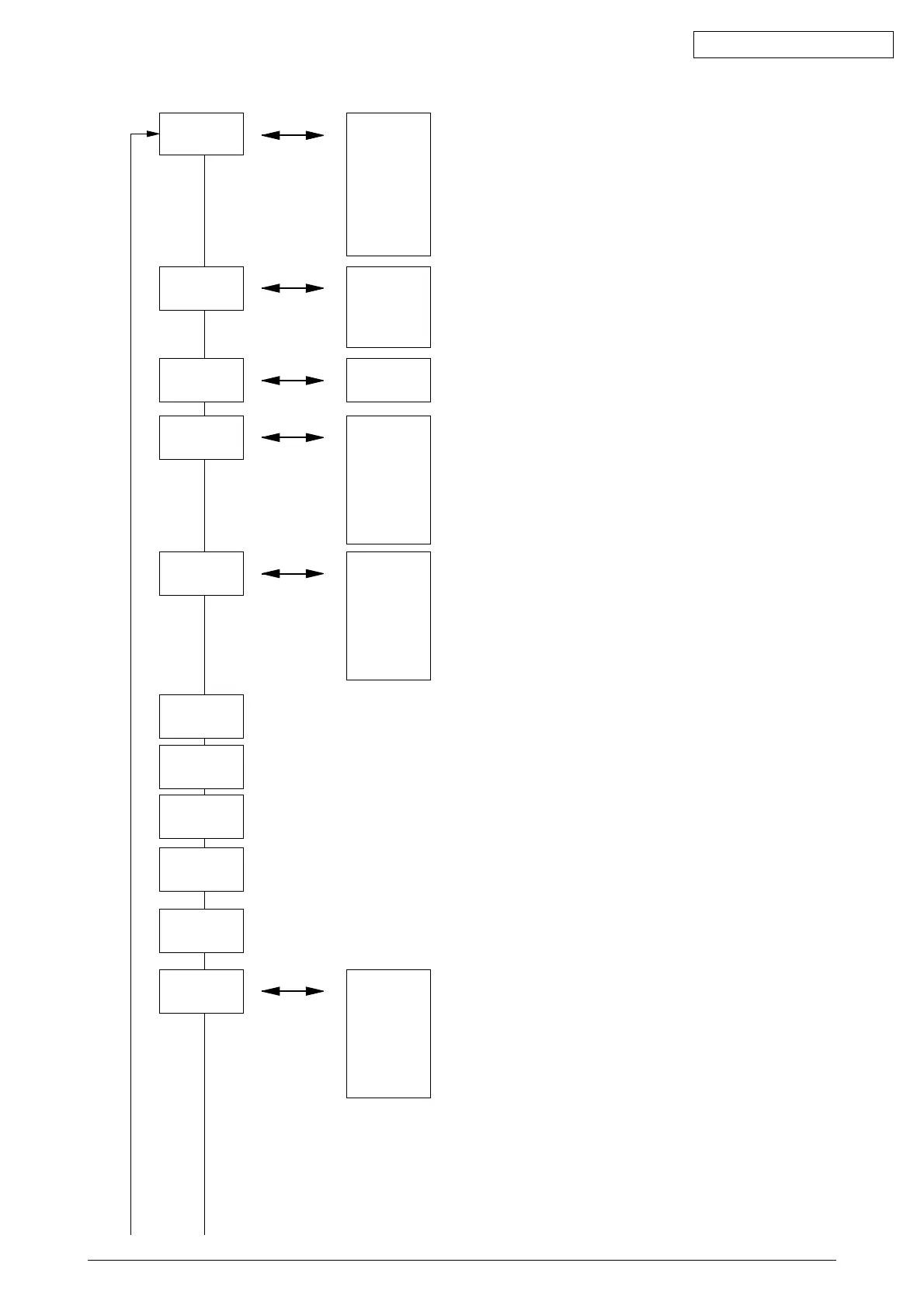
Sets the strobe time in 600 × 1200DPI mode in the val-
ue relative to that om 600 × 600DPI mode.
Sets the LED head’s drive time.
OPT HEAD
Press the Value+ or Value- key.
Press the Value+
or Value- key.
OPT HEAD
STEP3
OPT HEAD
ODD/EVN*
Sets the type of LED HEAD installed.
Press the Value+
or Value- key.
0 mm *
+0.5mm
˜
+3.5mm
-4.0mm
˜
-0.5mm
PRINTPOS
0 mm *
Sets the print start position.
Press the Value+
or Value- key.
0 mm *
+1 mm
˜
+7 mm
-8 mm
˜
-1 mm
T1 POS
0 mm *
Sets the amount of feeding paper from the default tray.
(Sets the amount to TOF position).
Press the Value+
or Value- key.
0 mm *
+0.5mm
˜
+3.5mm
-4.0mm
˜
-0.5mm
LENSHIFT
0 mm *
Sets image stretch/shrink correction (Micro-tuning in
LSYNC cycle).
Press the Value+
or Value- key.
DRUM CNT
T nnnnnn
Displays Drum Count Total.
Displays on the LCD the total drum rotations counted by the engine.
DRUM CNT
nnnnnn
Displays Drum Count.
Displays on the LCD the EP drum rotations counted by the engine.
PAGE CNT
nnnnnn
Displays Page Count.
Displays on the LCD the total number of printed pages that are counted by the Engine.
DOT CNT
T nnnnnn
Displays Page Dot Counter.
Displays on the LCD the number of printed dots since a toner cartridge has been
changed.
DOT CNT
nnnnnn
Displays Page Dot Counter.
Displays on the LCD the number of printed dots since a new toner cartridge has been
installed.
Press the Value+
or Value- key.



 To Next Page