EasyManua.ls Logo

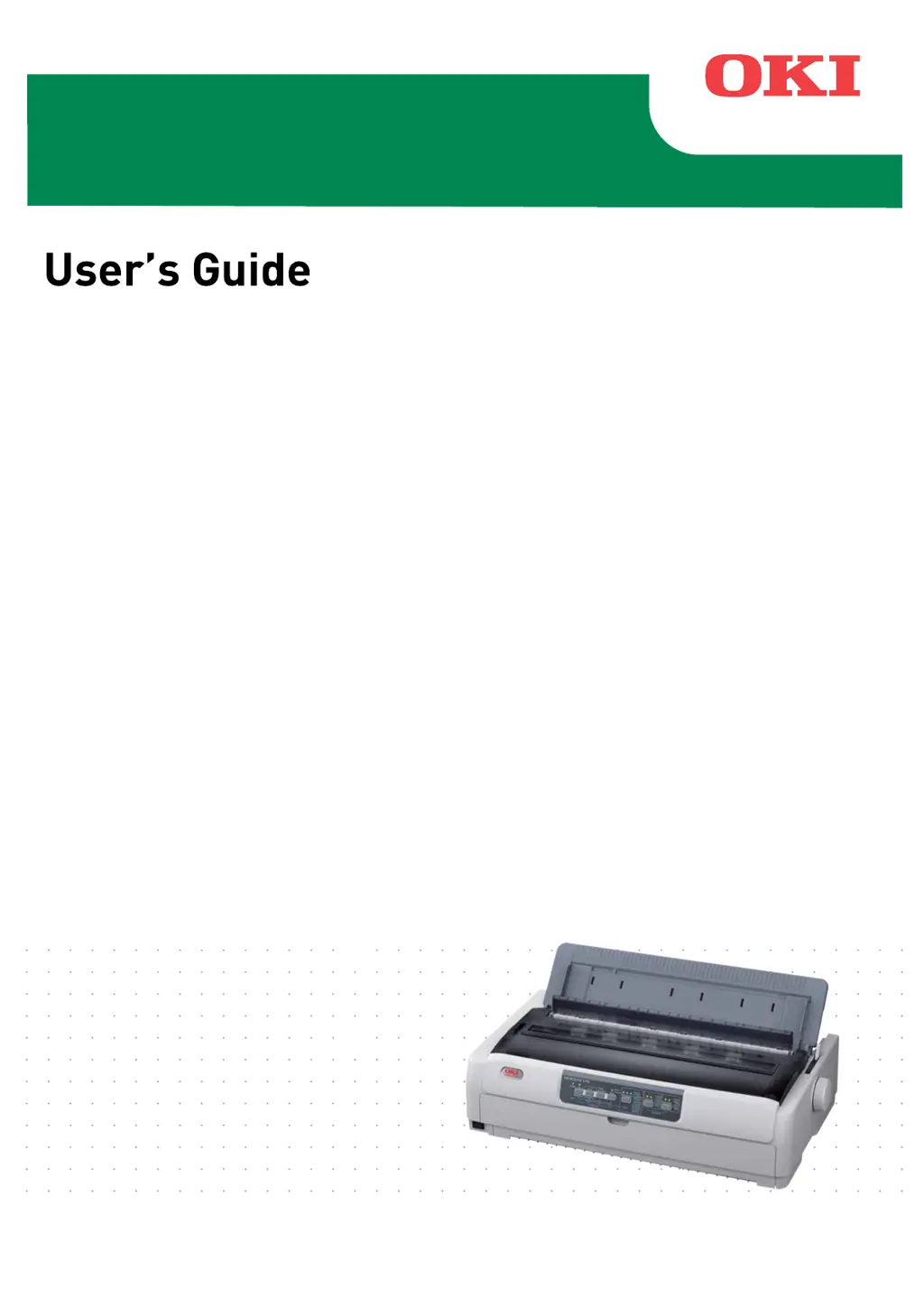
Oki ML5720 - User Manual

Oki ML5720
82 pages
Print Icon
To Next Page IconTo Next Page
Loading...
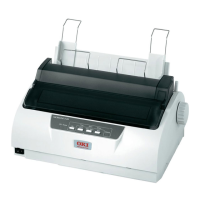
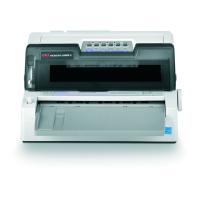
ML5720/ML5721/ML5790/ML5791

Table of Contents

Questions and Answers

  • M
    Mrs. Christina WilliamsSep 3, 2025
    Why does the print carriage not operate on my Oki Printer?
    • S
      sue02Sep 3, 2025
      If your Oki Printer's print carriage isn't operating, it could be due to contamination on the carriage shaft. Clean any paper dust and contamination from the carriage with a dry cloth.
  • A
    Alexander LeonardSep 1, 2025
    Why does my Oki ML5720's print direction suddenly change to unidirectional?
    • T
      Tommy OlsenSep 2, 2025
      If your Oki Printer suddenly changes the print direction to unidirectional, it's likely because the print head is overheating. The printer automatically starts unidirectional split printing to manage this.
  • A
    Audrey JacksonAug 31, 2025
    What to do if the Paper Type lever is wrongly set on my Oki ML5720?
    • J
      James DavisAug 31, 2025
      If your Oki Printer's paper type lever is incorrectly set for the type of paper you're using, press the SEL button and adjust the Paper Type lever to the correct position.
  • R
    Richard WardAug 29, 2025
    What to do if the interface cable is not properly connected to my Oki ML5720 Printer?
    • H
      Hannah MillerAug 29, 2025
      If the interface cable is not properly connected to your Oki Printer, reconnect the cable correctly.
  • H
    Heidi WilliamsAug 28, 2025
    How to fix incorrect print setup for the user application on my Oki ML5720?
    • J
      Jeremy SmithAug 28, 2025
      To correct an incorrect print setup for the user application on your Oki Printer, reselect the print setup for the applications according to priority.
  • N
    Natalie JordanAug 26, 2025
    What to do if printing cannot be resumed on my Oki ML5720 Printer?
    • K
      Kelly TorresAug 27, 2025
      If you cannot resume printing at this stage on your Oki Printer, turn the power OFF, check that the carriage moves properly, and then turn the power ON again.
  • D
    Desiree LawsonAug 25, 2025
    Why is the print head moving on my Oki ML5720, but no printing takes place?
    • S
      Shannon HopkinsAug 25, 2025
      If the print head on your Oki Printer is moving but no printing is occurring, the ribbon cartridge may not be installed. Ensure that the ribbon cartridge is properly installed.
  • K
    Kristine CarrAug 23, 2025
    What to do if my Oki ML5720 Printer receives data but doesn't feed paper?
    • C
      Craig KimAug 23, 2025
      If your Oki Printer isn't feeding paper, but is receiving print data, insert paper into the printer.

Summary

PREFACE

MANUFACTURER

IMPORTER TO THE EU;AUTHORISED REPRESENTATIVE

Environmental Information

NOTES, CAUTIONS AND WARNINGS

INTRODUCTION

ABOUT THIS GUIDE

Explains the structure and components of the user support documentation.

ON-LINE USAGE

Guides on how to read the manual on screen using Adobe Acrobat Reader.

GETTING STARTED

IDENTIFYING PRINTER PARTS

Identifies and explains the printer's front, internal, and rear views.

PRINTER LOCATION AND POWER

Guidelines for printer placement and power connection procedures.

PRODUCING A TEST PRINT

Procedure for printing a test page to verify printer operation.

CONNECTING TO A COMPUTER

INTERFACE AND CONNECTION

Details on available interfaces, connection methods, and emulations.

DRIVER INSTALLATION AND TEST PRINT

Steps for installing the printer driver and printing a test page.

PRINTING FROM A COMPUTER

OKI DIPUS UTILITY

Introduction to the OKI DIPUS utility for remote printer control.

CONTROLLING PRINTER VIA DIPUS

Explanation of DIPUS utilities for changing settings and monitoring status.

PAPER HANDLING

LOADING AND FEEDING CONTINUOUS FORMS

Instructions for loading and feeding continuous forms via rear or bottom feed.

HANDLING CUT SHEET PAPER

Procedures for loading, ejecting, and changing paper paths for cut sheet paper.

OPTIONAL PAPER FEEDERS

Installation and usage of optional cut-sheet feeder and roll paper stand.

SETTING PAPER THICKNESS

Guide to setting the paper thickness lever based on paper type and thickness.

OPERATING INSTRUCTIONS

OPERATOR PANEL OVERVIEW

Description of indicators and buttons on the printer's operator panel.

BUTTON FUNCTIONS AND MENU SETTINGS

Details on button functions, menu item settings, and how to change them.

PRINTER SETTINGS TABLES

Tables detailing factory default settings for various printer parameters.

TROUBLESHOOTING

CLEARING PAPER JAMS

Step-by-step guide to clearing paper jams for cut sheet and continuous forms.

RESPONDING TO ALARMS AND PROBLEMS

Tables for identifying and resolving alarm conditions and general printer problems.

CLEANING YOUR PRINTER

PRINTER EXTERIOR AND INTERIOR CLEANING

Procedures and precautions for cleaning the printer's exterior and interior components.

CONSUMABLES AND ACCESSORIES

CHANGING A RIBBON CARTRIDGE

Detailed instructions for replacing the printer's ribbon cartridge.

CONSUMABLE ORDER INFORMATION

Table listing order numbers for consumables like ribbon cartridges.

INSTALLING OPTIONS

INSTALLING CUT-SHEET FEEDER

Step-by-step guide for installing the optional cut-sheet feeder (CSF).

INSTALLING ROLL PAPER STAND

Step-by-step guide for installing the optional roll paper stand (RPS).

INSTALLING INTERFACE CARDS

Information on installing network and serial interface cards, including order numbers.

SPECIFICATIONS

MODEL AND SPECIFICATION DETAILS

Technical specifications including print method, dimensions, weight, power, and environmental conditions.

OKI CONTACT DETAILS

GLOBAL CONTACT INFORMATION

Listing of OKI customer service and support contact details worldwide.

Oki ML5720 Specifications

General IconGeneral
TypeDot Matrix Printer
Print Width136 columns
Maximum Resolution360 x 360 dpi
InterfaceParallel, Serial, USB
Print MethodImpact dot matrix
Number of Pins24 pins
EmulationIBM Proprinter
Noise Level55 dB

Related product manuals