3K5
1-3-23
U071
Adjustment: Trailing edge registration
1. Press the interrupt key.
2. Place an original on the DP and press the start key to make a test copy.
3. Press the interrupt key.
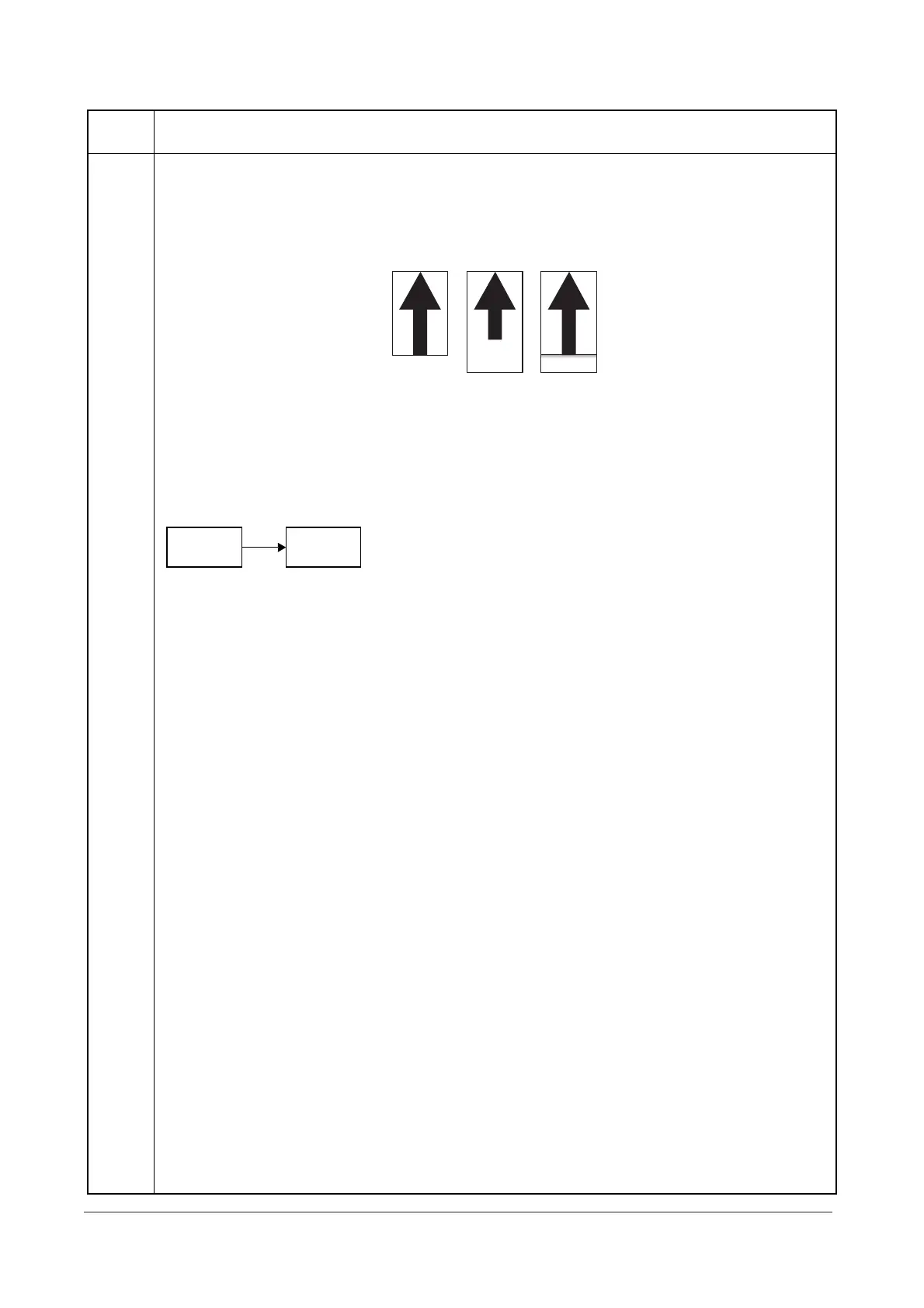
4. Change the setting value using the cursor up/down keys.
For copy example 1, increase the value. For copy example 2, decrease the value.
Figure 1-3-9
5. Press the start key. The value is set.
Caution
Check the copy image after the adjustment. If the image is still incorrect, perform the following adjustments in
maintenance mode.
Completion
Press the stop/clear key. The screen for selecting a maintenance item No. is displayed.
Maintenance
item No.
Description
Original
Copy
example 1
Copy
example 2
U071
U404
(P.1-3-28)
Y108671-9 Service Manual










 To Next Page