3K5-2
1-3-17
1-3-2 Maintenance mode (DP-670/models with monochrome touch panel)
The machine is equipped with a maintenance function which can be used to maintain and service the machine.
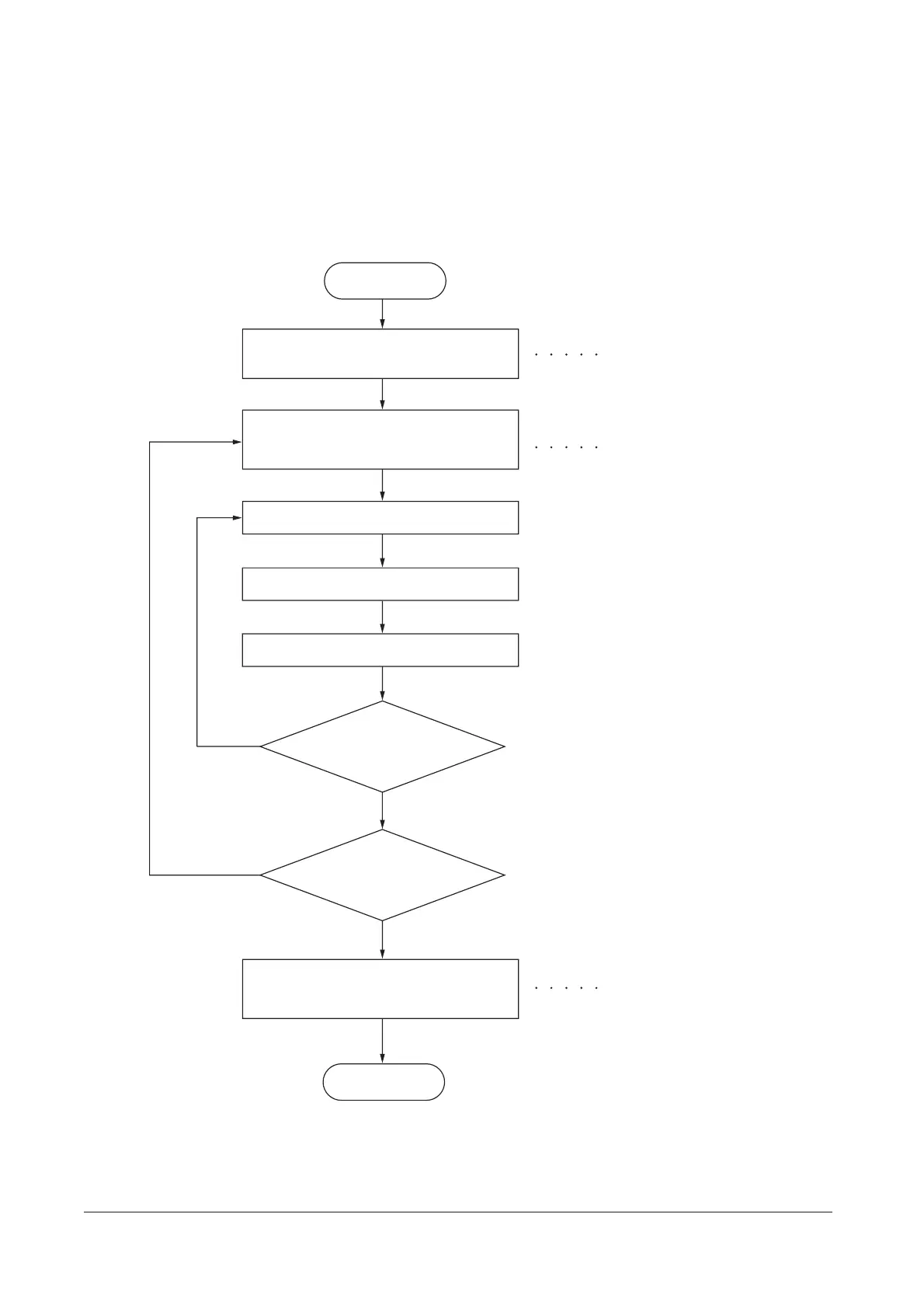
(1) Executing a maintenance item
Enter 10871087 using
the numeric keys.
Enter 001 using the cursor
up/down keys or numeric keys
and press the start key.
Enter the maintenance item
number using the cursor up/down keys
or numeric keys.
The selected maintenance item is run.
Press the stop/clear key.
Press the start key.
Start
End
Maintenance mode is entered.
The maintenance item is
selected.
Maintenance mode is exited.
Repeat the same
maintenance item?
Run another maintenance
item?
No
No
Yes
Yes
Y108671-9 Service Manual










 To Next Page