89
EN
5
Playback functions
Single-frame erase
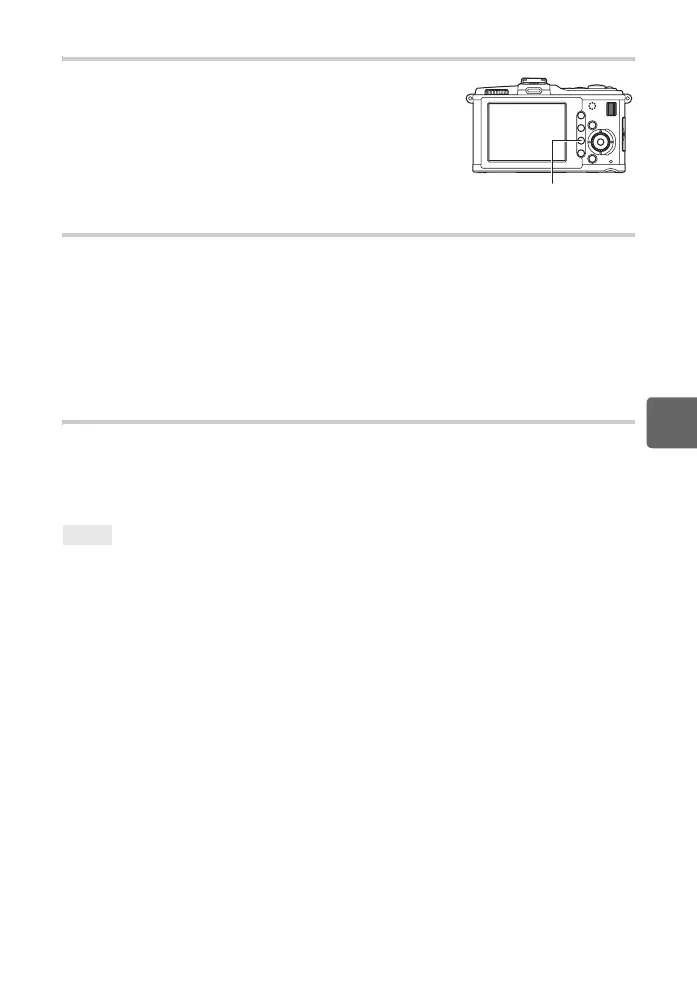
1 Display the images you want to erase and press the D
button.
2 Use fg to select [YES], then press the i button.
Erasing selected frames
During index display, you can select multiple images and erase them all at the same time.
1 Select the images you wish to erase on the index display, then press i.
• The selected images will be shown with v.
• To cancel your selection, press the i button again.
2 Press k to select the next images you want to protect, then press the i button.
3 After you have selected the images to erase, press the D button.
4 Use fg to select [YES], then press the i button.
All-frame erase
1 MENU[W][CARD SETUP]
2 Use fg to select [ALL ERASE], then press the i button.
3 Use fg to select [YES], then press the i button.
• All frames will be erased.
To erase immediately:
j If you have set “QUICK ERASE” (gP. 106) to [ON], pressing the D button will erase an image
immediately.
j You can set the initial position of the cursor to [YES]. g“PRIORITY SET” (P. 107)
TIPS
D button
s0026_e_00_0_unified.book Page 89 Tuesday, September 29, 2009 10:30 AM



 To Next Page