Getting Started
26
i--SPEED LT, i--SPEED 2
5.2 Use with the CDU
This section describes the basic steps required to start using the
i-- SPEED LT, i-- SPEED 2 camera system with the CDU. Additional
information regarding functionality of the CDU can be found in Chapter 6
.
1. Connect the system as described in Chapter 4, then connect the
mains power cable to a suitable AC wall outlet and switch the
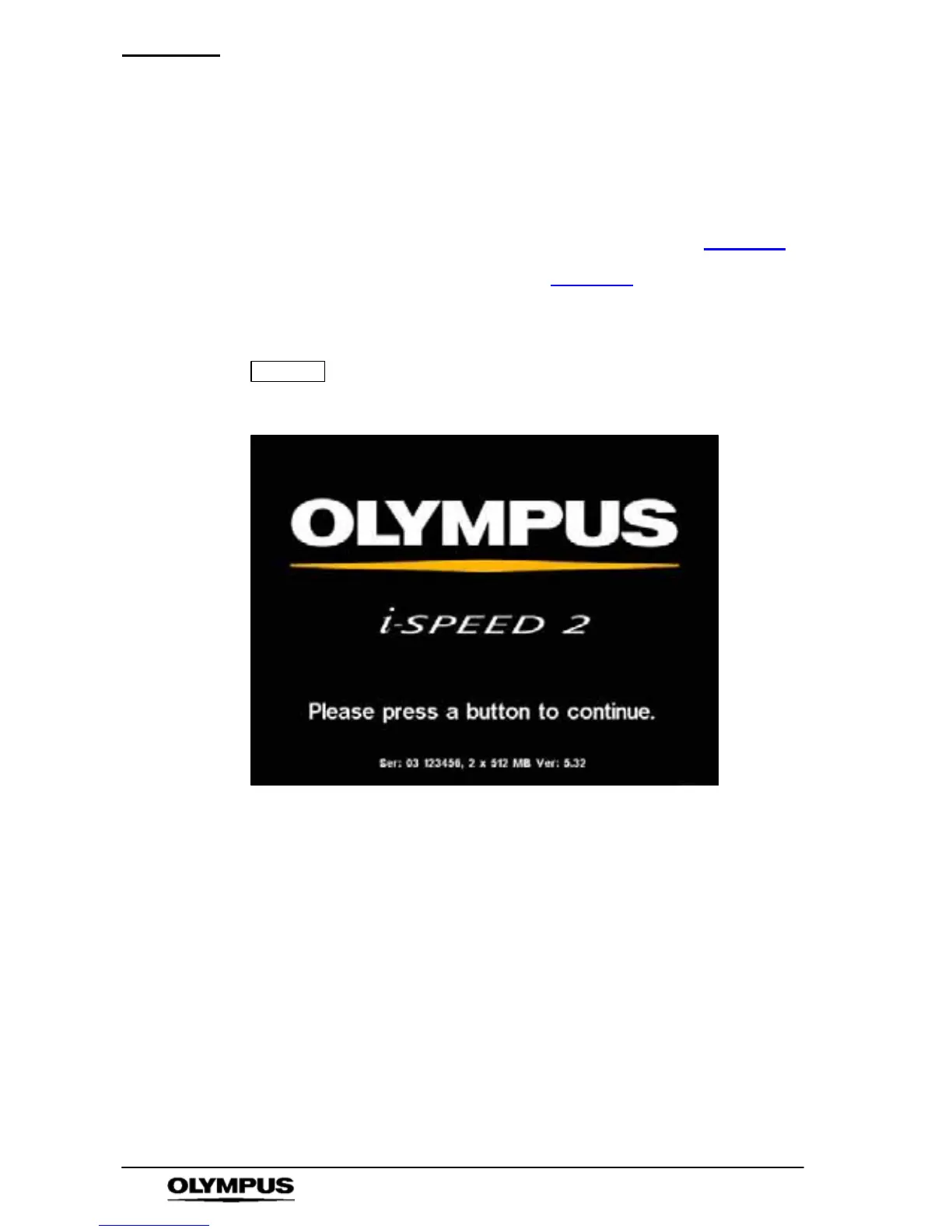
power ON -- the i-- SPEED 2 splash screen is displayed on the CDU.
NOTE
When using the i-- SPEED 2 HG, the lens must be
completely covered (eg with a lens cap) from power on
until the splash screen appears.
2. Press any key, a li ve video i mage is di spl ayed on the CDU. Adjust
the lens focus and i ris as requi red t o achieve a shar p, bri ght image.



 To Next Page