3 Checking and starting the operation
3-4 Operations using the LCD menu
BU5002R/BU3002R/BU3002RH
☆: Displayed only when the UPS is stopped. Not displayed while the UPS is running.
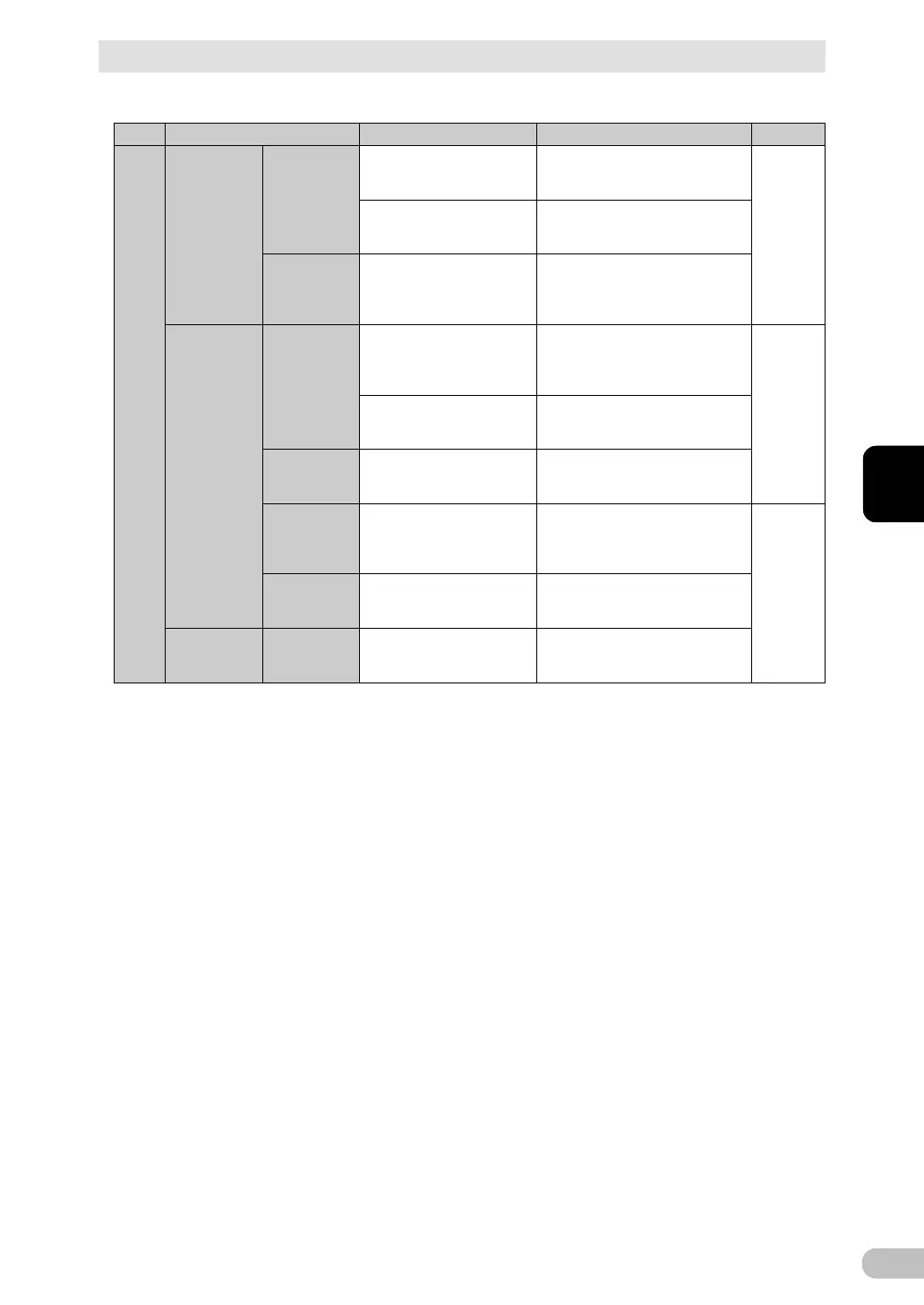
Sets the battery level for
reboot.
Reboot battery level:
0 to 100%
(Factory default: 0%)
Selects a mode for reboot.
(Note 4)
Auto reboot mode:
Mode A (factory default)
Mode B
Switches the operation mode
of the power switch.
Power switch off mode:
UPS shutdown
(factory default),
UPS + PC shutdown
Sets the interval of
self-diagnostic test
execution.
Battery test:
Start up/Every 4week
(factory default),
Start up, Every 4 week, Disable
Selects whether to notify the
user about the battery’s end
of life.
Battery life counter:
Enabled (factory default), Disabled
Set the date when the
battery was replaced.
Battery installation date:
Year, month, day
(Factory default: 1/1/2020)
Sets the time to stop the
output of the UPS.
Maximum backup time:
Disabled (factory default),
Enabled: 10 to 999 seconds,
Enabled: 1 to 9999 minutes
Sets the level at which a low
battery warning can be
detected.
Low battery warning:
30% (factory default),
Change the level: 0 to 100%
Sets the condition for BS
signal reception.
BS signal valid range:
Always enabled (factory default),
Only for backup operation



 To Next Page