Infotainment system 109
1 Display / touch screen ........ 113
2 m (knob)
Turn: adjust volume ............ 110
3 m (button)
Short press: mute system ...110
or deactivate mute
function if mute function is
active ................................... 110
or exit low power mode if
low power mode is active .... 110
Long press: turn on low
power mode ........................ 110
4 p
Press: display the
Infotainment home screen ..113
5 t / v
Short press: skip to
previous or next station
when radio active ................ 121
or skip to previous or next
track when external
devices active ..................... 128
Long press: seek up or
down when radio active ...... 121
or fast forward or fast
rewind when external
devices active ..................... 128
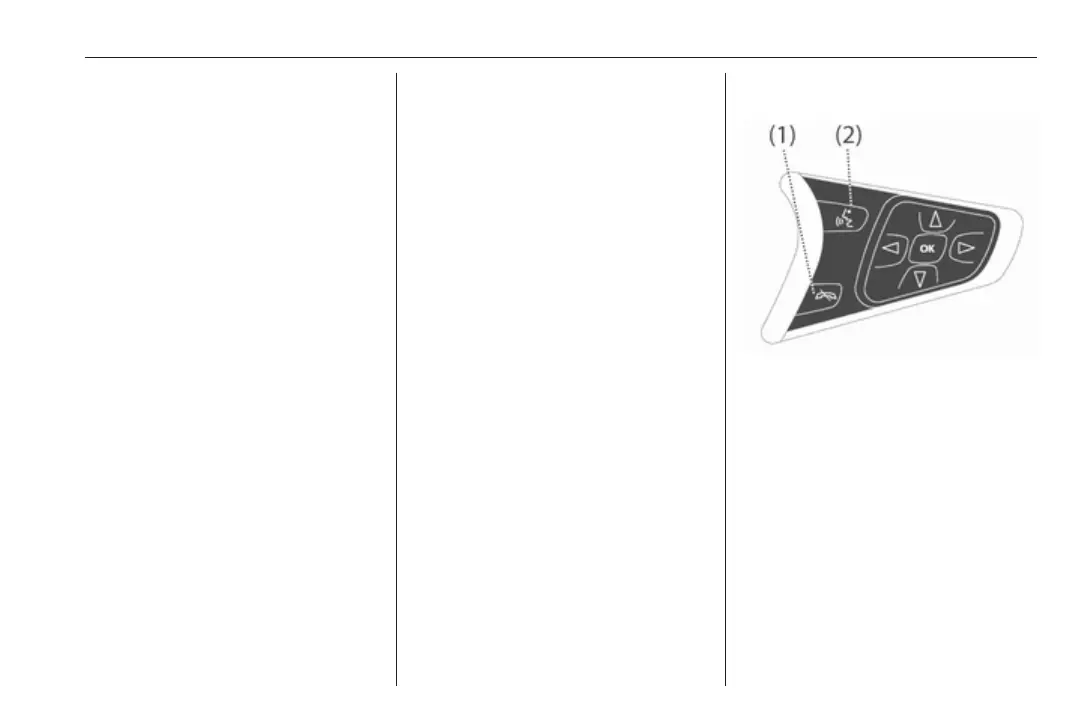
Steering wheel controls
1 n
Press: end/decline call ........ 137
or deactivate speech
recognition .......................... 133
or activate/deactivate
mute function ...................... 110
2 w
Short press: open OnStar
menu if no phone
connected ........................... 110
or open the phone menu ..... 137



 To Next Page