Driving and operating 203
To store a Home location:
1. From the Energy home screen,
touch Energy settings.
2. Touch Location-based charging.
3. Touch Set home location v.
4. Touch OK.
5. Touch On to enable Location-
based charging.
To change the stored Home location:
1. Touch Update Home Location v
on the Location-based charging
screen.
2. Touch Update, then OK to set the
new home location.
● Touch Cancel to make no
changes.
● Touch Remove to clear the
location and turn location
based charging off.
Charging interrupted or
overridden pop-up
The Charging override / interruption
occurred pop-up will appear if any of
the following conditions occur:
● The charging settings have been
modified via OnStar through the
website or the mobile app. For
example, the departure time
tables, the rate tables, or the
charge mode were updated using
the customer website (available
in select regions).
● There was an unintended loss of
AC power during the plug-in
charge event. For example, there
was a power outage or the
charge cord was unplugged from
the wall.
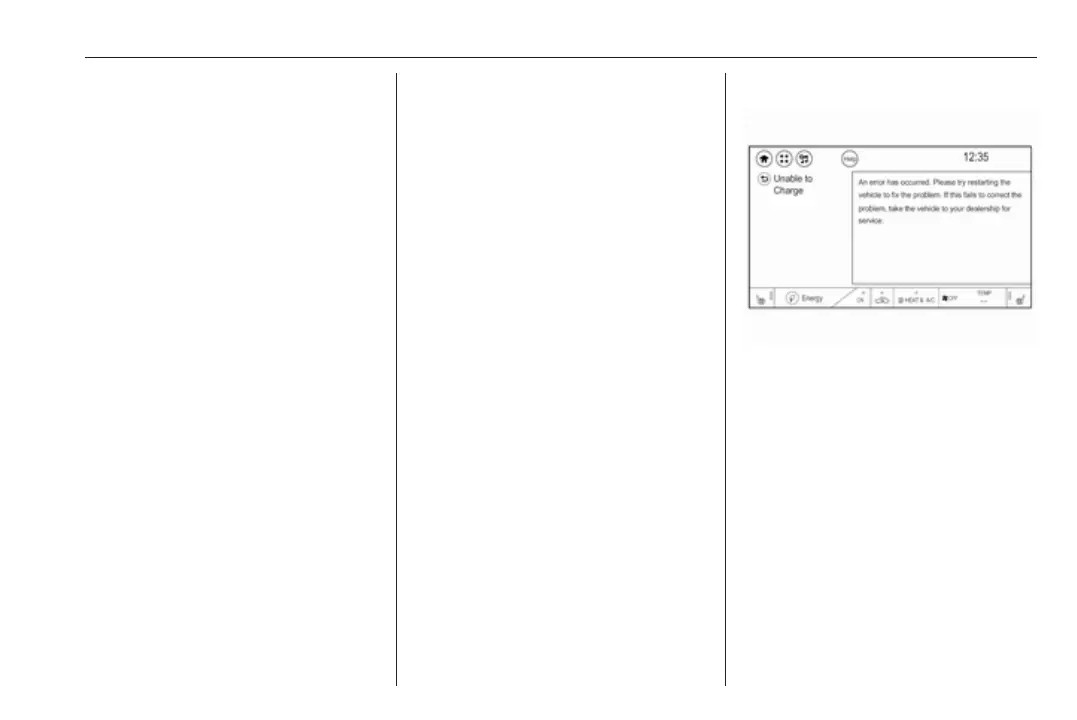
Programmable charging disabled
When the programmable charging
system is disabled, the Unable to
charge screen will be displayed.
Programmed charging
override
To temporarily override a delayed
charge event, unplug the charge cord
from the charge port and then plug it
back in within five seconds. A single
horn chirp will sound and charging will
begin immediately.



 To Next Page