130 Infotainment system
To delete a song, fling the respective
list item to the right. The favourite is
wiped from the favourites list.
Alternatively, touch s. The favourite
is deleted from the list and the screen
button changes to t.
Retrieving songs
Activate the < tab to display the
favourites list.
Select the preset screen button on
which the desired song is stored.
Audio settings
Activate the desired audio source and
then select Menu.
Select the Audio settings tab. Adjust
the settings as desired.
To return from the audio menu to the
audio main screen, select Now
playing.
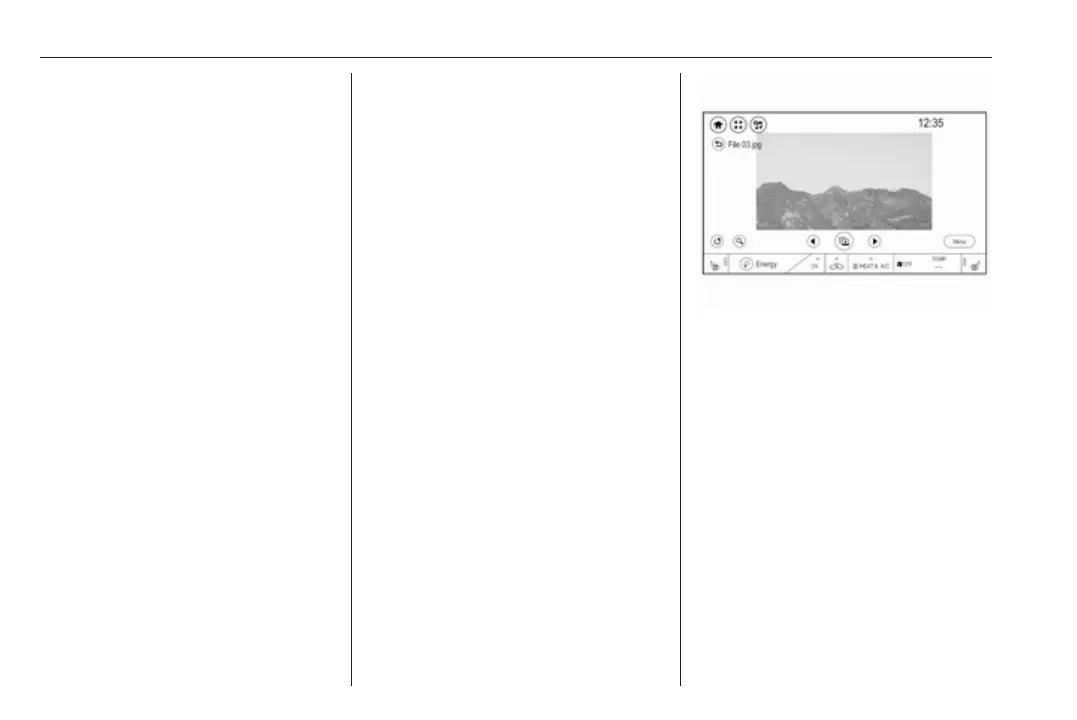
Displaying pictures
You can view pictures from a USB
device connected to the USB port.
Note
For your safety, some features are
disabled while driving.
Activating the picture function
If the device is not yet connected to
the Infotainment system, connect the
device 3 126.
Press p and then select 1 in the top
left corner of the screen to display the
application overview screen.
Select Gallery to open the media
main menu.
Select y to open the picture main
menu displaying a list of items stored
on the USB device. Select the desired
picture.
Touch the screen to hide the menu
bar. Touch the screen again to
redisplay the menu bar.
Function buttons
Viewing the next or previous picture
Touch j to view the next picture.
Touch i to view the previous picture.
Rotating a picture
Select v to rotate the picture.
Zoom in on a picture
Touch ½ to zoom in on a picture or to
return to its original size.



 To Next Page