Infotainment system 123
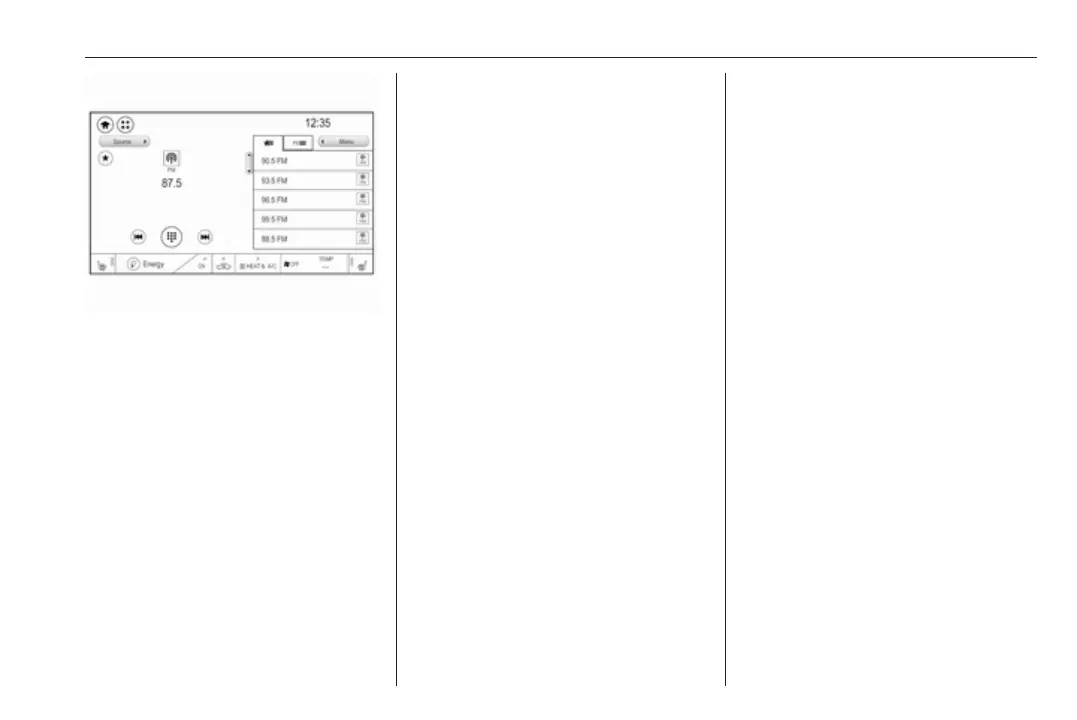
Storing a station
Activate the desired waveband and
station.
Activate the < tab to display the
favourites list. Touch and hold the
desired list item for a few seconds.
The currently active frequency or
station is stored to the list item.
Alternatively, select t on the screen
or in a list. The favourite is saved and
the screen button changes to s.
To delete a station, fling the
respective list item to the right. The
favourite is wiped from the favourites
list.
Alternatively, touch s. The favourite
is deleted from the list and the screen
button changes to t.
Retrieving stations
Activate the < tab to display the
favourites list.
Select the preset screen button on
which the desired radio station is
stored.
Radio data system (RDS)
RDS is a service of FM stations that
considerably facilitates the finding of
the desired station and its fault-free
reception.
Advantages of RDS
● On the display, the programme
name of the station appears
instead of its frequency.
● During a station search, the
Infotainment system tunes in to
RDS stations only.
● The Infotainment system always
tunes into the best receivable
broadcasting frequency of the set
station by means of AF
(alternative frequency).
● Depending on the station that is
received, the Infotainment
system displays radio text that
can contain e.g. information on
the current programme.
RDS configuration
To use the RDS functions, RDS has
to be activated.
Activate the FM waveband. Select
Menu to open the corresponding
waveband-specific submenu and
then select the Audio settings tab.



 To Next Page