110 Infotainment system
or take phone call if phone
connected ........................... 137
Long press: activate
speech recognition .............. 133
Press FAV n or FAV o to display
the favourites list and choose one of
the favourites stored.
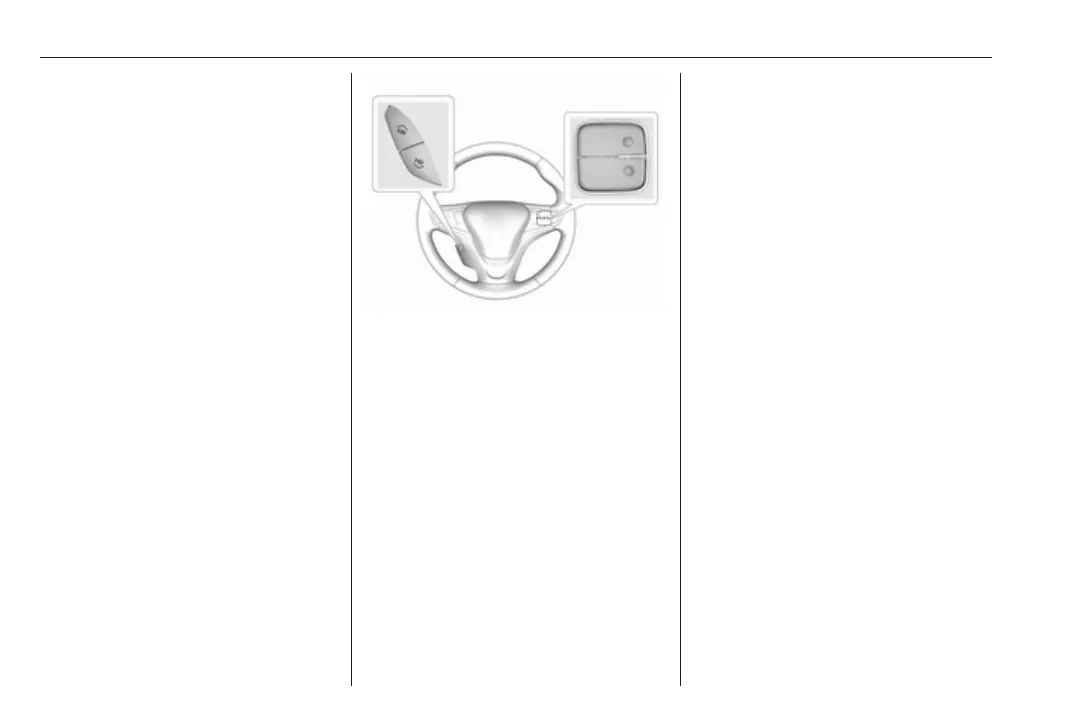
Press the buttons behind the steering
wheel on the right side to adjust the
volume.
Usage
Control elements
The Infotainment system can be
operated in different ways.
Inputs are made optionally via:
● the central control unit in the
control panel 3 108
● the touch screen 3 113
● audio controls on the steering
wheel 3 108
● the speech recognition 3 133
Switching the Infotainment
system on or off
The Infotainment system is switched
on automatically when the vehicle is
turned on. After switching on, the last
selected Infotainment source
becomes active.
Automatic switch-off
If the Infotainment system has been
switched on by pressing X while the
vehicle is switched off, it will switch off
again automatically 10 minutes after
the last user input.
Low power mode
To save high voltage battery power, a
low power mode is available.
If desired, you may turn the display off
while the sound remains active.



 To Next Page