Infotainment system 121
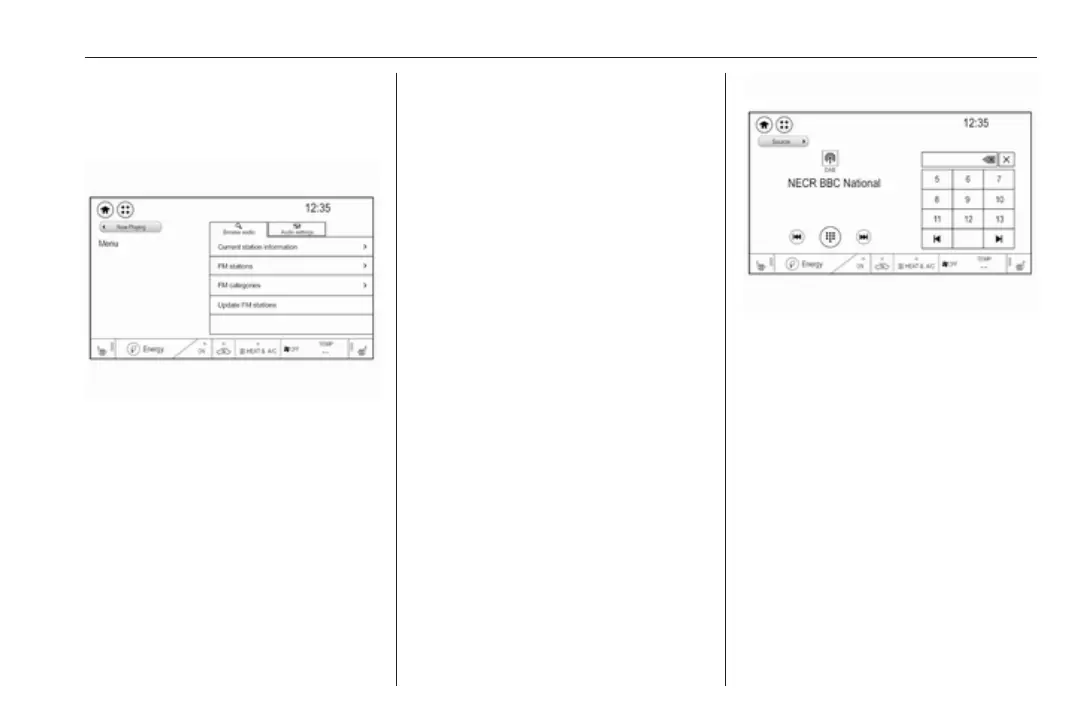
Audio menu
Select Menu to display the audio
menu.
To return from the audio menu to the
audio main screen, select Now
playing.
Current station information
From the FM or DAB main screen,
select Menu and then activate the
Browse audio tab.
To display additional information on
the station currently playing, select
Current station information.
Station search
Automatic station search
Briefly press or touch t or v on the
control panel or on the screen to play
the previous or next station available.
Manual station search
Press and hold t or v on the
control panel. Release when the
required frequency has almost been
reached.
A search is made for the next station
that can be received and it is played
automatically.
Note
FM waveband: when the RDS
function is activated, only RDS
stations 3 123 are searched for, and
when the radio traffic service (TP) is
activated, only traffic service
stations 3 123 are searched for.
Station tuning
Touch x on the screen. The tuning
display is shown.
Enter the desired frequency.
Use { to delete digits entered.
Select x to delete the whole input. If
necessary, touch d or c to
subsequently adjust the input.
Note
A "." between the digits is
automatically added by the system
at the right location.
Stations lists
Stations
Select Menu to open the
corresponding waveband-specific
submenu.



 To Next Page