86 Instruments and controls
Open source software
System settings3 117.
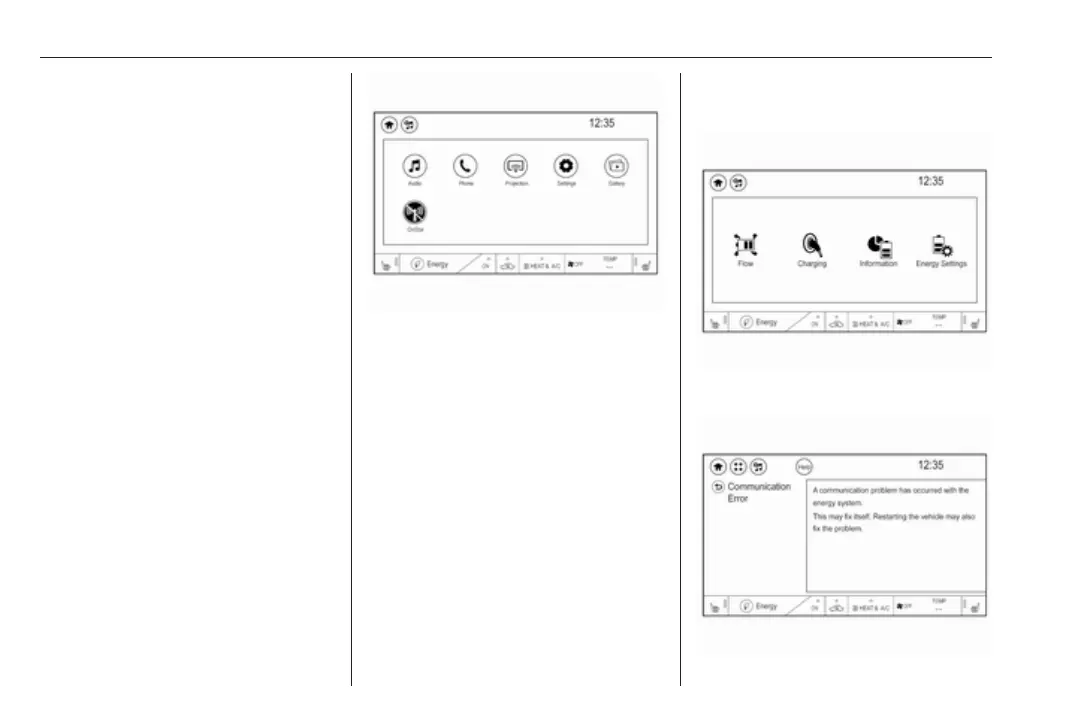
Info display
The Info display can indicate:
● climate control 3 142
● Infotainment system 3 108
● settings for vehicle
personalisation 3 92
● power flow information
● programmable charging settings
● energy information
● indication of rear view camera
3 185
● outside temperature 3 69
● indication of parking assist
instructions 3 174
Selecting menus and settings
Menus and settings are accessed via
the display.
Touch p to display the homepage.
Touch required menu display icon.
Touch a respective icon to confirm a
selection.
Touch 9 to return to the next higher
menu level.
Touch p to return to the homepage.
Control elements overview 3 108.
Vehicle personalisation 3 92.
Energy
Shows energy applications provided
by the system.
1. Touch Energy.
2. Select the desired menu.
Communication error



 To Next Page