Instruments and controls 83
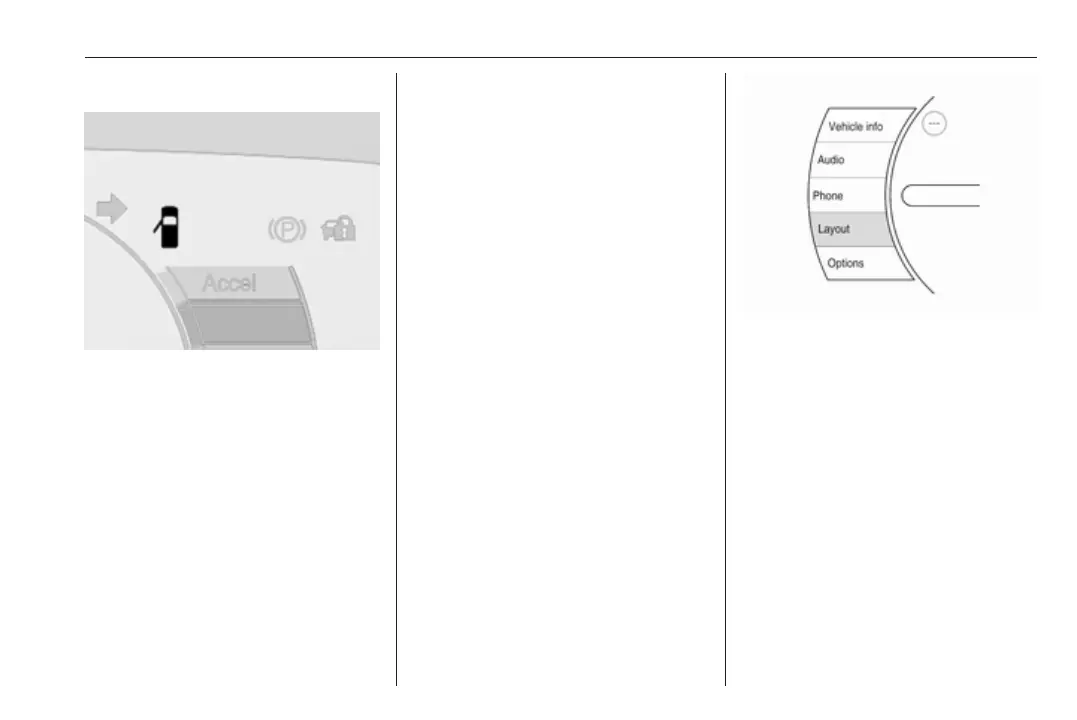
Door open
The indicator shows if a door, the
bonnet or the tailgate is open. The
symbol changes accordingly.
An additional graphic is shown in the
Driver Information Centre every time
the bonnet or the tailgate are opened.
Driver Information Centre 3 83.
Information displays
Driver Information Centre
The Driver Information Centre is
located in the instrument cluster.
Driver Information Centre indicates
depending on the equipment:
● overall and trip odometer
● vehicle information
● trip information
● economic information
● vehicle and warning messages
● audio and infotainment
information
● phone information
● vehicle settings
Menu pages are indicated by
pressing ] on the steering wheel.
Press { or } to select a menu, press
9 to confirm. Selectable menu pages
are:
● Vehicle info
● Audio
● Phone
● Layout
● Options
Some of the displayed functions differ
when the vehicle is being driven or at
a standstill. Some functions are only
available when the vehicle is at a
standstill.
Selecting menus and functions
The menus and functions can be
selected via the buttons on the right
side of the steering wheel.



 To Next Page