84 Instruments and controls
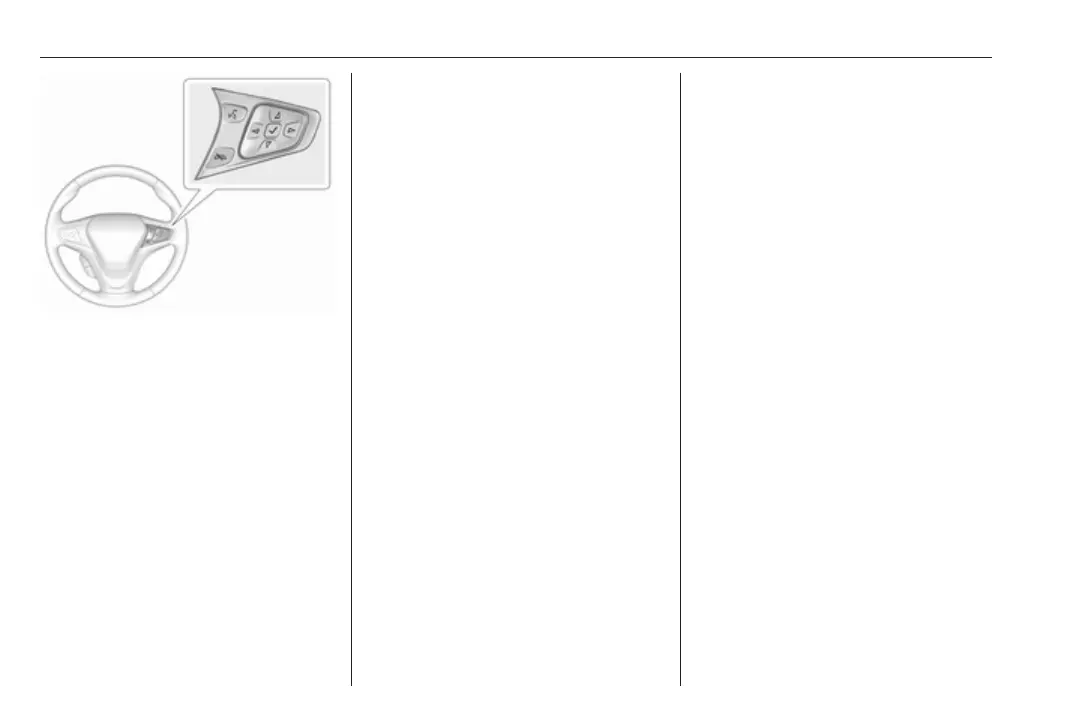
Press ] to open main menu page.
Select a main menu page with
{ or }.
Confirm a main menu page with 9.
Once a main menu page is selected,
press { or } to select subpages.
Press [ to open the next folder of the
selected subpage.
Press { or } to select functions or to
set a numeric value, if required.
Press 9 to select and confirm a
function.
If the Driver Information Centre
requests the driver to confirm a
function or message by pressing 9.
Once a main menu page is selected,
this selection remains stored until
another main menu page is selected.
This means once the Vehicle info
menu page is selected, you can
change the subpages just by pressing
{ or }.
Vehicle and service messages pop-
up in the Driver Information Centre
when required.
Confirm messages by pressing 9.
Vehicle messages 3 90.
Vehicle info
The following list contains all possible
Vehicle info menu pages. Some may
not be available for your particular
vehicle. Depending on the display,
some functions are symbolised.
Press { or } to select a page:
● Trip
● Tyre pressure (kPa)
● Average speed
● Timer
● Traffic sign assistant
● Following distance
● Blank page
Trip
Trip odometer displays the current
distance and the current average
electrical energy economy since a
certain reset.
The distance counts up to
99,999.9 km then restarts at 0.
The average electrical energy
economy displays the approximate
average kWh per 100 kilometres
(kWh/100 km).
To reset, press and hold 9.
Tyre pressure (kPa)
Checks tyre pressure of all wheels
during driving 3 233.
Average speed
Display of average speed. The
measurement can be reset at any
time.
Timer
To start and stop, press 9. To reset,
press > and confirm reset.



 To Next Page