128 Infotainment system
The Infotainment system can play the
following audio, picture and movie
files stored on external devices.
Audio files
The playable audio file formats are
MP3 (MPEG-1 Layer 3, MPEG-2
Layer 3), WMA, AAC, AAC+, OGG,
WAF (PCM), AIFF, 3GPP (audio only)
and Audio Books (MP3, WMA, AAC,
AA).
The playlist formats recognised by
the system are ASX, M3U, PLS,
WPL, B4S and XSPF.
Picture files
The displayable picture file formats
are JPG, BMP, PNG and GIF.
Movie files
The playable movie file formats are
AVI and MP4.
The maximum resolution is 1280 x
720 pixels. The frame rate must be
less than 30 fps.
The usable codec is H.264/MPEG-4
AVC.
The playable audio formats are MP3,
AC3, AAC and WMA.
Playing audio
Activating the music function
If the device is not yet connected to
the Infotainment system, connect the
device 3 126.
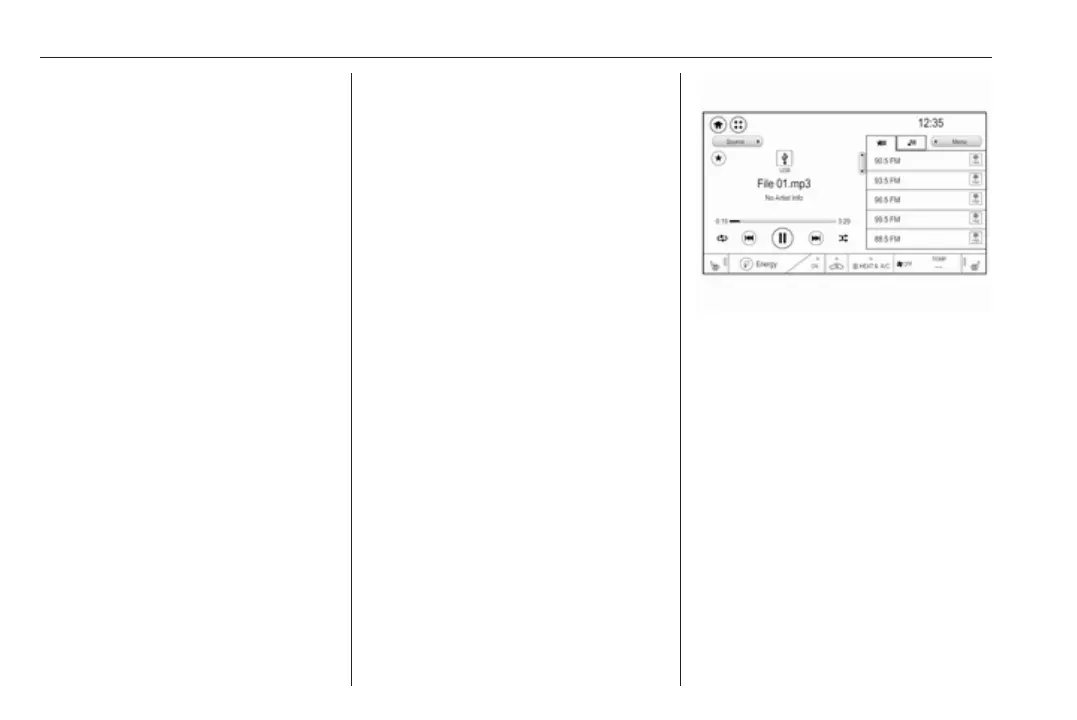
The respective audio main menu is
displayed automatically and playback
is started.
Note
If you want a USB device to directly
start playback after connection,
make sure that USB Auto Launch is
activated in the Settings menu.
If playback is not started
automatically take the following
steps:
Press p and then select 1 in the top
left corner of the screen to display the
application overview screen.
Select Audio to open the audio main
menu last selected.
Select Source and then activate the
desired media source to open the
respective audio main menu.
Playback of an audio track starts.
The following functions can be used
to operate the media source.
Depending on the device, some
functions may not be available.
Function buttons
Interrupting and resuming playback
Touch = to interrupt playback. The
screen button changes to l.
Touch l to resume playback.
Playing the next or previous track
Touch v to play the next track.
Touch t within the first seconds of
the track playing to return to the
previous track.



 To Next Page