90 Instruments and controls
● Hill Top Reserve: Select Off, On,
On – home only, or On – away
only. Regenerative braking
3 160.
● Energy summary pop-up: Set the
energy summary pop-up feature
to On or Off.
● Charge status feedback: Set the
charge status feedback feature to
Horn chirps or Off.
● Charge power loss alert: This
feature allows an alert to sound
when the vehicle is charging and
loses power at the electrical
outlet. Set the charge power loss
alert feature to On or Off.
● Radio power down: This allows
high voltage battery power to be
conserved. Set the value for the
reminder to be displayed. To set
high voltage battery charge level
for Radio power down, touch
Energy, then Energy settings,
then Radio power down. Select
Off, 2%, 4%, 6%, 8%, 10%.
Low power mode
This allows high voltage battery
power to be conserved.
1. Press and hold m of the
Infotainment system.
2. Touch Yes on the Info display.
The screen will turn off.
3. Press m again to turn the display
on.
Vehicle messages
Messages are indicated in the Driver
Information Centre, in some cases
together with a warning and signal
chime.
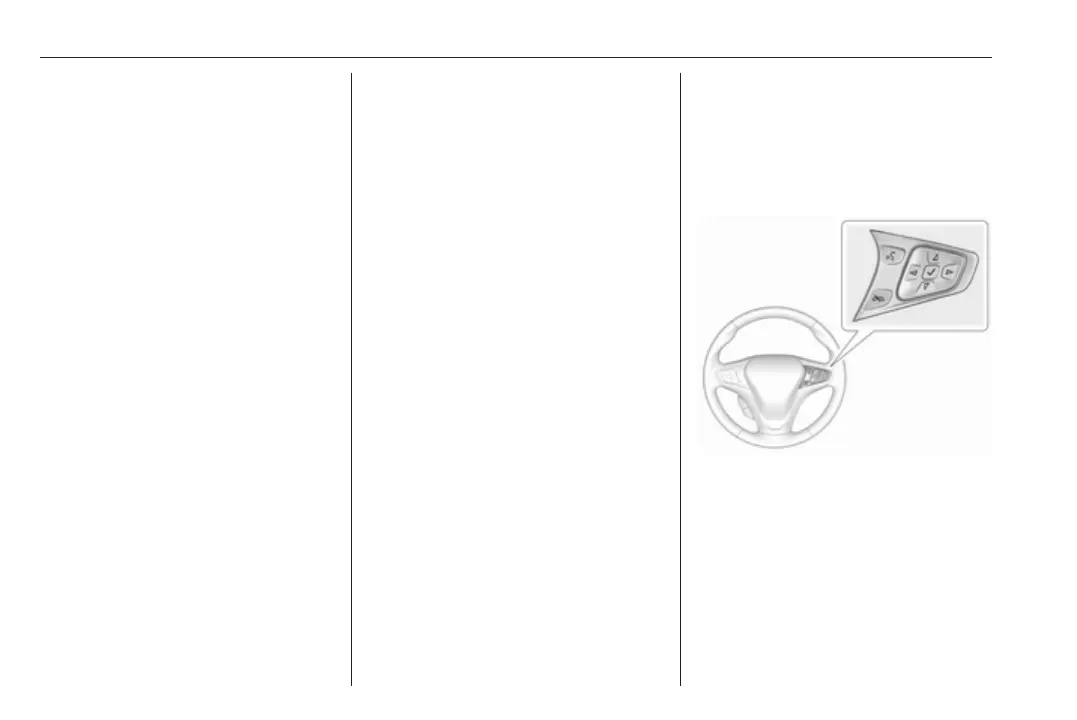
Press 9 on the steering wheel to
confirm a message.
Vehicle and service messages
The vehicle messages are displayed
as text. Follow the instructions given
in the messages.



 To Next Page