114 Infotainment system
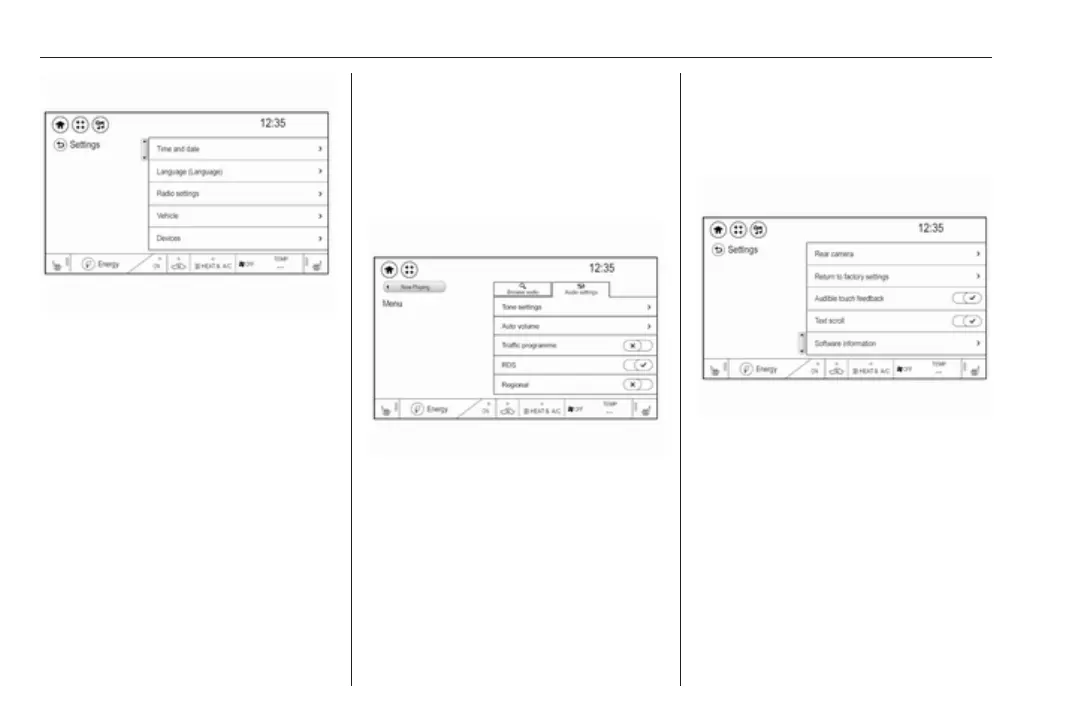
Selecting a screen button or
menu item
Touch a screen button or menu item.
The corresponding system function is
activated, a message is shown, or a
submenu with further options is
displayed.
Note
In subsequent chapters, the
operating steps for selecting a
screen button or menu item via the
touch screen will be described as
"...select <button name>/<item
name>".
Activating a function
Touch the desired menu item.
Depending on the prior setting, the
screen button next to the menu item
changes to activation or deactivation
mode.
Note
In subsequent chapters, the
operating steps for activating a
screen button or menu item via the
touch screen will be described as
"...activate <button name>/<item
name>".
Scrolling lists
If there are more items available than
presentable on the screen, the list can
be scrolled.
To scroll through a list of menu items,
you may optionally:
● Place your finger anywhere on
the list and move it upwards or
downwards.



 To Next Page