138 Infotainment system
Initiating a phone call
Entering a phone number
Press p and then select 1 in the top
left corner of the screen to display the
application overview screen.
Select Phone.
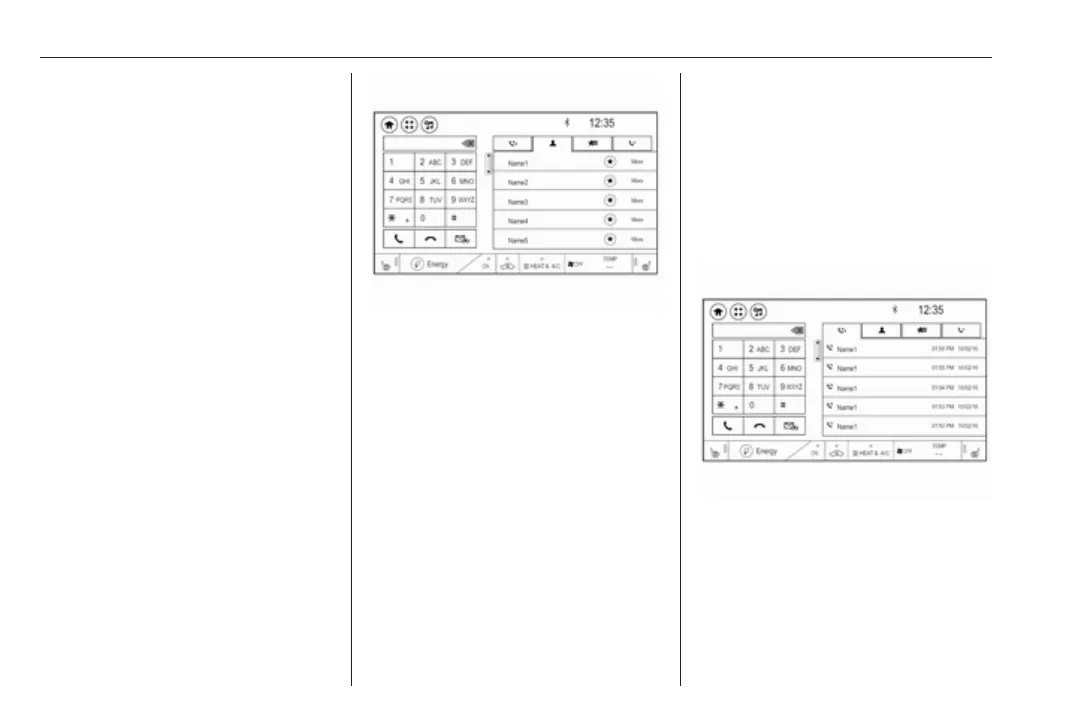
Enter a telephone number using the
keypad in the phone main menu.
To delete one or more entered
characters, touch or touch and hold
{.
Touch ? on the screen to start
dialling.
Phone book
When pairing a mobile phone with the
Infotainment system via Bluetooth,
the phone book of the mobile phone
is downloaded automatically 3 134.
Press p and then select 1 in the top
left corner of the screen to display the
application overview screen.
Select Phone.
Activate the ^ tab in the phone main
menu.
To start a phone call, select the
desired contact in the list.
Note
To display a contact with all
information available, select More
next to the desired contact.
Contacts sorting
The phone book can be sorted by last
name or first name.
Press p and then select 1 in the top
left corner of the screen to display the
application overview screen.
Select Settings to display the
respective menu.
Select Bluetooth Phone and then Sort
contacts. Activate the desired option.
Call history
All incoming, outgoing, or missed
calls are registered.
Press p and then select 1 in the top
left corner of the screen to display the
application overview screen.
Select Phone. Select the Y tab in the
phone main menu.
Outgoing calls are marked with
],
incoming calls are marked with [ and
missed calls are marked with \.
Select the desired list entry to initiate
a phone call.



 To Next Page