168 Driving and operating
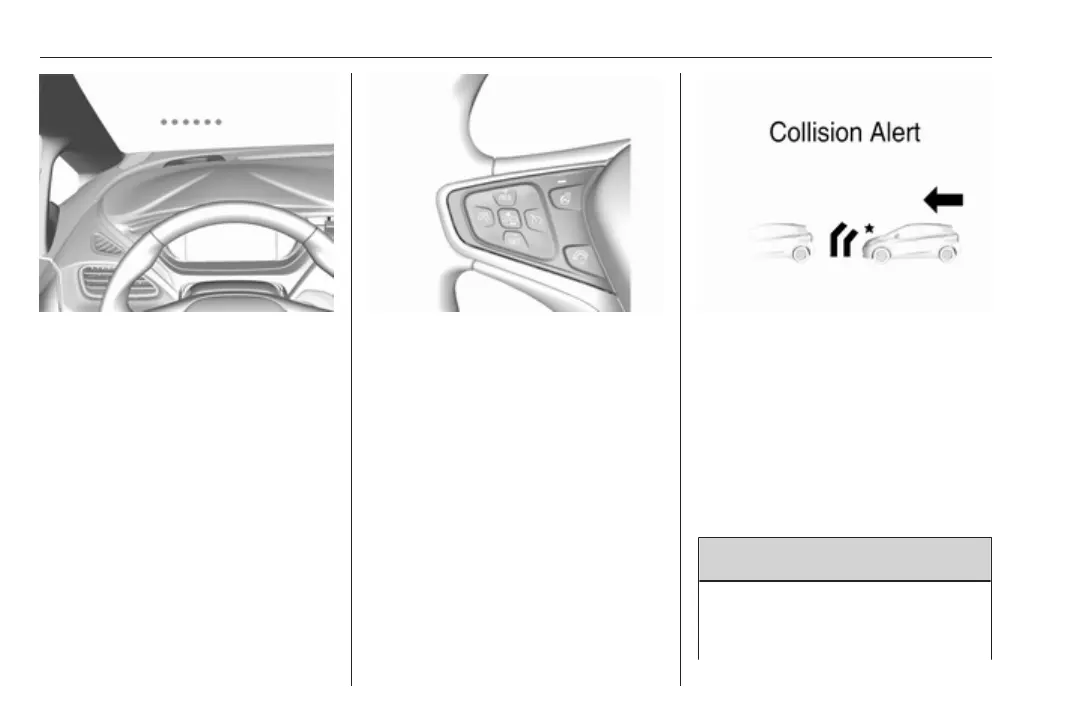
Simultaneously a warning chime
sounds. Depress the brake pedal and
steer the vehicle, if it is required by the
situation.
Selecting the alert sensitivity
The alert sensitivity to near, medium
or far.
Press V, the current setting is shown
on the Driver Information Centre.
Press V repeatedly to change the
alert sensitivity. The selected setting
is also displayed in the Driver
Information Centre. The last selected
setting will be stored when the vehicle
is switched off.
Deactivation
The system can be deactivated in the
personalisation menu 3 92.
If the forward collision alert was
deactivated, alert sensitivity is set to
"medium" when the vehicle is
switched on next time.
General information
9 Warning
Forward collision alert is just a
warning system and does not
apply the brakes. When



 To Next Page