28 Keys, doors and windows
Setup information
● Up to three smartphones can be
set up and connected to the
vehicle.
● Setup is disabled when the
vehicle is moving.
● Pairing only needs to be
completed once per smartphone,
unless the pairing information on
the smartphone changes or the
smartphone is deleted.
Setup process
1. The vehicle must be switched on
and the shift lever in P (Park).
2. Enable the KeyPass function
through vehicle personalisation.
3. Download the myOpel app to the
smartphone from the appropriate
app store.
4. Open the app and search for new
vehicles.
5. Choose your vehicle and confirm.
6. Aim the smartphone camera at
the QR code on the Info display to
scan the security key. If the
camera is not working, the QR
code can be entered manually.
7. The Infotainment display provides
confirmation that the pairing
process was completed
successfully.
● Select Settings from the Home
page on the Infotainment display.
● Select KeyPass.
● Select Manage KeyPass
devices.
Deleting a paired smartphone
1. Select Settings from the Home
page on the Infotainment display.
2. Select KeyPass.
3. Select Manage KeyPass devices.
4. Touch Delete next to the
smartphone to be deleted, and
follow the prompts.
Doors
Load compartment
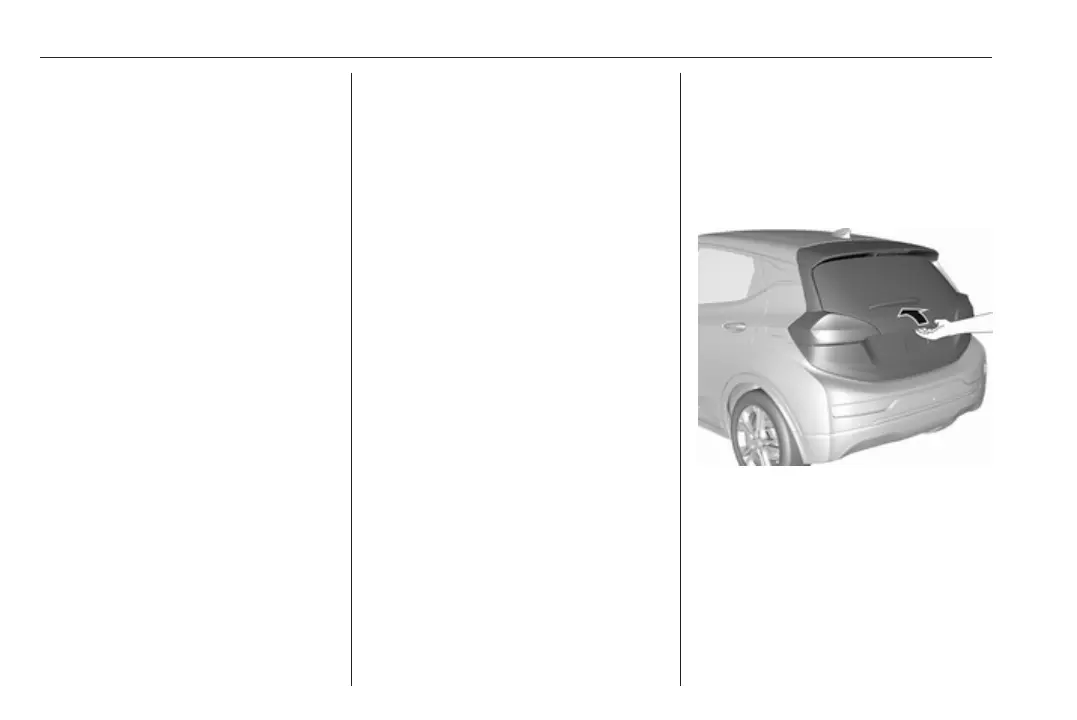
Tailgate
Opening
After unlocking, push the touchpad
switch and open the tailgate.
Closing
Use the interior handles.
Do not push the touchpad switch
whilst closing as this will unlock the
tailgate again.
Central locking system 3 20.



 To Next Page