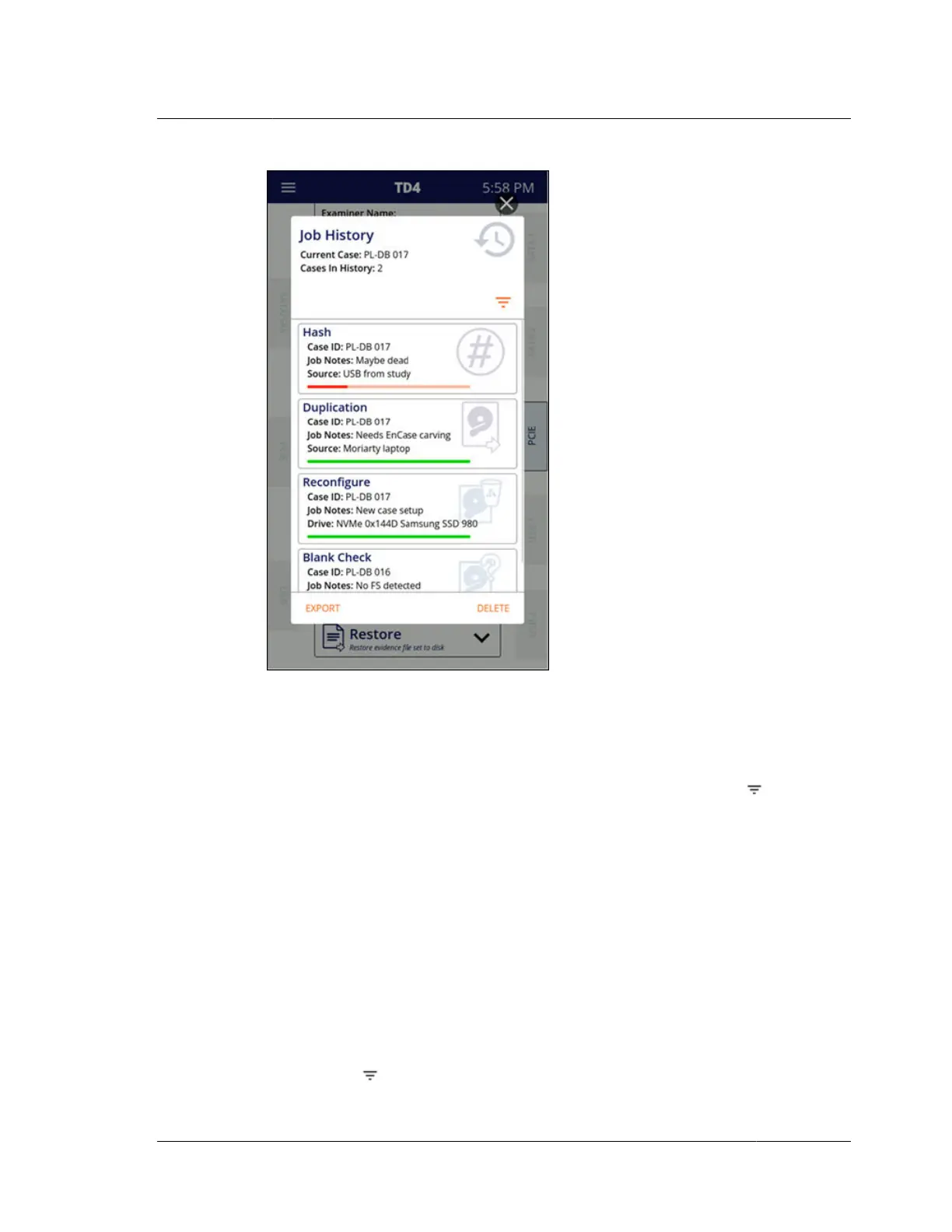
As can be seen at the top of the Job History screen above, the current case (as
identified by the Case ID system setting) is shown along with a count of the number
of different cases included in the Job History list.
In some situations, it may be convenient to view and manage (export or delete) only
a subset of jobs from the list. To filter the job list, tap on the filter icon near the
top-right side of the Job History screen. Filter criteria can be added to show only the
desired jobs. The jobs list can be filtered based on the following criteria:
Examiner name
Case ID
Job notes
Drive vendor
Drive model
Drive serial number
Simply tap the desired filter field(s) and enter the filter value(s). A count of how
many jobs matched the filter criteria will be shown near the top of the screen next to
the filter icon
. Note that when multiple criteria are used, all must match for a job
2.2. Navigating TD4
ISTD230100-UGD-EN-1
User Guide
15



 To Next Page