Version 1.2.8 - 2020-08-0338 Translation of original operating manual
MT50
GB
MT50_GB_4.fm
Make sure to tighten the tightening lever again once you have completed the operation.
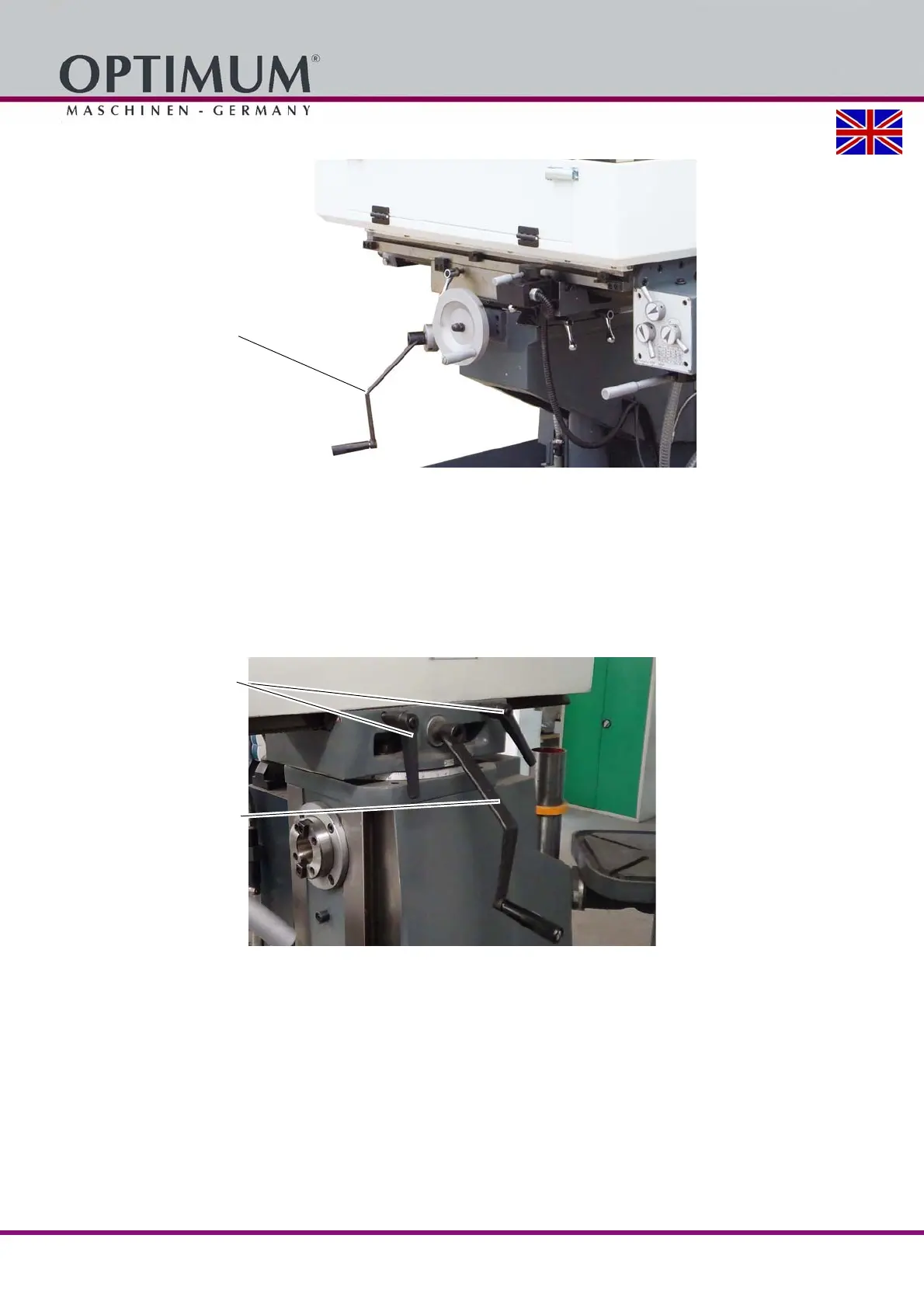
5.11 Moving the spindle head-holder forward or back
You can move the spindle head-holder forward or back.
Proceed as follows:
Loosen the tightening lever.
Position the spindle head carrier to the desired position using a key above the square tool
holder.
Imperatively fasten the clamping screws.
Img.5-10: Moving the spindle head-holder forward or back
5.12 Moving the cross table left or right (X-axis)
There are two ways of moving the cross table on the X axis.
By turning the crank handle on the front table.
Using the automatic table feed.
5.12.1 Manual movement on the X axis
In order to manually move the cross table the clamping levers are released and the table is
moved by means of the crank-handle.
Clamping lever
Crank-handle for the
table height adjustment















 To Next Page