Version 1.2.8 - 2020-08-03 39Translation of original operating manual
MT50 GB
MT50_GB_4.fm
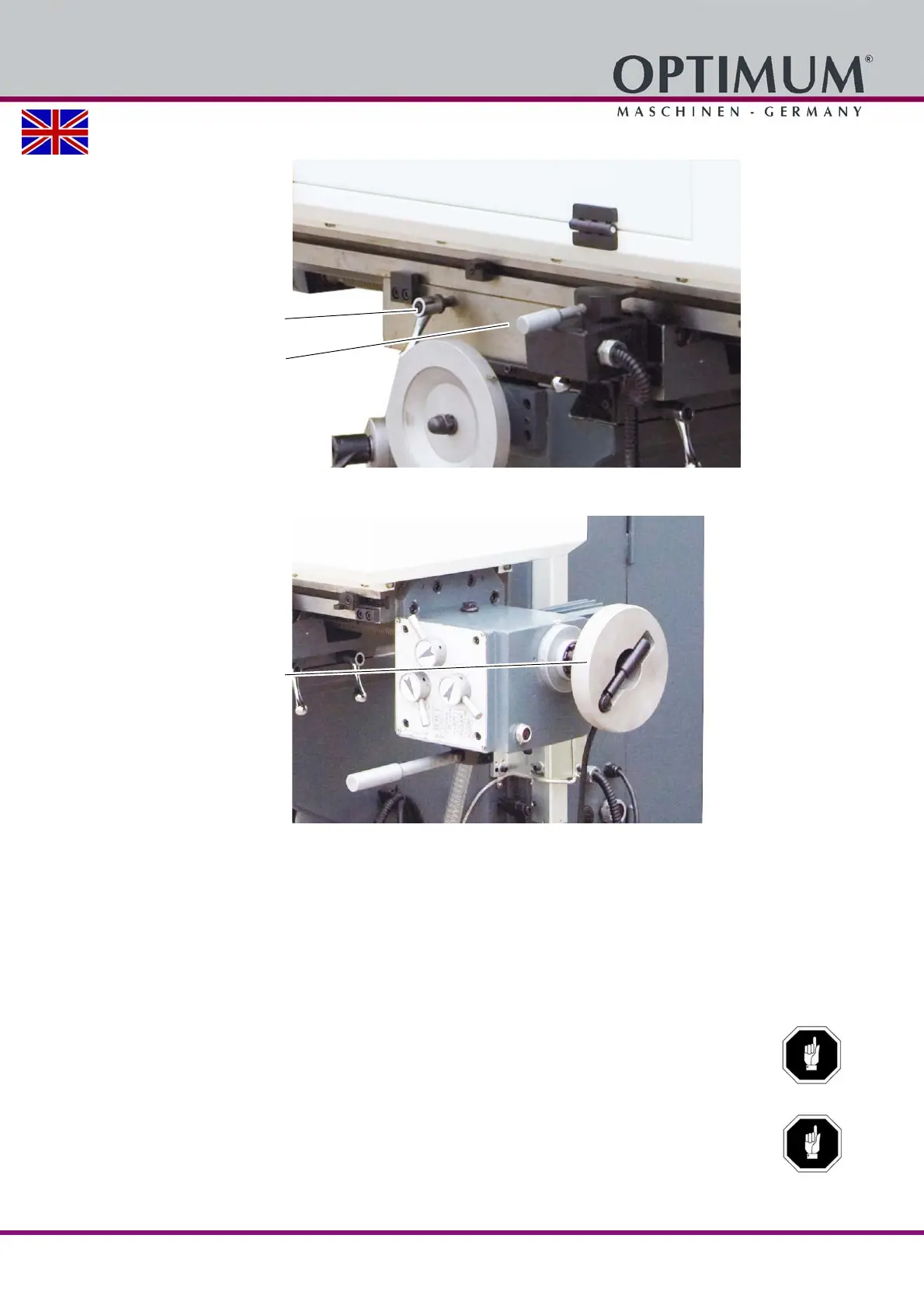
Loosen the tightening lever.
Img.5-11: Move cross table in X direction - clamping lever
Engage the crank handle by pushing it towards the clutch.
Img.5-12: Move cross table in X direction - crank-handle
Turn the handle to the required position for the cross table.
Make sure to tighten it again in the required position.
5.12.2 Switch on / off the automatic table feed (X axis)
The clamping levers are released in order to automatically move the cross table and the operat-
ing mode "Rapid mode" or "Feed" are selected by means of the selection lever. The movement
is performed by means of the direction lever.
ATTENTION!
If the speed of the table feed is changed, the direction lever for the feed must be in
neutral middle position (in position „OFF“).
ATTENTION!
Loosen the locking levers on the cross table.
„Img.5-11: Move cross table in X
direction - clamping lever“ on page 39
Clamping lever
Clamping lever
(not visible in the picture)















 To Next Page