EasyManua.ls Logo

Optoma DV11 - Page 58

Optoma DV11
68 pages
Print Icon
To Next Page IconTo Next Page
To Previous Page IconTo Previous Page
Loading...
DV11 / DVD100 / U2 / U3 
6-4
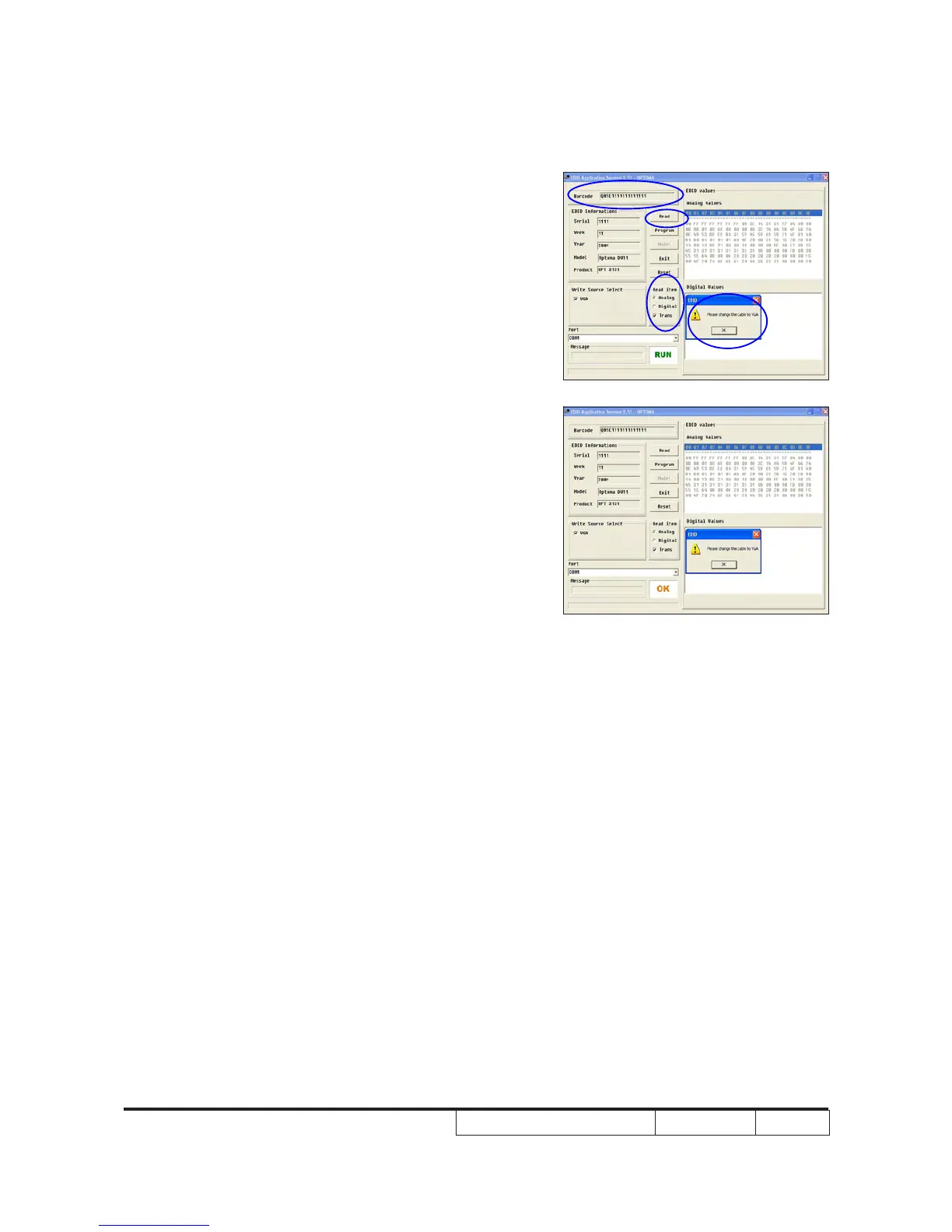
3. Key in the serial number into the barcode

4. Change the cable to VGA1
- Message box appears on the screen,

5. When the EDID program for VGA1 is

the screen.
6. Read EDID information



Note: If EDID upgrade failed, push the reset
button on the EDID board and re-proceed
step 3 to step 5 in section 6-4.
3
6
6
4

Other manuals for Optoma DV11

Related product manuals