EP783/EP783S/EP783L/OPX5000/TX783L/TX783S
Condential
5-11
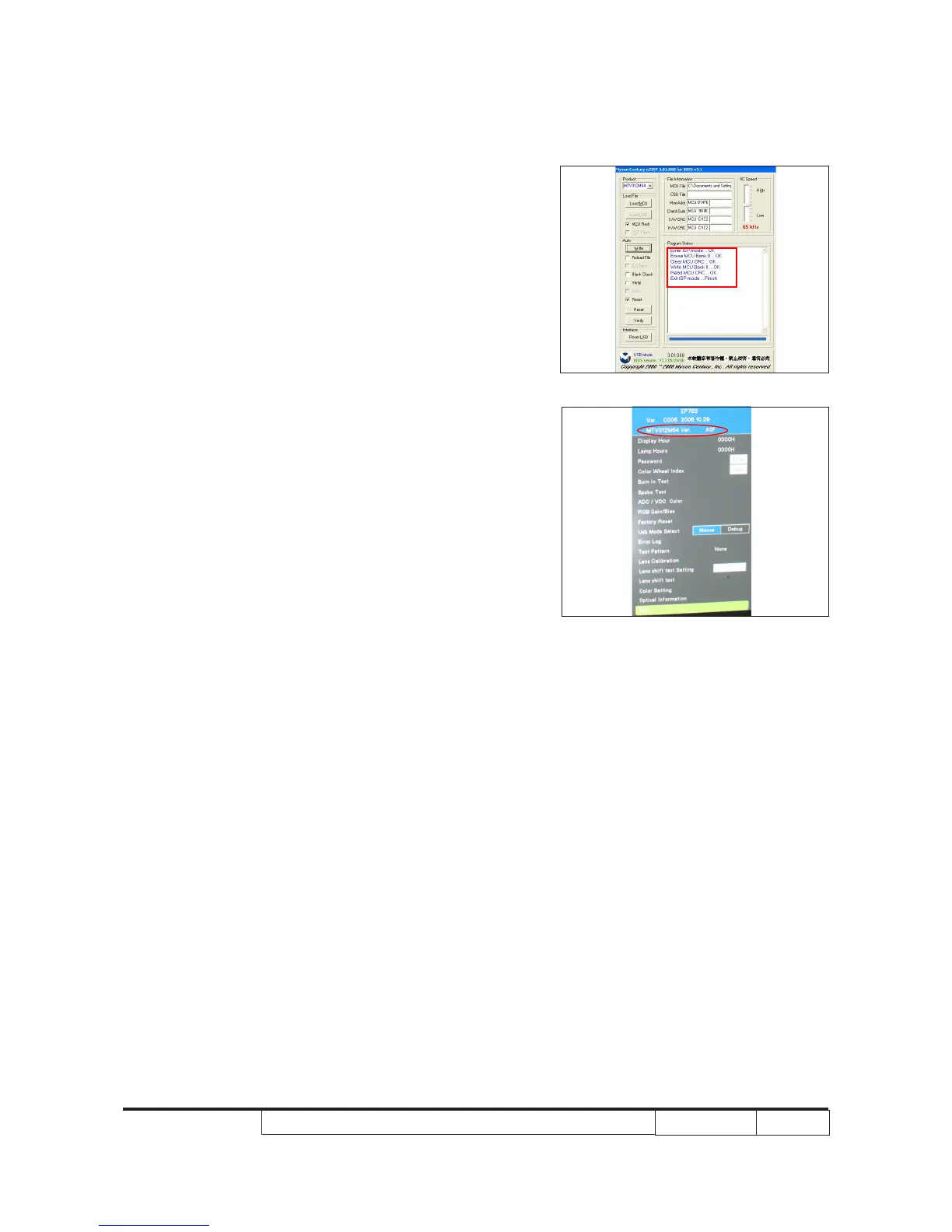
8. When rmware upgrade process is
nished, the program status will show on
the screen.
9. Check Firmware version.
- Re-plug in power cord, then restart the
unit and get into the Service mode to
check the rmware version.
(To get into service mode, please press
“Power”, “Left”, “Left” and “Up” buttons
sequentially.)



 To Next Page