EX765/EW766/EX765W/EW766W
Condential 2-30
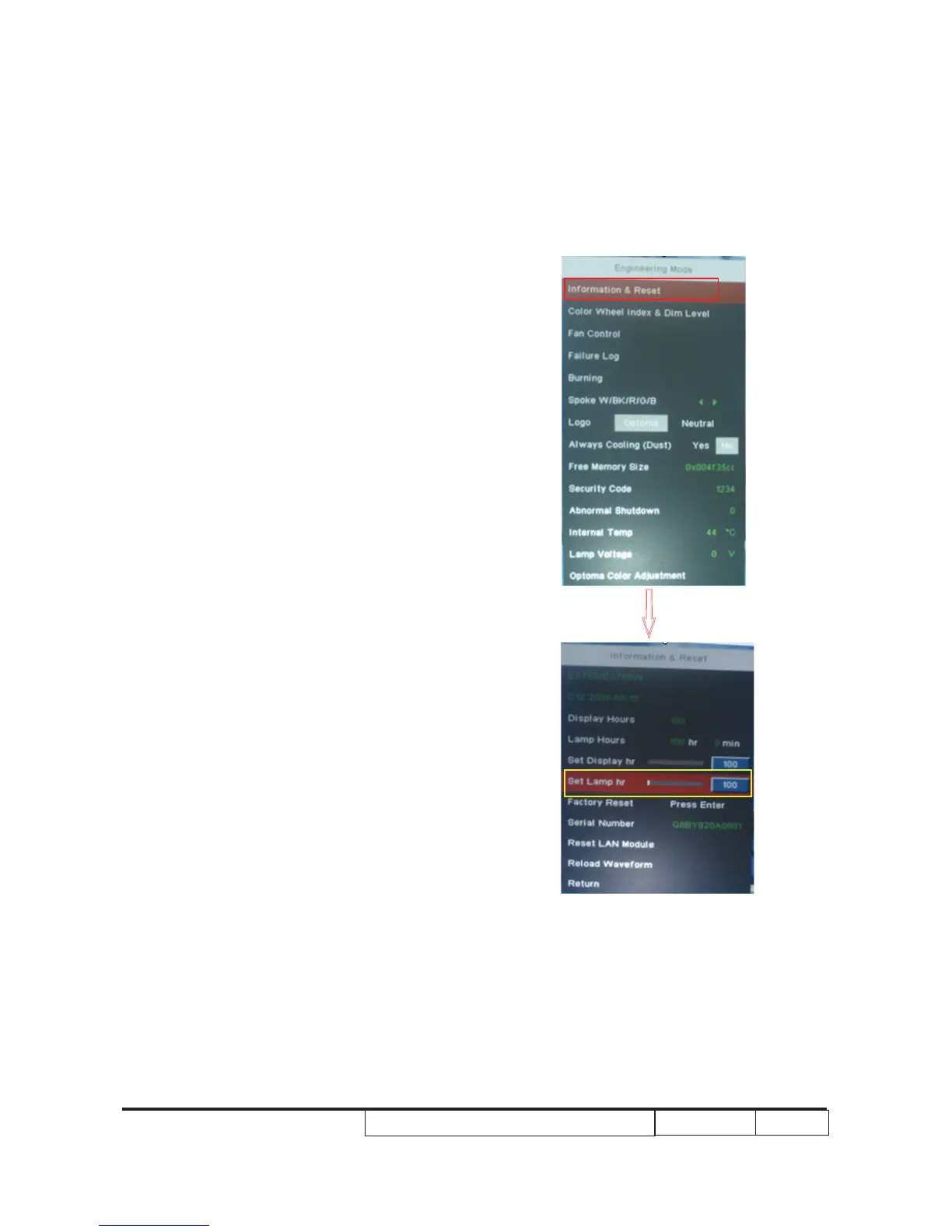
2-15 Re-write Lamp Usage
Hours
1. Get into Engineering Mode
- Press “Power”, “Left”, “Left” and
“Up” buttons sequentially to get into
Engineering Mode.
2. Select “Information & Reset”, press “Enter”
button, t�en select “Set Lamp �r”.
You can use “left” or “rig�t” buttons to
re-write t�e lamp �our back to previous
lamp usage �our.
3. Press “menu” button to exit t�e
Engineering Mode.
Note: Left key = decrease lamp hour
Right key= increase lamp hour



 To Next Page