Condential
4-9
EX765/EW766/EX765W/EW766W
4-7 Video Performance
1. CVBS
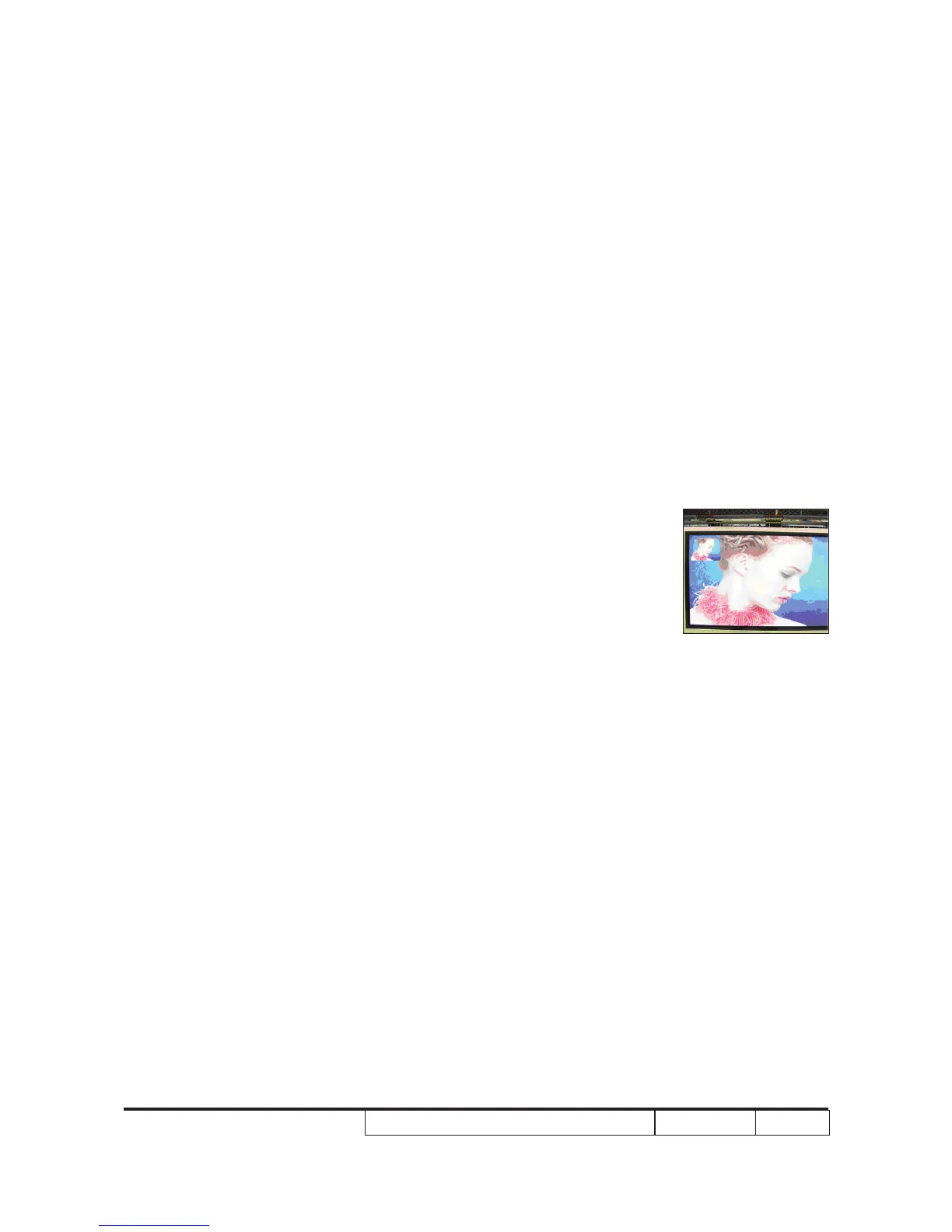
Procedure - Test equipment: DVD player
- Test signal: CVBS
Inspection item - Video performance test
Inspection Distance - 1.8 M ~2.5 M
Criteria - Check any abnormal color, line distortion or any
noise on the screen.
- Check the sound from speakers.
- Check whether "freeze" and "mute" are normal.whether "freeze" and "mute" are normal. "freeze" and "mute" are normal.
- Press "V Keystone" on remote controller, check
whether keystone function is normal.whether keystone function is normal. keystone function is normal.
2. S-Video
Procedure - Test equipment: DVD player
- Test signal: S-Video
Inspection item - Video performance test
Inspection Distance - 1.8 M ~2.5 M
Criteria - Check any abnormal color, line distortion or any
noise on the screen.
- Check the sound from speakers.
- Check whether "freeze" and "mute" are normal.Check whether "freeze" and "mute" are normal.
- Press "V Keystone" on remote controller, check if
keystone function is normal.
3. HDTV/ Component
Procedure - Test equipment: DVD player
- Test signal: Ycbcr/YPbPr
Inspection item - HDTV performance test
Inspection Distance - 1.8 M ~2.5 M
Criteria - Check any abnormal color, line distortion or any
noise on the screen.
- Check the sound from speakersthe sound from speakers
- Check whether "freeze" is normal.whether "freeze" is normal."freeze" is normal.
Motion video



 To Next Page